


MechatronikMonkey
Associate II
February 28, 2023
Solved

X-CUBE-AZRTOS-L4 not working in CubeMX

Installed the X-CUBE-AZRTOS-L4 package with the CubeMX "Install software packages" function.
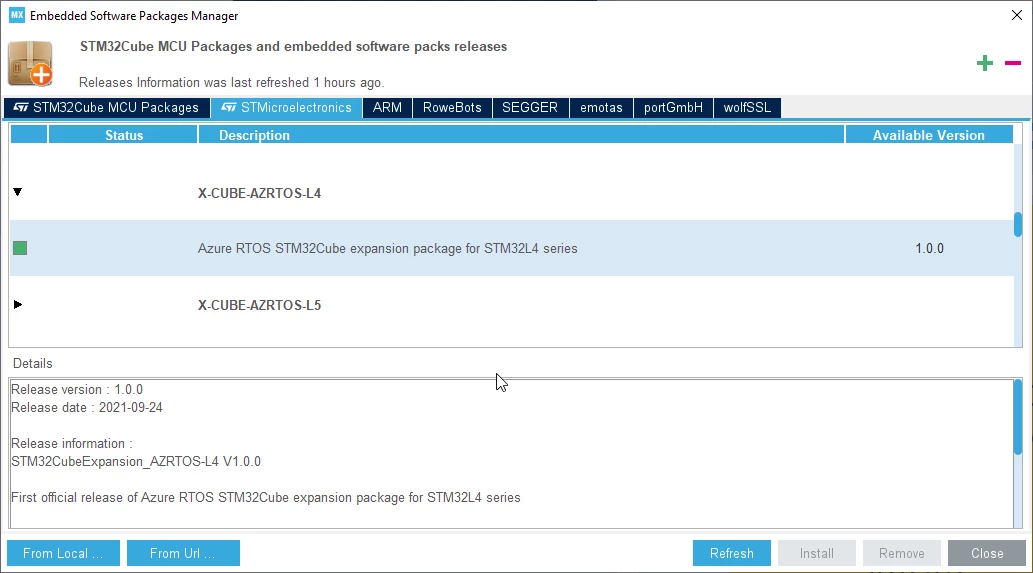
0693W00000aHsnPQAS.pngLooks like it is installed.

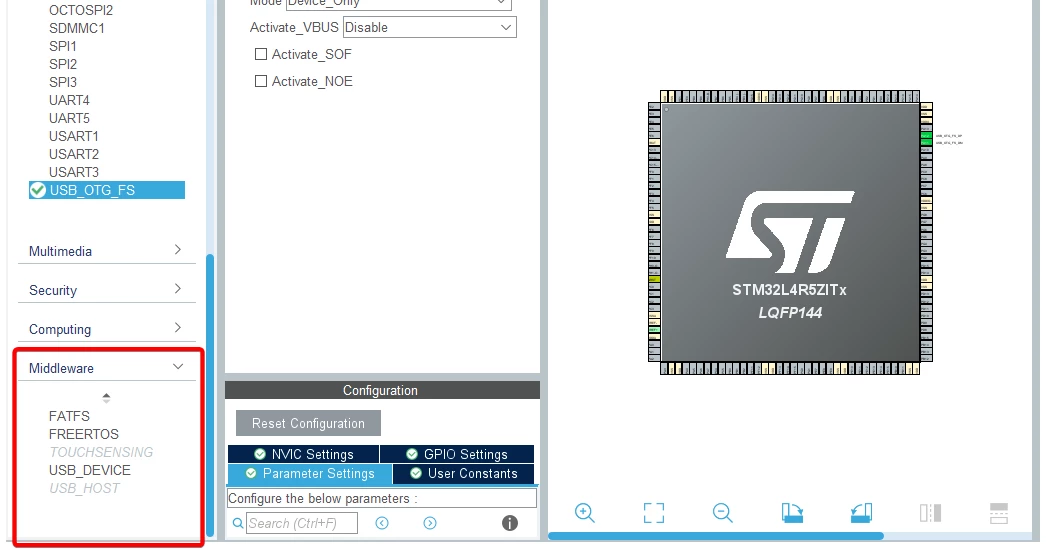
Starting a new Project with an STM32L4 device does not show the Azure RTOS Middleware options.
0693W00000aHsocQAC.png 

Bug or what I am doing wrong?!

This topic has been closed for replies.
KDJEM.1
KDJEM.1Best answer
ST Technical Moderator
March 1, 2023

Hello @Christopher Müller​ ,

To activate the X-CUBE-AZRTOS-L4, please refer to this training video.

This training is available to show in details how to setup and use the Azure® RTOS STM32Cube Packages.

When your question is answered, please close this topic by choosing Select as Best. This will help other users find that answer faster.

Thank you

Kaouthar

To give better visibility on the answered topics, please click on "Best answer" on the reply which solved your issue or answered your question.

1 reply

KDJEM.1
KDJEM.1Best answer
ST Technical Moderator
March 1, 2023

Hello @Christopher Müller​ ,

To activate the X-CUBE-AZRTOS-L4, please refer to this training video.

This training is available to show in details how to setup and use the Azure® RTOS STM32Cube Packages.

When your question is answered, please close this topic by choosing Select as Best. This will help other users find that answer faster.

Thank you

Kaouthar

To give better visibility on the answered topics, please click on "Best answer" on the reply which solved your issue or answered your question.
