

Windows 11 VSCode - Launch STM32CubeMX failed
Windows 11 version 22H2 (OS Build 22621.6060)
Visual Studio Code v1.141.0
STM32CubeIDE for Visual Studio Code V3.11.0
STM32CubeMX v6.18.1
STMCUFinder v6.0.0
I have configured the executable path below via File > Preferences > Settings below:
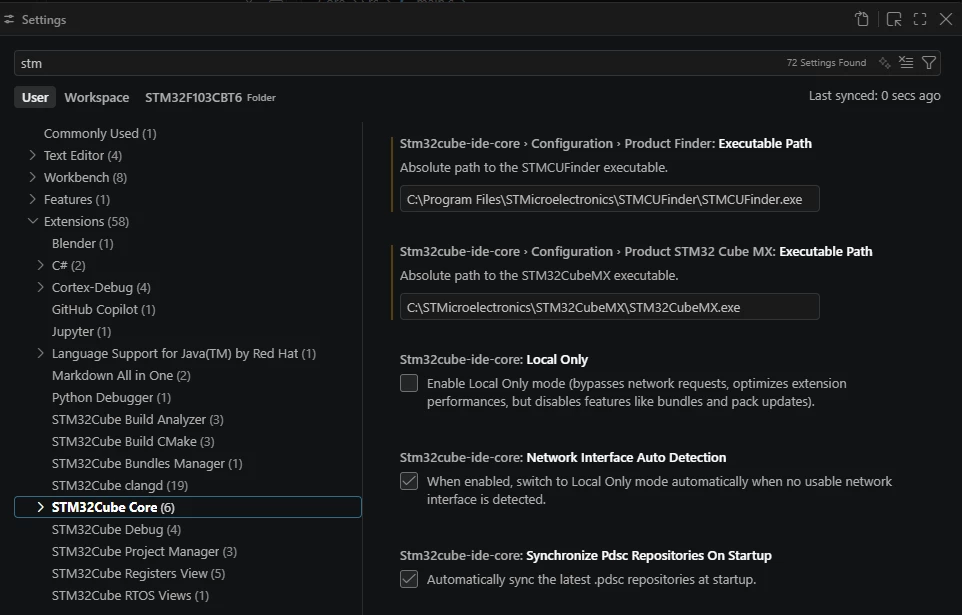
Already created settings.json below,
{
"stm32cube-ide-core.configuration.productSTM32CubeMX.executablePath": "C:/STMicroelectronics/STM32CubeMX/STM32CubeMX.exe",
"stm32cube-ide-core.configuration.productFinder.executablePath": "C:/Program Files/STMicroelectronics/STMCUFinder/STMCUFinder.exe"
}
When click on “Launch STM32CubeMX”, nothing shown up.
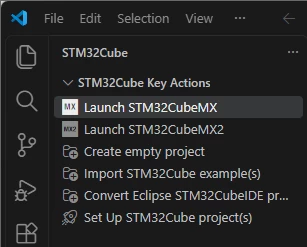
However, I can run the STM32CubeMX externally from Windows (not from VSCode).
Later, I found the solution that CAN Launch STM32CubeMX, that is previously I have set the STM32CubeMX.exe to run as Administrator, so:
- remove the administrator elevation from STM32CubeMX.exe
- remove the settings.json
Then clicking the “Launch STM32CubeMX”, the STM32CubeMX is running fine already the same time you are able to launch STM32CubeMX2 successfully, just make sure both STM32CubeMX and STM32CubeMX2 are installed plus the preferences settings executable path for STMCUFinder and STM32CubeMX updated.
Thank you and hopes this help.
