Ashar.1
Associate
August 1, 2020
Solved

STM32L4S5 COM PORT not visible

  • August 1, 2020
  • 4 replies
  • 2783 views

Hi, I have STM32L4S5 (STM32 Discovery Kit - IoT mode), Part number: B-L4S51-IOT01A.

https://www.st.com/en/evaluation-tools/b-l4s5i-iot01a.html

This is the first time I am using this device.

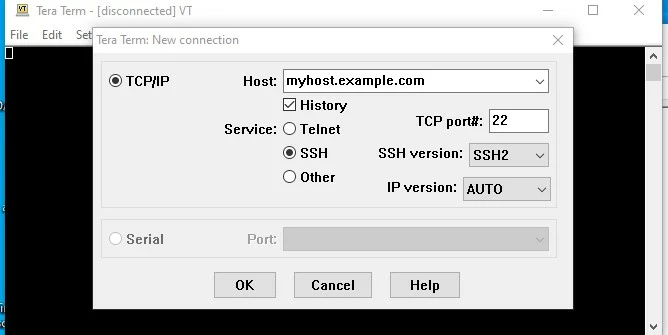
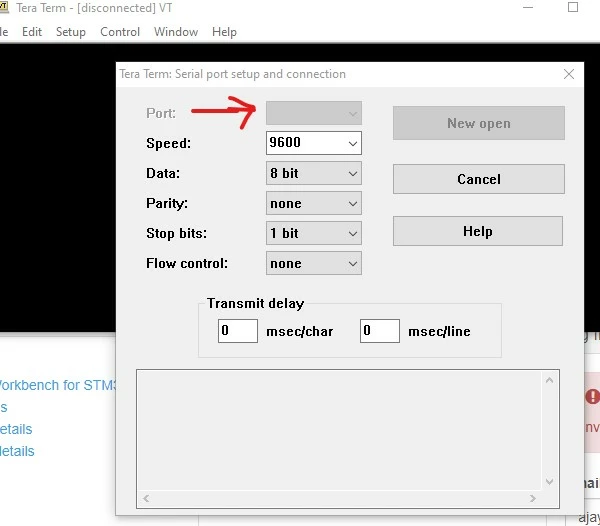
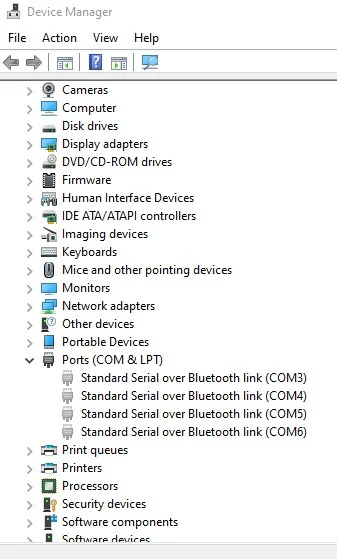
When I plug this device into Windows 10 machine, I am not able to connect to the device. I do not see any COM port in Device manager and also Tera Term serial port option is greyed out.

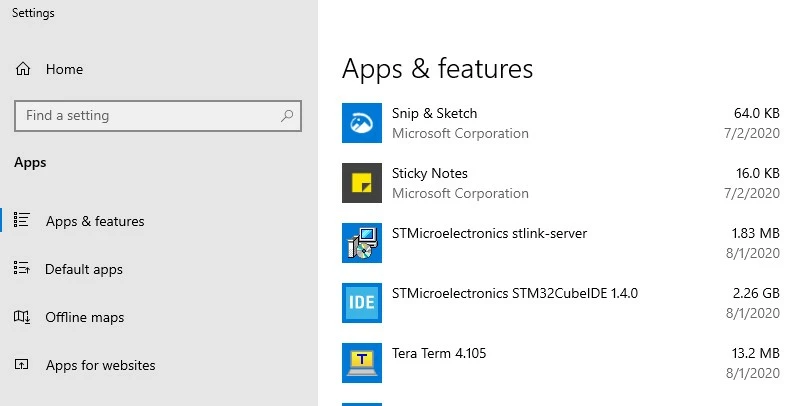
I did install STSW-LINK009. I have tried this is 3 windows device and getting same issue.

I noticed that Red line is blinking on the board, while green light is stable.

Device manager
0693W000003BswcQAC.jpg

Tera term

0693W000003BswhQAC.jpg

Installed ST programs

0693W000003BswmQAC.jpg

 ports

0693W000003BswwQAC.jpg

Thanks,

Ajay

This topic has been closed for replies.
Best answer by Tesla DeLorean

Try the other USB connector to the ST-LINK​

4 replies

Tesla DeLorean
Tesla DeLoreanBest answer
Guru
August 1, 2020

Try the other USB connector to the ST-LINK​

Tips, Buy me a coffee, or three.. PayPal Venmo (See Profile) Up vote any posts that you find helpful, it shows what's working..
Ashar.1
Ashar.1Author
Associate
August 1, 2020

Actually I have tried this on 3 windows machine connecting with all USB ports available.

Tesla DeLorean
Guru
August 1, 2020

Try a different cable. Charging cables won't work for data connectivity.

Tips, Buy me a coffee, or three.. PayPal Venmo (See Profile) Up vote any posts that you find helpful, it shows what's working..
Ashar.1
Ashar.1Author
Associate
August 1, 2020

Changing cable helped. Thank you for your suggestion.