


carrivcarrier
Associate
March 2, 2024
Solved

Problem upgrading ST-LINK (Nuclei STM32F446RE)

Hello everyone,

I'm having trouble updating the STLINK on my Nucleo F446-RE board. CubeProgrammer allows me to read the microcontroller's memory without any problem, but when I try to update the STLINK firmware, the following happens:
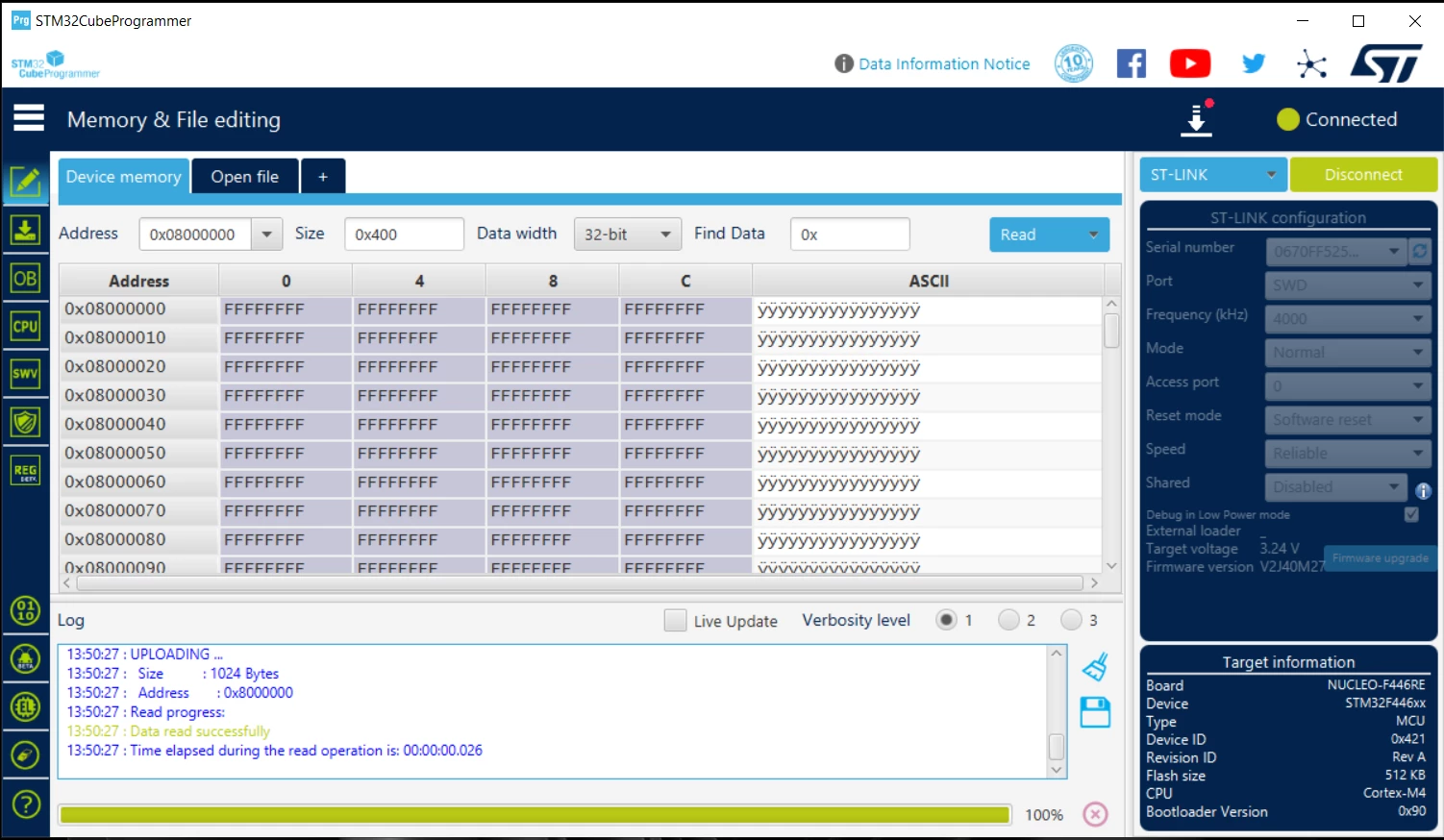
unnamed.png

  • It is detected (although it does not provide information about the current firmware or version):
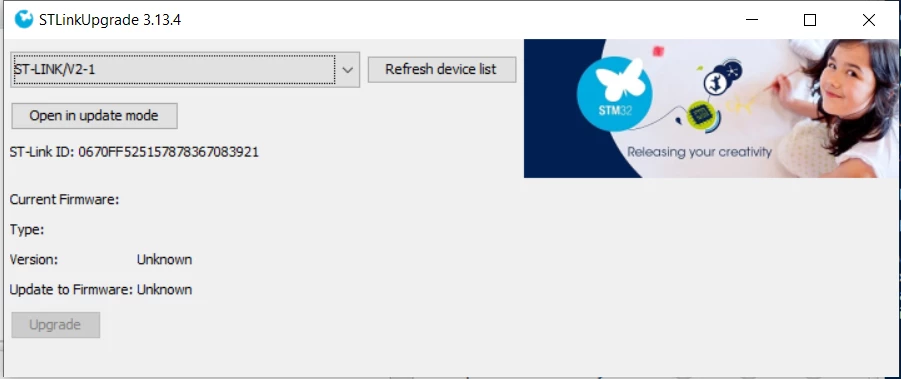
unnamed-2.png

  • However, when I click on "Open in update mode", it becomes "not connected" and I cannot update the firmware. This is a problem because CubeIDE requires me to update the STLINK in order to debug. What could be failing? What am I doing wrong?
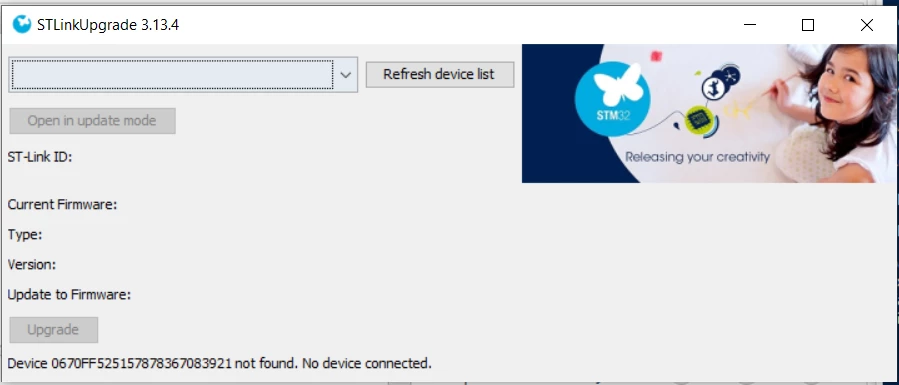
unnamed-3.png

I had not used the board or CubeIDE for a few months, and upon returning to work, I find that I cannot use it. Could it be something related to USB drivers?

Thank you in advance for any help or advice you can provide!

This topic has been closed for replies.
carrivcarrier
carrivcarrierBest answer
Associate
March 2, 2024

Just in case it helps someone: I solved the problem by installing a dedicated USB driver (STSW-LINK009) and changing the USB cable. 

More info in the RN0093 release note: "Firmware upgrade for ST-LINK, ST-LINK/V2, ST-LINK/V2-1 and STLINK‐V3 boards"

Thank you!

2 replies

Pavel A.
March 2, 2024

In CubeIDE options disable checking st-link version. This should stop it from nagging you.

If you want to update: try again on a pristine PC - no 3rd party or corporate software, especially "endpoint security". Use a good USB cable.


carrivcarrier
carrivcarrierAuthorBest answer
Associate
March 2, 2024

Just in case it helps someone: I solved the problem by installing a dedicated USB driver (STSW-LINK009) and changing the USB cable. 

More info in the RN0093 release note: "Firmware upgrade for ST-LINK, ST-LINK/V2, ST-LINK/V2-1 and STLINK‐V3 boards"

Thank you!