Associate II
April 4, 2024
Solved

Nucleo_H7 board | no st_link detected

  • April 4, 2024
  • 3 replies
  • 4256 views

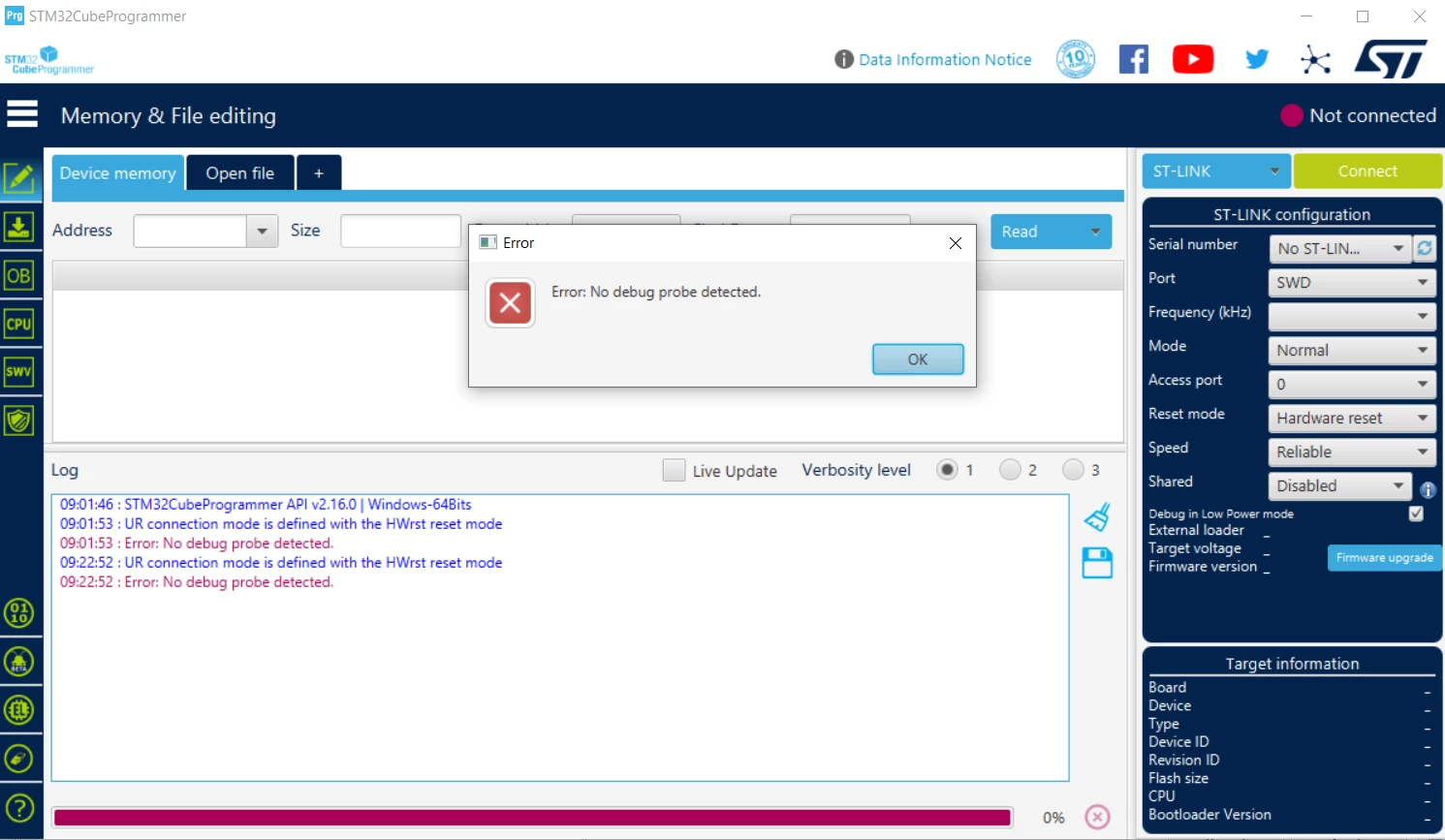
I have recently purchase a Nucleo-H7 board which uses the STM32H723ZG. I have tried to connect the board to my pc in order to flash it and it does not show up in either the CubeIDE or the Cube programmer. I am using windows 10 and all the drivers are updated. I have also tried the workaround I found here about manually copying libusb-1.0.dll to the stlink_server folder. I have installed the latest version of the Cube IDE, the Cube Programmer and all of the drivers needed. I have also uninstalled and installed both the CubeIDE and the prorammer, but still neither of them can detect the board. 
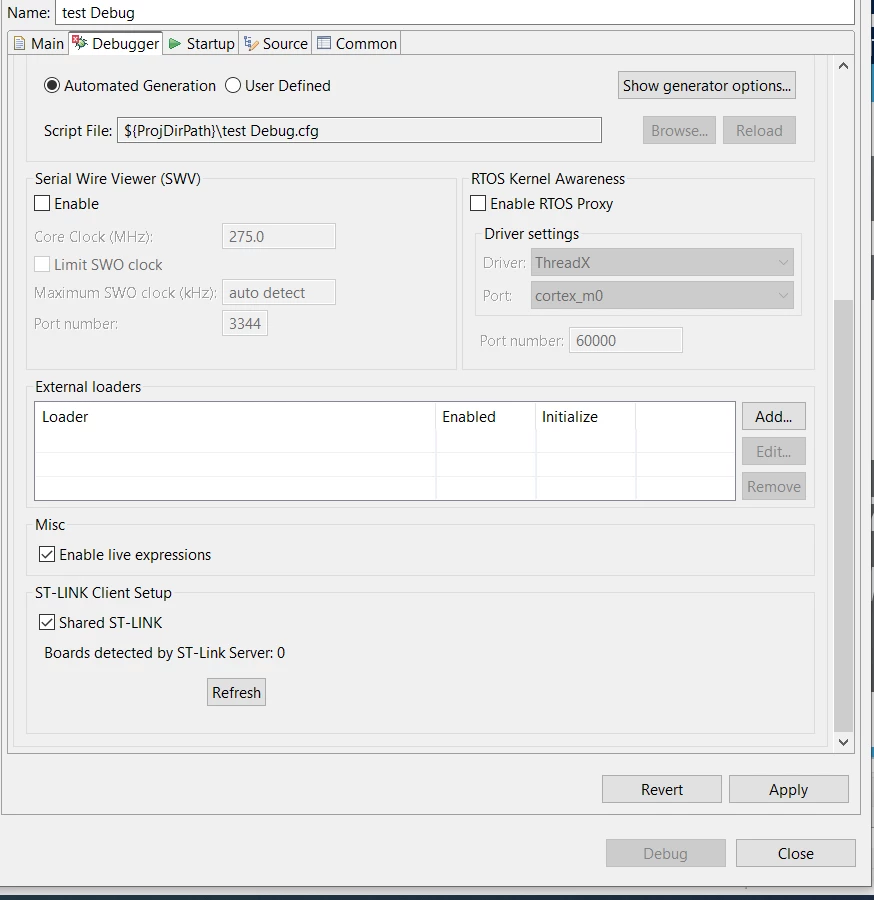
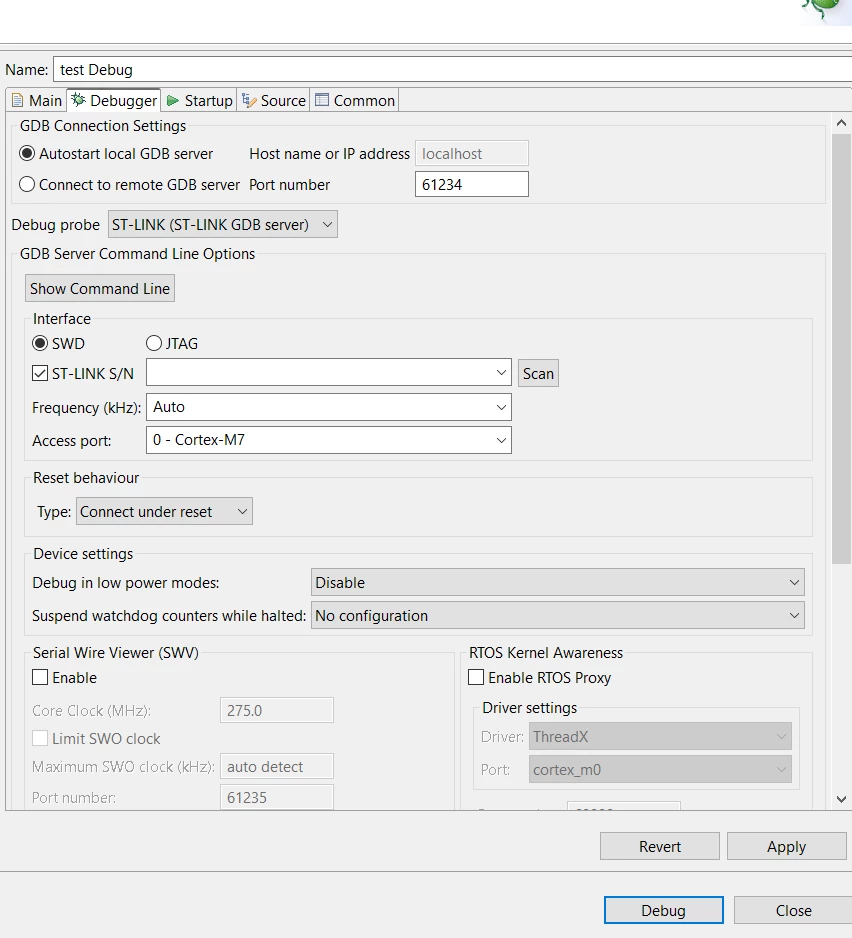
I included screetshots of the debugging config and the programmer. also from the board. please let me know if I'm doing something wrong. 
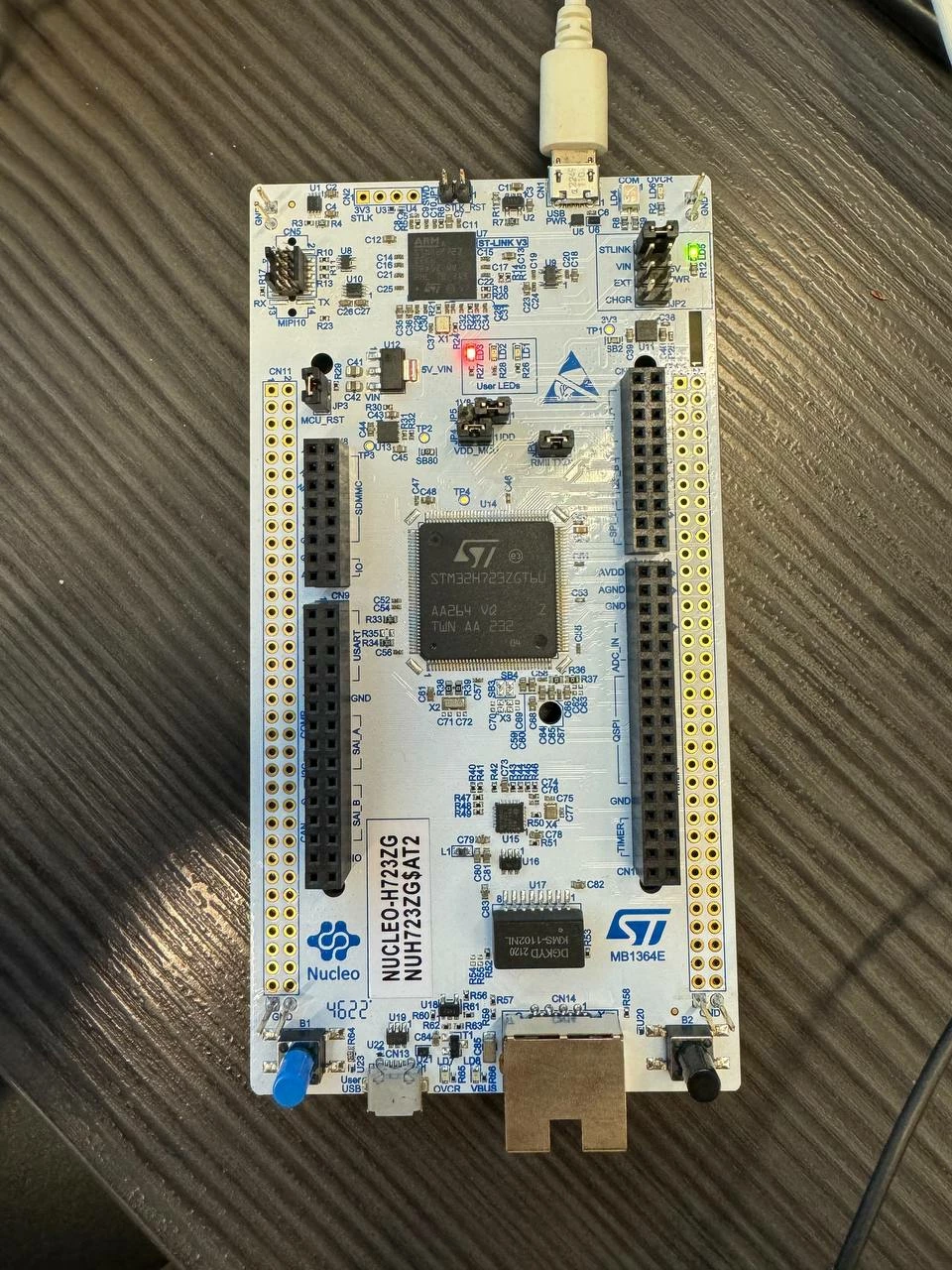
photo_2024-04-04_09-30-46.jpg

OpenOCD.PNG

programmer- ST-LINK.png

st-link GDB server.PNG

This topic has been closed for replies.
Best answer by Tesla DeLorean

>>I am pretty sure the cable I am using right now is data cable since I have used it with arduino before.

A cable adequate for USB FS (12 Mbps) might not be sufficient for USB HS (480 Mbps), the ST-LINK/V3 boards use the latter. Use high quality cables suitable for purpose, they are frequently marked as such. Tend to be fatter, with twisted pair wiring and shielding.

3 replies

Tesla DeLorean
Guru
April 4, 2024

Make sure Windows is responding to the cable being plugged in and out and you can see the device in Device Manager. Unless seen there it's not going to be usable elsewhere. 

Try a different cable. Charging Cables won't work if there's no data wires in them. Try other USB ports, avoid hubs and docking stations. 

Tips, Buy me a coffee, or three.. PayPal VenmoUp vote any posts that you find helpful, it shows what's working..
MazzAuthor
Associate II
April 4, 2024

Thanks for your reply. I have tried different cables and usb ports. disconnected my hub as well but no change. 
I am pretty sure the cable I am using right now is data cable since I have used it with arduino before. 

MazzAuthor
Associate II
April 4, 2024

Also it does in fact not show up in my device manager. so could that be a driver issue?


STTwo-32
Technical Moderator
April 4, 2024

Hello @Mazz and welcome to the ST Community :smiling_face_with_smiling_eyes:.

you should use a data and not a charging cable. Also, try throw different USB ports on your PC.

Best Regards.

STTwo-32

To give better visibility on the answered topics, please click on Accept as Solution on the reply which solved your issue or answered your question.
Andrew Neil
Super User
April 4, 2024

As @Tesla DeLorean said, check Device Manager - if it's not appearing there, then nothing else is going to see it.

Take a look here:

https://community.st.com/t5/stm32cubeide-mcus/no-st-link-detected-problem-when-hp-thunderbolt-3-dock-station/m-p/646467/highlight/true#M24837

That thread also illustrates how Hubs/Docking Stations can cause problems ...

A complex system that works is invariably found to have evolved from a simple system that worked.A complex system designed from scratch never works and cannot be patched up to make it work.