I have 3 ST-Link/v2 but only 1 is working in my Laptop. Why is that? (Windows 10)
Hello People,
I have 2 ST-Link/v2 here and I ordered another one from Mouser who arrived yesterday. So I decided to test it today.
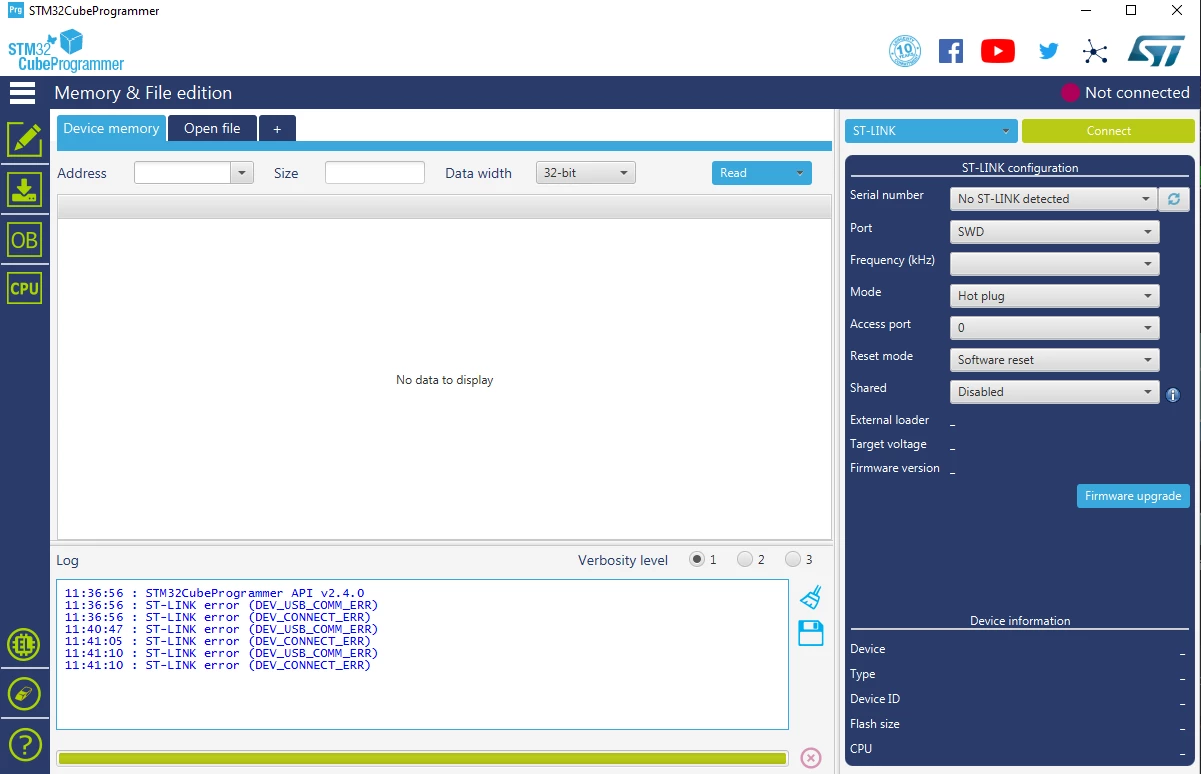
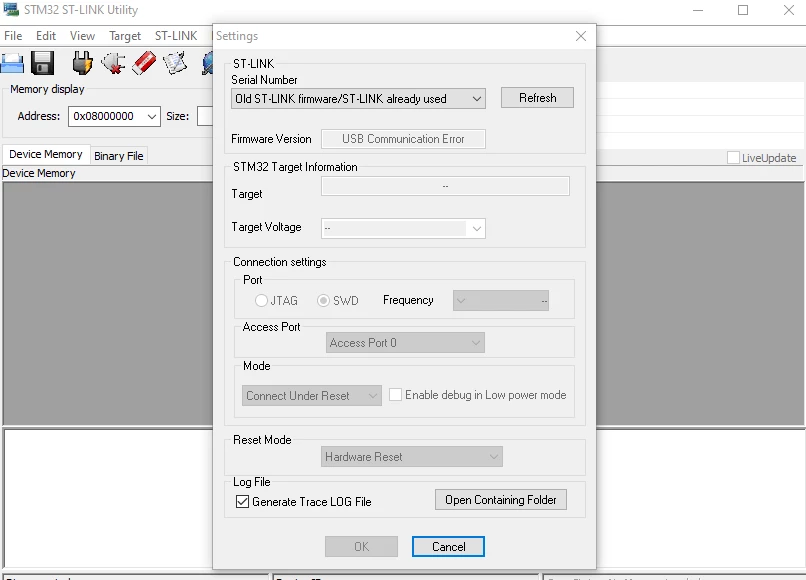
As a surprise, I plug it to my PC and opened the STM32CubeProgrammer. At first I saw the Serial Number in the ST-Link configuration. But when I wanted to do another refresh to confirm the ST-Link/v2 device in my computer. The software freezes for a few seconds and then showed to me that there is no ST-Link/v2 recognized. Every time I refresh to look for STLinks the software is not responding for a few seconds and the output is a not recognized device.
I can check in windows 10 that it is plugged an ST-Link because of a USB device with the name "STM32 STLink".
Now, my first ST-Link works in terms that is detected by my programming tools without any issue. But the others 2 (That's why I decided to order a 3rd one) have the same behavior.
I am not plug in it to any board because I wanted to be sure to have a clear connection with the new STLink but this is not the case...
What could be the issue?
11:36:56 : STM32CubeProgrammer API v2.4.0
11:36:56 : ST-LINK error (DEV_USB_COMM_ERR)
11:36:56 : ST-LINK error (DEV_CONNECT_ERR)
11:40:47 : ST-LINK error (DEV_USB_COMM_ERR)
11:41:05 : ST-LINK error (DEV_CONNECT_ERR)
11:41:10 : ST-LINK error (DEV_USB_COMM_ERR)
11:41:10 : ST-LINK error (DEV_CONNECT_ERR)