


AMull.4
Visitor II
November 20, 2020
Solved

I downloaded the application STSW-LINK004 - STM 32 ST LINK Utility, but when i start the application i have a error message "The code execution cannot proceed because mfc140.dll was not found" can you help me pls ?
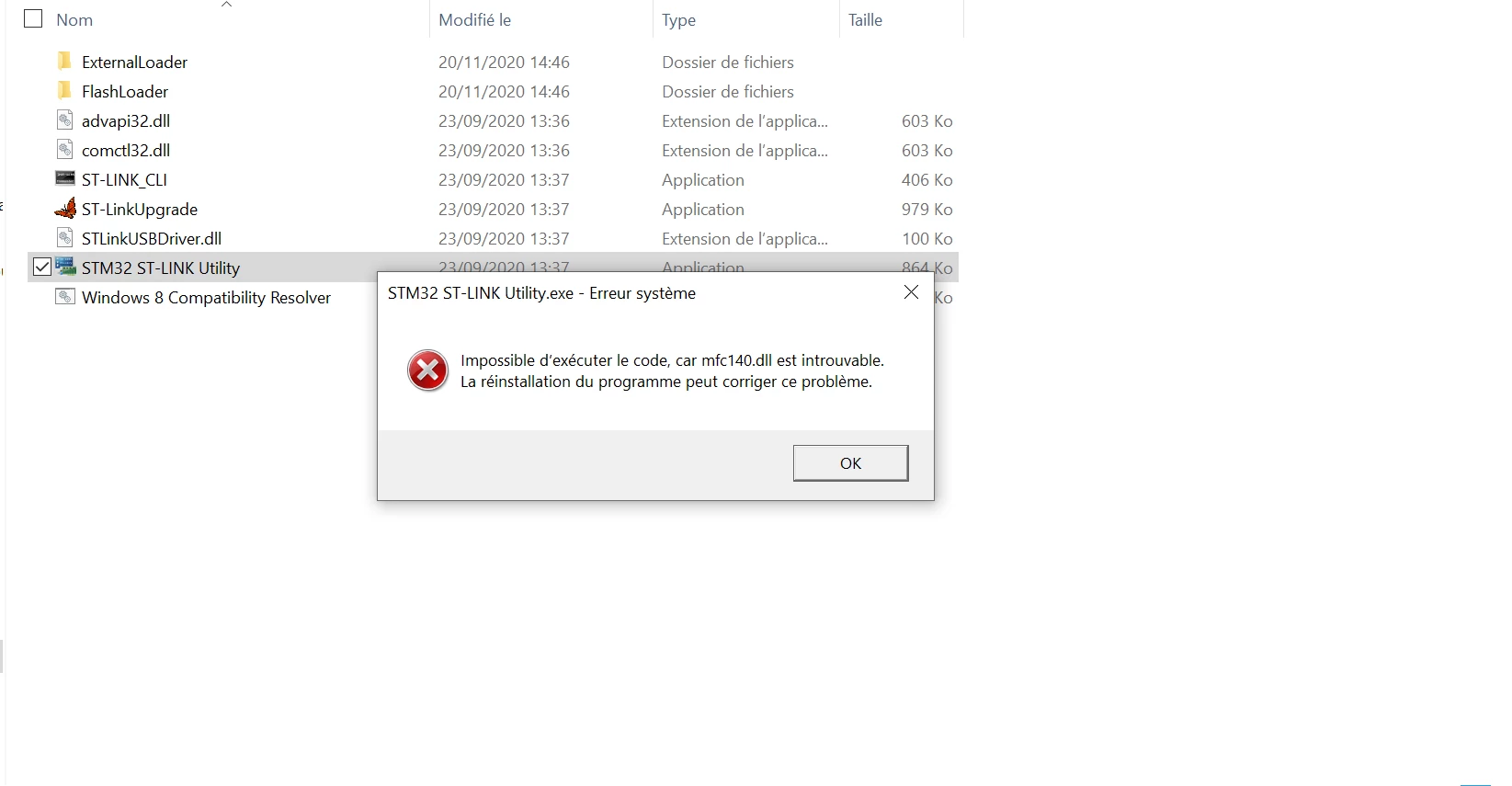
0693W000005C8apQAC.pngComputer seeting:

Operating system : 64 bits

operating system : 18363.418

This topic has been closed for replies.
KMare.2
KMare.2Best answer
Visitor II
December 9, 2020

Install 32bit version of Microsoft Visual C++ 2015 from " https://www.microsoft.com/en-us/download/details.aspx?id=52685 " then open try to open ST-LINK Utility. It must work. Even if it generates same error afterwards reinstall ST-LINK Utility.

5 replies

KMare.2
KMare.2Best answer
Visitor II
December 9, 2020

Install 32bit version of Microsoft Visual C++ 2015 from " https://www.microsoft.com/en-us/download/details.aspx?id=52685 " then open try to open ST-LINK Utility. It must work. Even if it generates same error afterwards reinstall ST-LINK Utility.

AKova.6
Visitor II
December 18, 2020

Thanks a lot, it helped. I was looking for a solution for a long time.

KMare.2
Visitor II
December 18, 2020

Entirely my pleasure:smiling_face_with_smiling_eyes:

DGatt.1
Visitor II
November 29, 2022

Hello, I tried to install the 32bit version of Microsoft Visual C++ 2015 but, again, it doesn't work and it gives the same error message. what can I do? Many thanks!

Visitor II
August 25, 2023

Or you can setup older version of ST-Link Utility