


ValentinG
Associate II
March 10, 2020
Solved

Debug STM32F0 with SWD (STLINK - V3) - ANSWERED

  • March 10, 2020
  • 6 replies
  • 3138 views

Hello,

I want to program (first time) an STM32F042K6 with STLINK-V3SET using SWD.

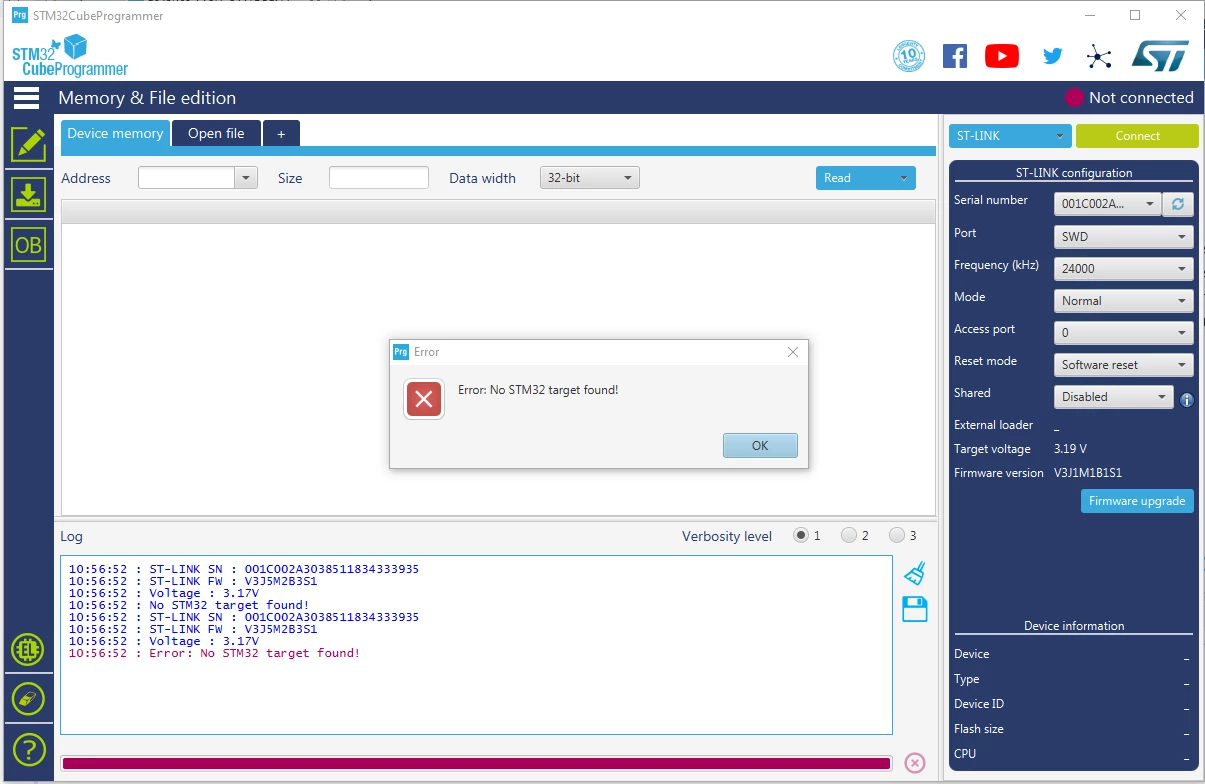
When I try to "connect" with STM32CubeProgrammer, I get these informations : "Error : No STM32 target found!". Here is a screen :
0693W000000TVwTQAW.png

The connections are :

0693W000000TW1nQAG.png

I tried to run the µC forcing PB8(BOOT0) low and high, but I got the same problem.

I have some ideas but I didn't find anything in the docs :

1) I'm using STLINK-V3SET with MB1440B, it is an extension board provided by ST. Is there any jumper we need to add or remove (according to the docs, I would say no but...)

2) Maybe STM32CubeProgrammer configuration is wrong ?

3) It is the first time I program this chip, maybe I need to use the bootloader ?

Thank you,

Best regards,

Valentin

This topic has been closed for replies.
Best answer by Tesla DeLorean

It could be a connectivity issue, especially if you haven't qualified the hardware yet.

​

For CM0 parts would suggest trying 4 MHz connect speed rather than 24 MHz​

6 replies

Tesla DeLorean
Tesla DeLoreanBest answer
Guru
March 10, 2020

It could be a connectivity issue, especially if you haven't qualified the hardware yet.

​

For CM0 parts would suggest trying 4 MHz connect speed rather than 24 MHz​

Tips, Buy me a coffee, or three.. PayPal Venmo (See Profile) Up vote any posts that you find helpful, it shows what's working..
ValentinG
ValentinGAuthor
Associate II
March 10, 2020

Hi Clive, thank you for you answser.

I tried all frequency (from 5 kHz to 24 MHz).

You're definitely right, I'll check again the welds. Do you think my connections are correct ?

Uwe Bonnes
Chief
March 10, 2020

This is probably theissue V3 has with some STM32 families using WFI. When creating the access port, V3 always fails, while V2 succeeds. Try connect "Hardware reset" or use another debugger as long as this behaviour of the V3 is not fixed.

ValentinG
ValentinGAuthor
Associate II
March 10, 2020

Hi Uwe Bonnes, thank you for you reply. I got the solution : the connections are correct but one pin was not welded correctly. 

ValentinG
ValentinGAuthor
Associate II
March 10, 2020

To conclude with my question : the connections (see tab above) are correct.

We do not need to enter in bootloader mode, so PB8(BOOT0) does not need to be set.

One pin was not welded correctly.
