

Solved
Connecting ST-LINK V2 to Computer without MCU
Hello,
I'm working for the first time with an ST-LINK V2 on a Windows 10 laptop, and it doesn't work with an MCU or without it.
I am trying to isolate a problem, so I connecteed the ST-LINK on its own, without any attached wires, besides the USB that connects it to the computer.
When I'm connecting it to the laptop. I get STM32 STLink in the device manager.
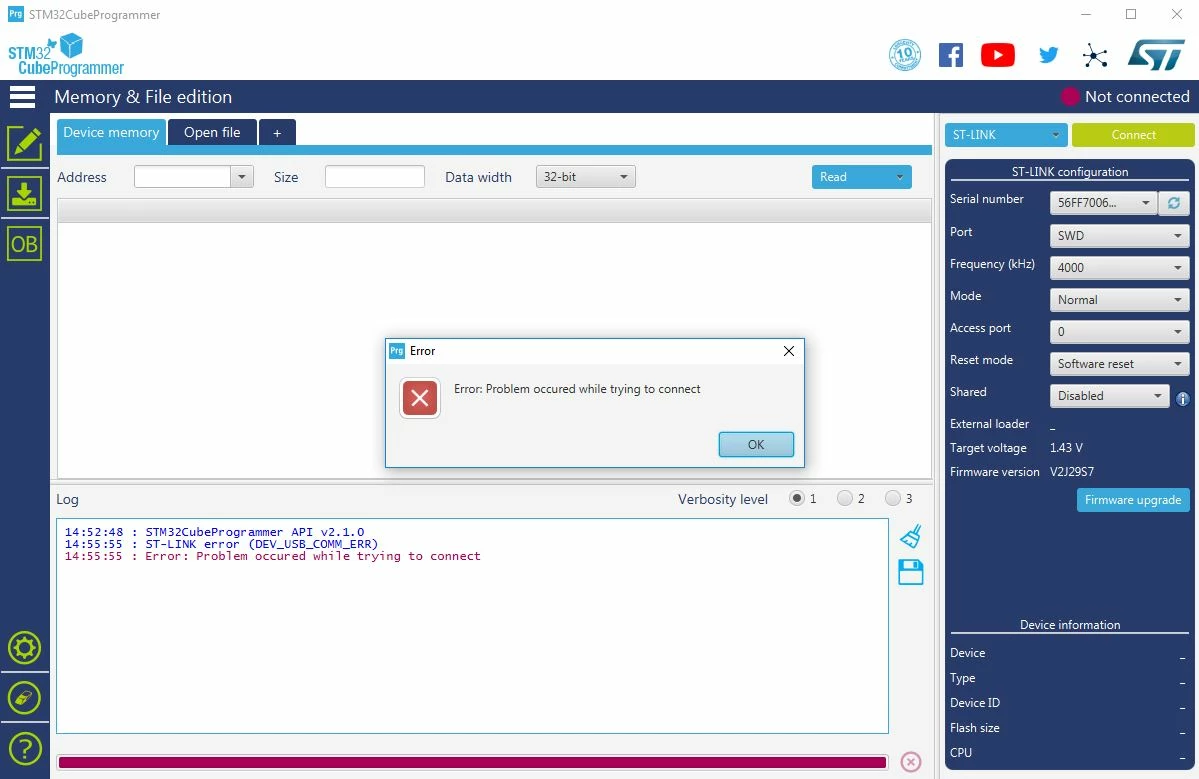
On STM32 Cube Programmer, when I try to connect to it, I get the following:
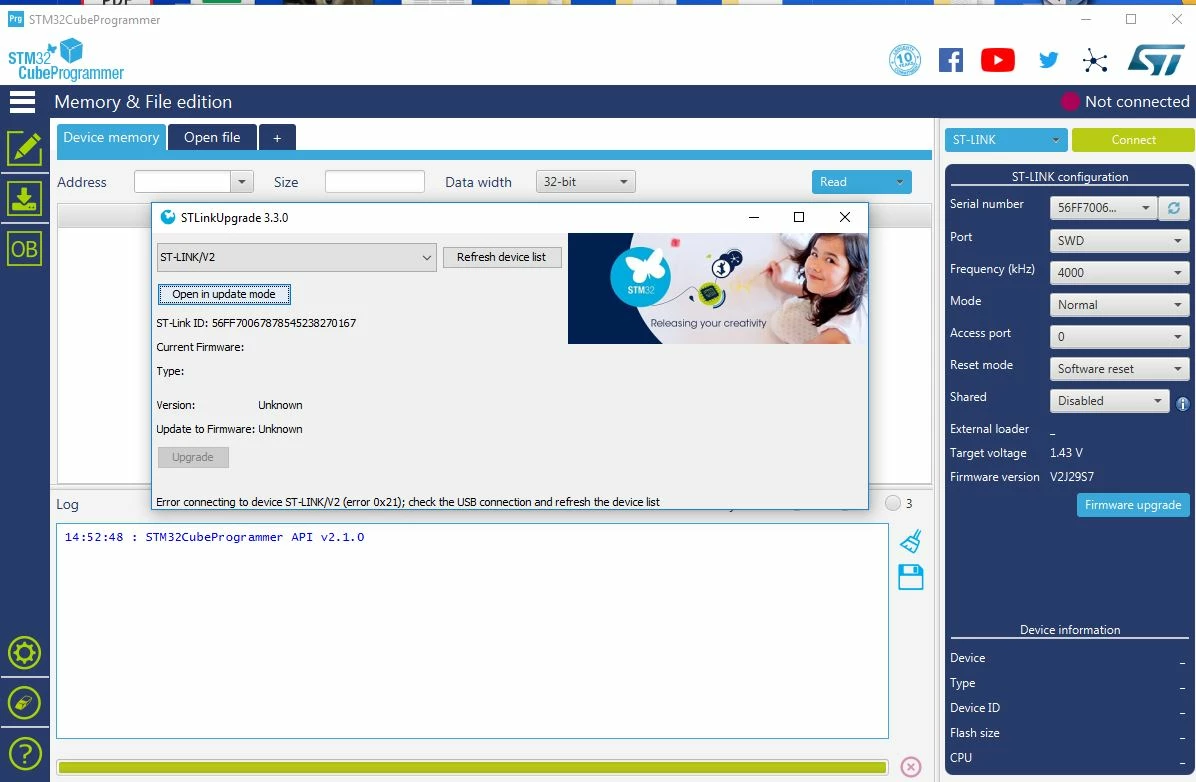
When I try to update its firmware, I get the following:
Is This normal?
If not, what does it indicate? how may I fix this?
Thanks!
