

Visitor
June 23, 2026
Question

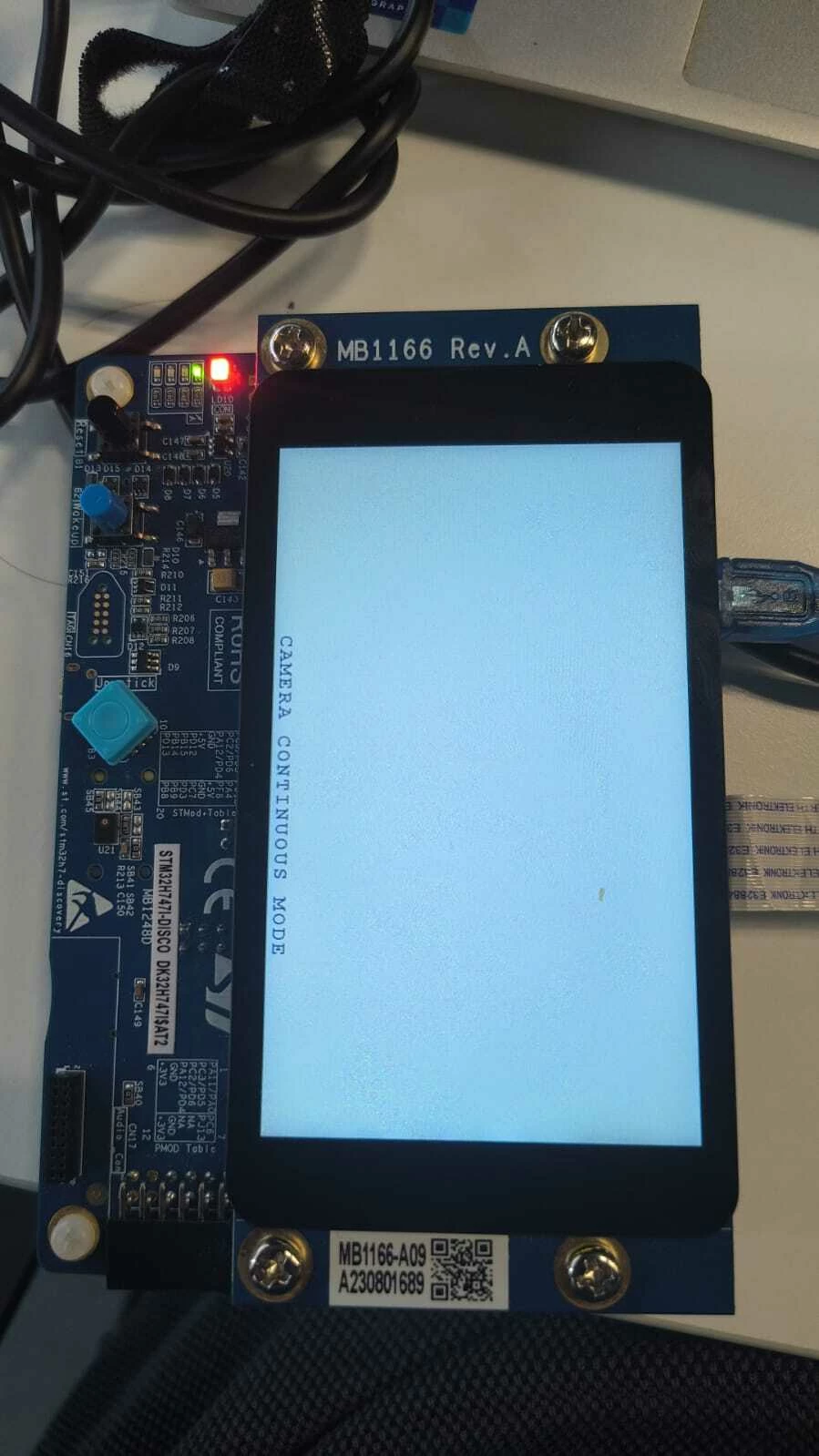
Camera Feed Stuck on "Camera Continuous Mode" After Loading Example onto STM32H747I-DISCO
  • June 23, 2026
  • 2 replies
  • 17 views

I am building a live camera feed project using an STM32H747I-DISCO (MB1166-A09) board and a B-CAMS-OMV (MB1683-CAMS-A02) camera module.I tried using the standard example capture mode ,i set up everything but i always get stuck here ,any solutions?

2 replies

ST Technical Moderator
June 23, 2026

Hello ​@sarcasticpizza 

This sign usually indicates a problem with the camera module.

To confirm, are the three LEDs on the camera module on?

Can another camera module be tested?

Make sure that the camera is attached before the board is powered on.

Attaching the camera while the board is powered on can damage the camera module.
BR
Gyessine

In order to give better visibility on the answered topics, please click on 'Best answer' on the reply which solved your issue or answered your question.
ST Technical Moderator
June 23, 2026

Hello ​@sarcasticpizza ,

Let me first welcome you to the Community,

Check the jumper settings, also the cable orientation and connection.

Make sure to update the drivers.

Otherwise, try another B-CAMS-OMV camera board and check whether the problem is resolved.

In order to give better visibility on the answered topics, please click on 'Best answer' on the reply which solved your issue or answered your question. Thanks