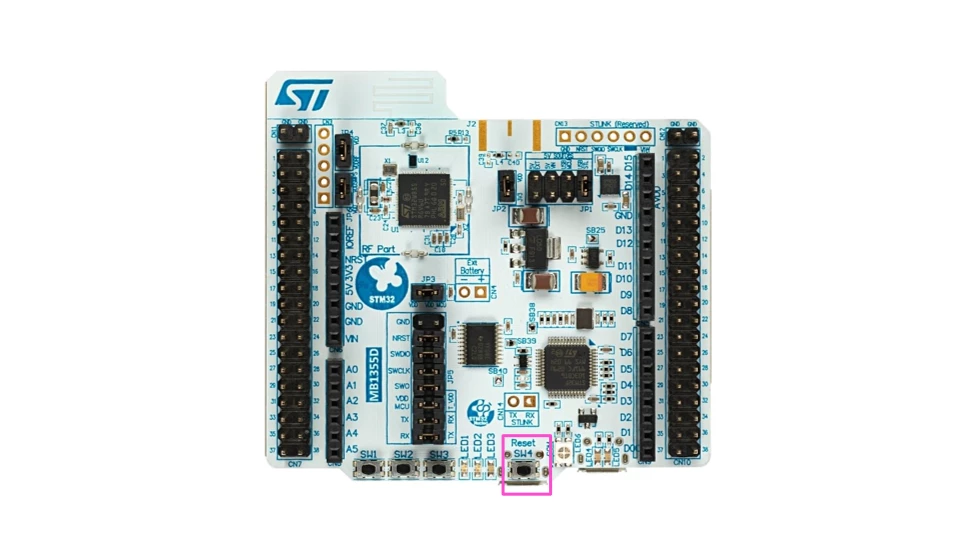
Programming the STM32WB55RG using the ST-LINK/V2-1 of a separate board
- 3 replies
- 4388 views
Introduction
On the NUCLEO-WB55RG, we have an embedded ST-LINK/V2-1. However, for several reasons, users may want to use an external ST-LINK for debugging or programming. In this article, I demonstrate a simple use case of programming an STM32WB55RG Nucleo board with the on-board ST-LINK/V2-1 of a NUCLEO-F103RB.
1. Boards used
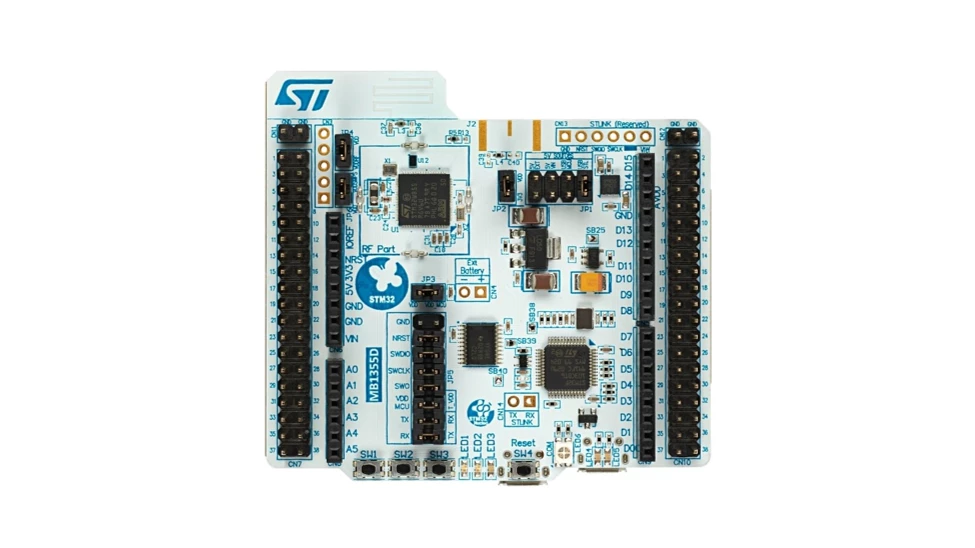
A STM32WB55RG that we program:
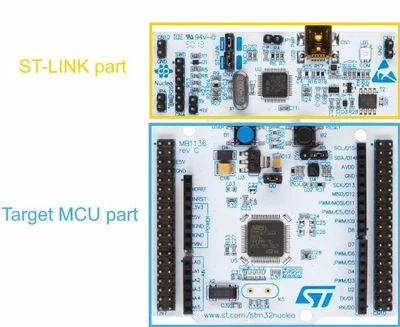
The ST-LINK part of a Nucleo board with the reference MB1136 (NUCLEO-F103RB in this case):
2. Pin connections
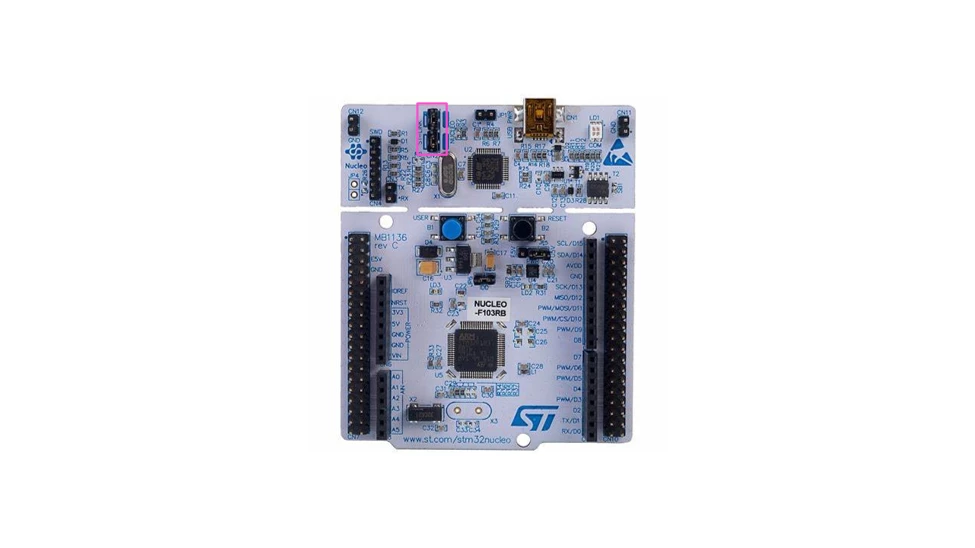
First, we need to disconnect both jumpers of the CN2 of our NUCLEO-F103RB.
Fit the jumper JP1 of the NUCLEO-WB55RG to select the USB MCU as 5 V source. Remove all the jumpers from the JP5.
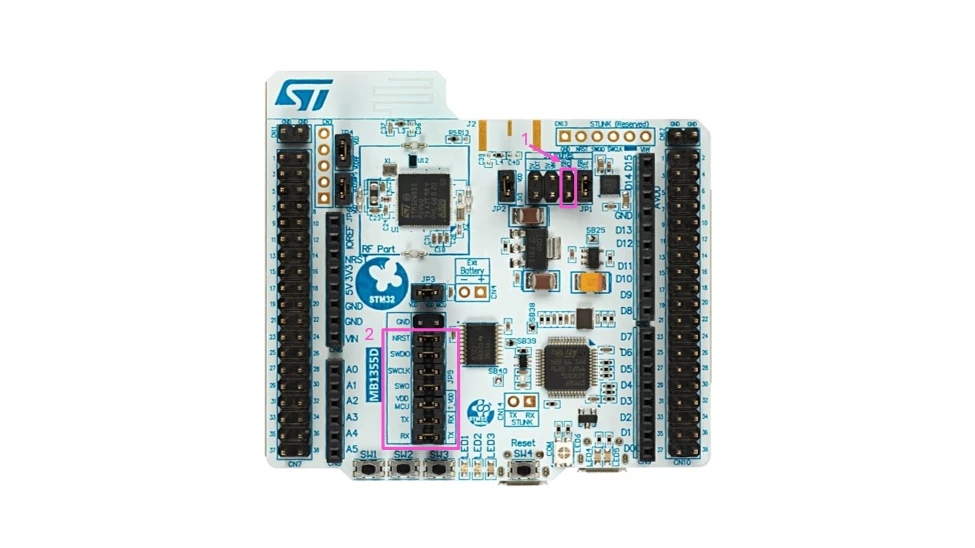
Finally, connect the pins from the CN4 of the NUCLEO-F103RB to the pins of the JP5 of the NUCLEO-WB55RG. Follow the description in the table below.
|
CN4 of the NUCLEO-F103RB |
JP5 of the NUCLEO-WB55RG |
| GND | GND |
| NRST | NRST |
| SWDIO | PA13 |
| SWCLK | PA14 |
| SWO | PB3 |
| VDD_TARGET | VDD |
Important note:
Use the pins on the right of the JP5 (the STM32WB pins). Do not use the on-board ST-LINK pins (the pins on the left of the NUCLEO-WB55RG).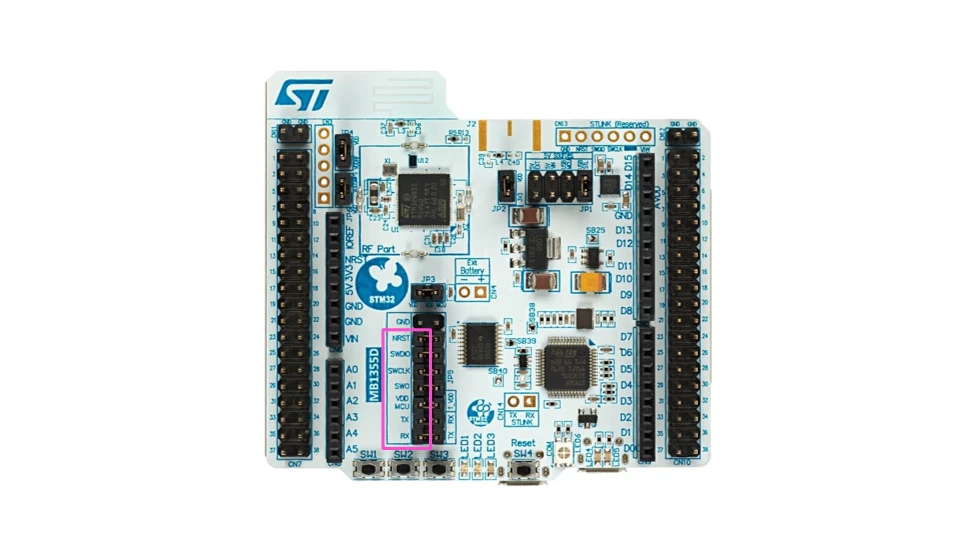
Power your NUCLEO-WB55RG through the connector CN1 (or any other powering way, but ensure you have the correct jumper settings).