Dear Johnd,
Reading/Writing NDEF messages can be done with the above mentioned STSW-ST25R001 and the ST25R3911B-DISCO board.
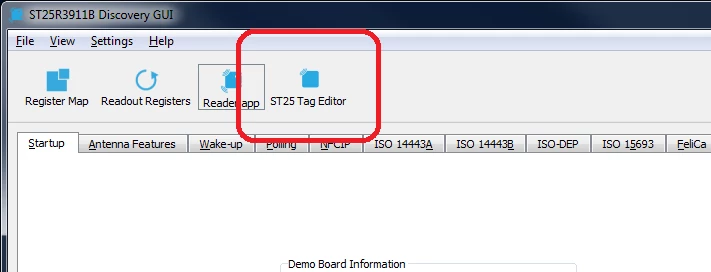
To do so, visit www.st.com and download / install the software package. After connecting the board and starting the ST25R3911B-Discovery GUI switch to the "ST25 Tag Editor".
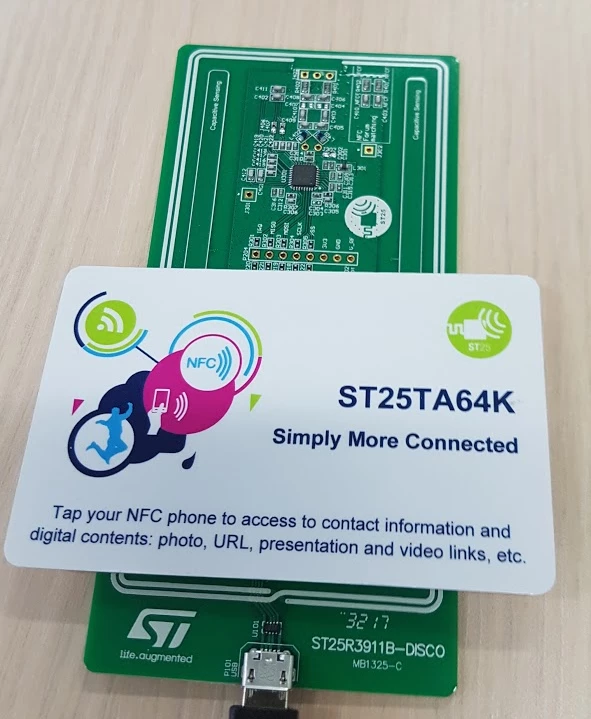
The ST25R3911B-DISCO comes with ST25TA64K tag, which perfectly fits for this kind of application. place the tag on the ST25R3911B-DISCO board.
Now select "ISO14443-A => NFC Type 4A - NDEF message user interface" from the top menue.
Now select "Prepare NDEF MESSAGE" MIMME vcard to generate the buisness card ndef message.
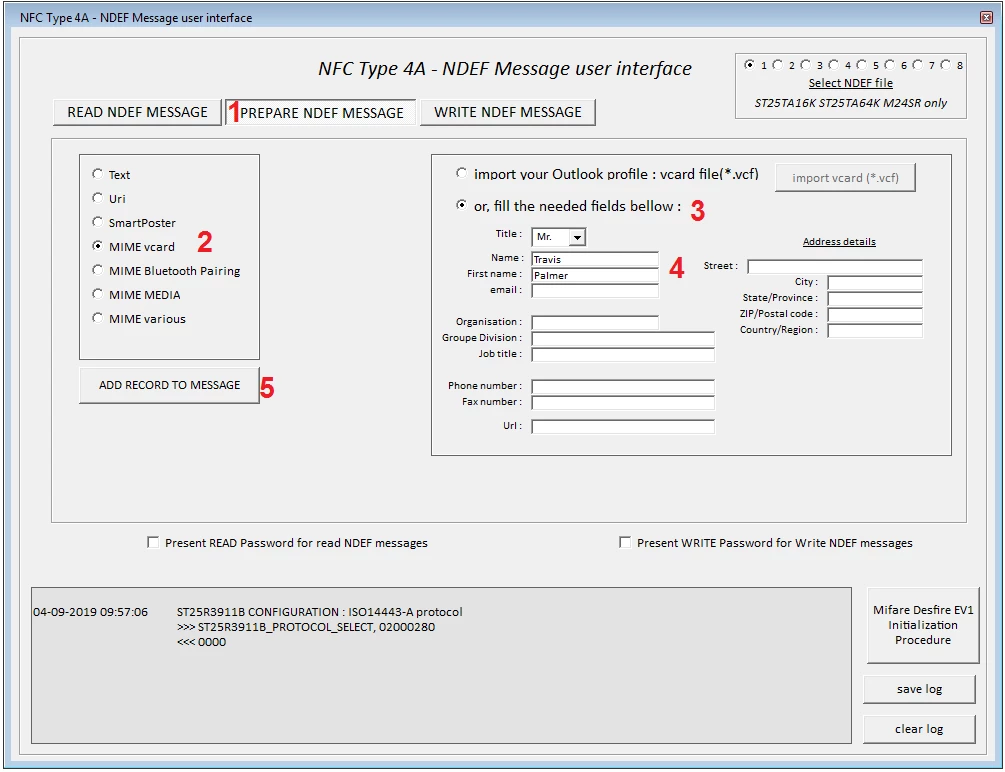
Fill all required information and click add record to message.
Afterwards change to write ndef message and click write ndef message. The log output shows that the NDEF message has been written to the tag.
Now you can verify that the NDEF message is done proberly by switching back to "READ NDEF MESSAGE" or using a smartphone.
BR Travis