Andrew Neil
Super User
Feb 5, 2021 4:35 PM UTC
Question

Can't use/create Debug Config for OSS-7 Stack

OSS-7 is the open-source stack for the DASH7 protocol:

https://mosaic-lopow.github.io/dash7-ap-open-source-stack/

The build system is created with CMake:

https://mosaic-lopow.github.io/dash7-ap-open-source-stack/docs/building/

Specifying -G "Eclipse CDT4 - MinGW Makefiles" on the CMake command line completes without complaining, and does create the expected Eclipse .project and .cproject files.

STM32 Cube IDE happily opens these, and builds successfully.

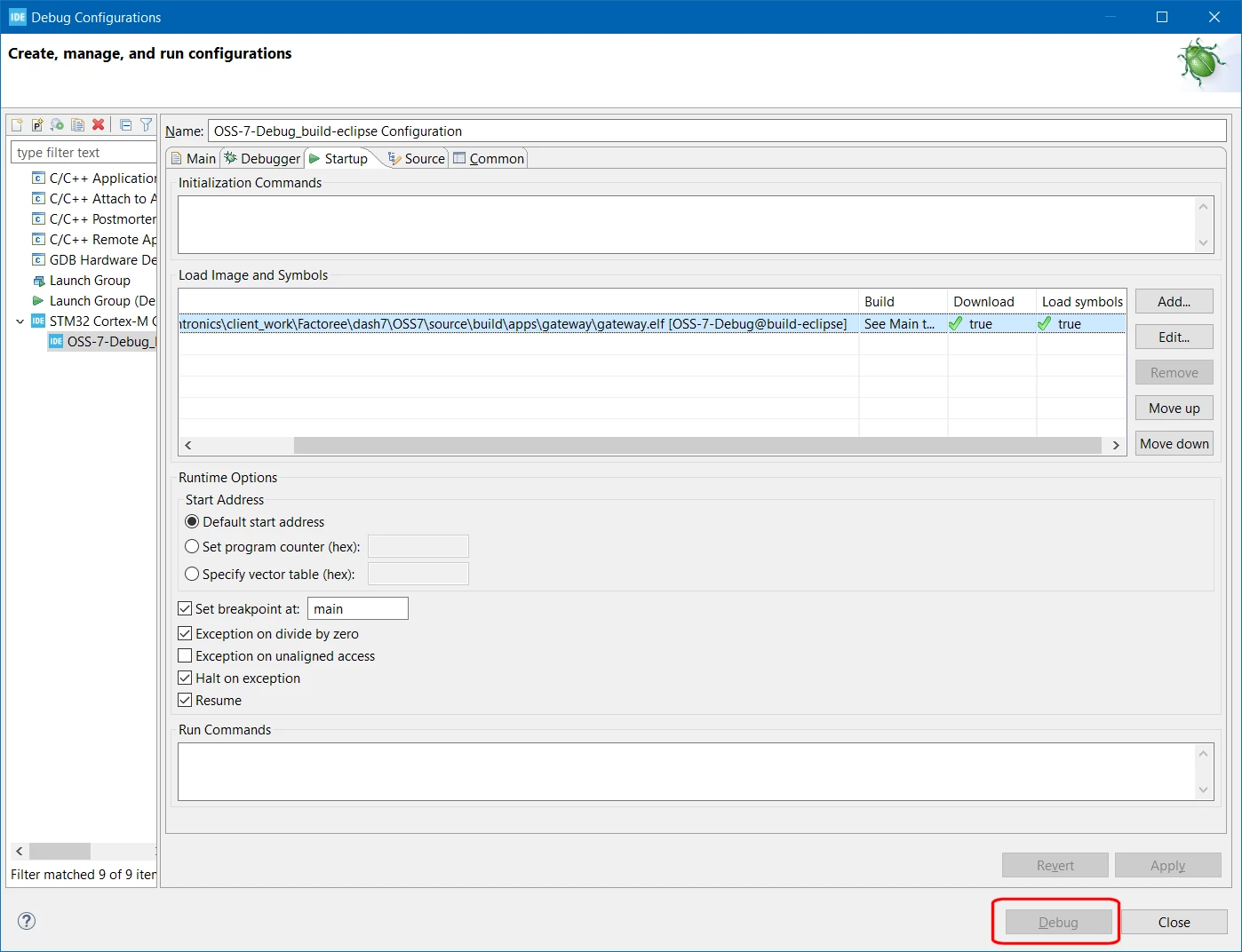
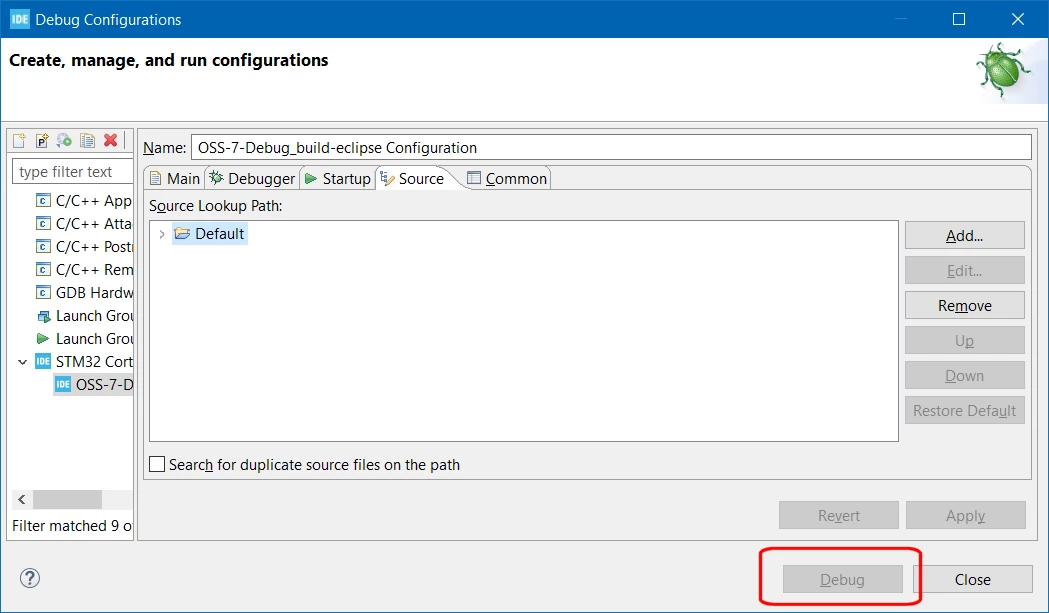
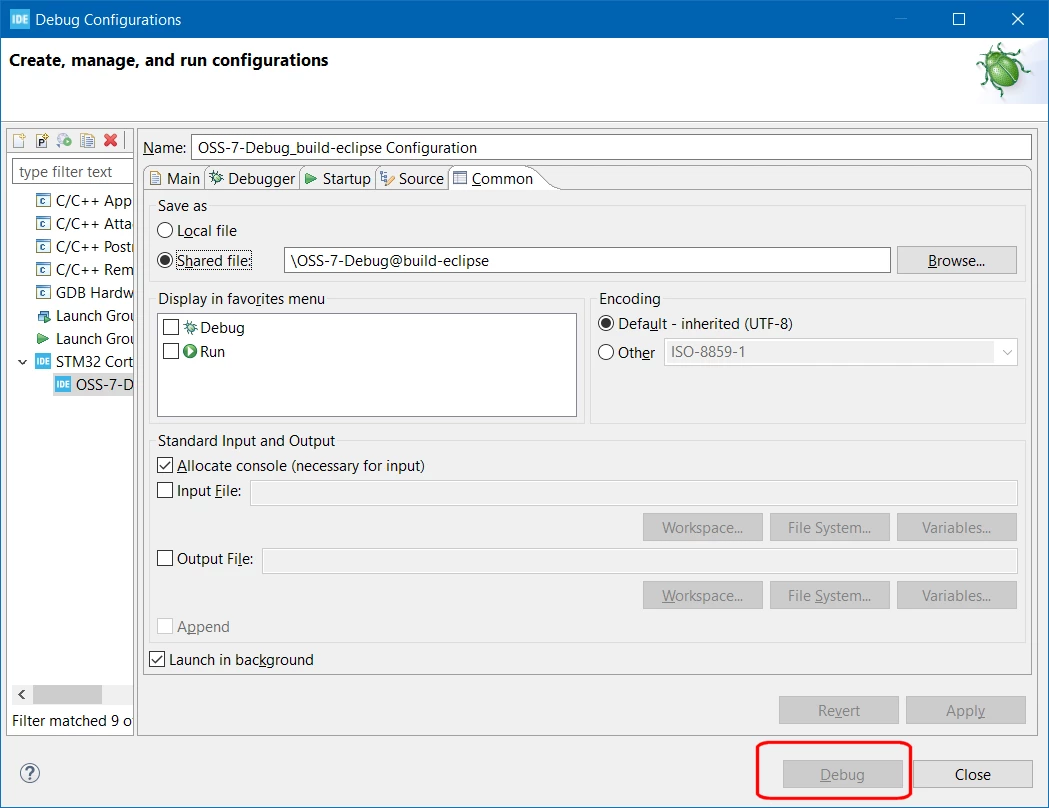
But I can't seem to create a Debug configuration that works - the 'Debug' button always remains greyed-out - even after pressing 'Apply' on any changes:
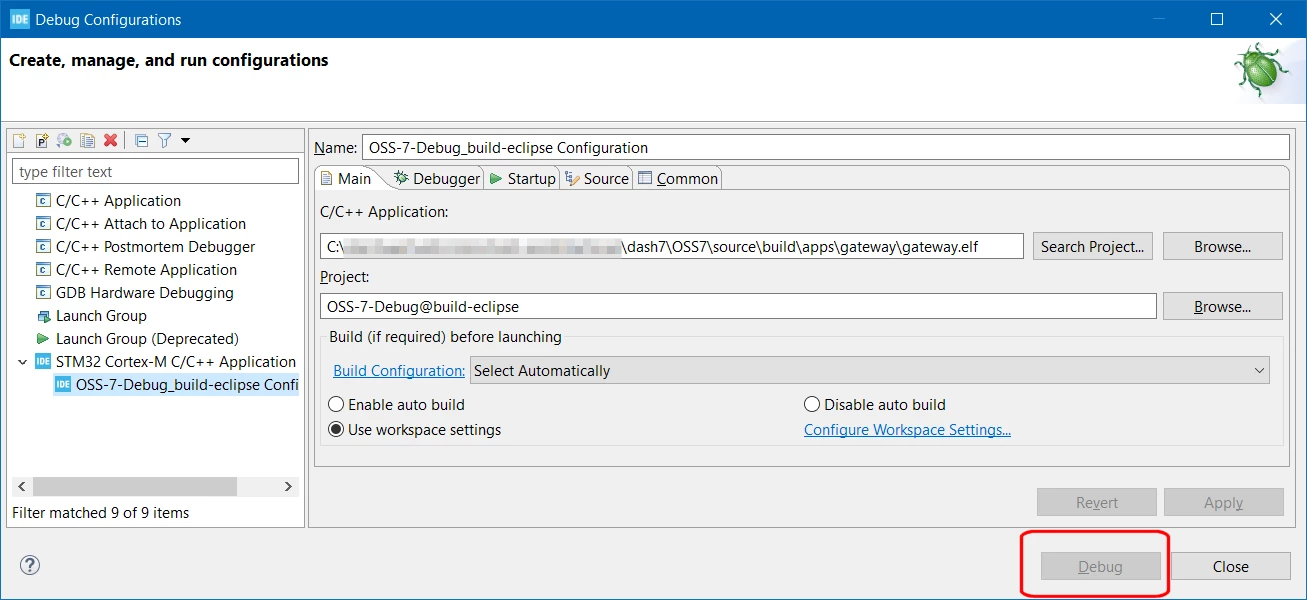
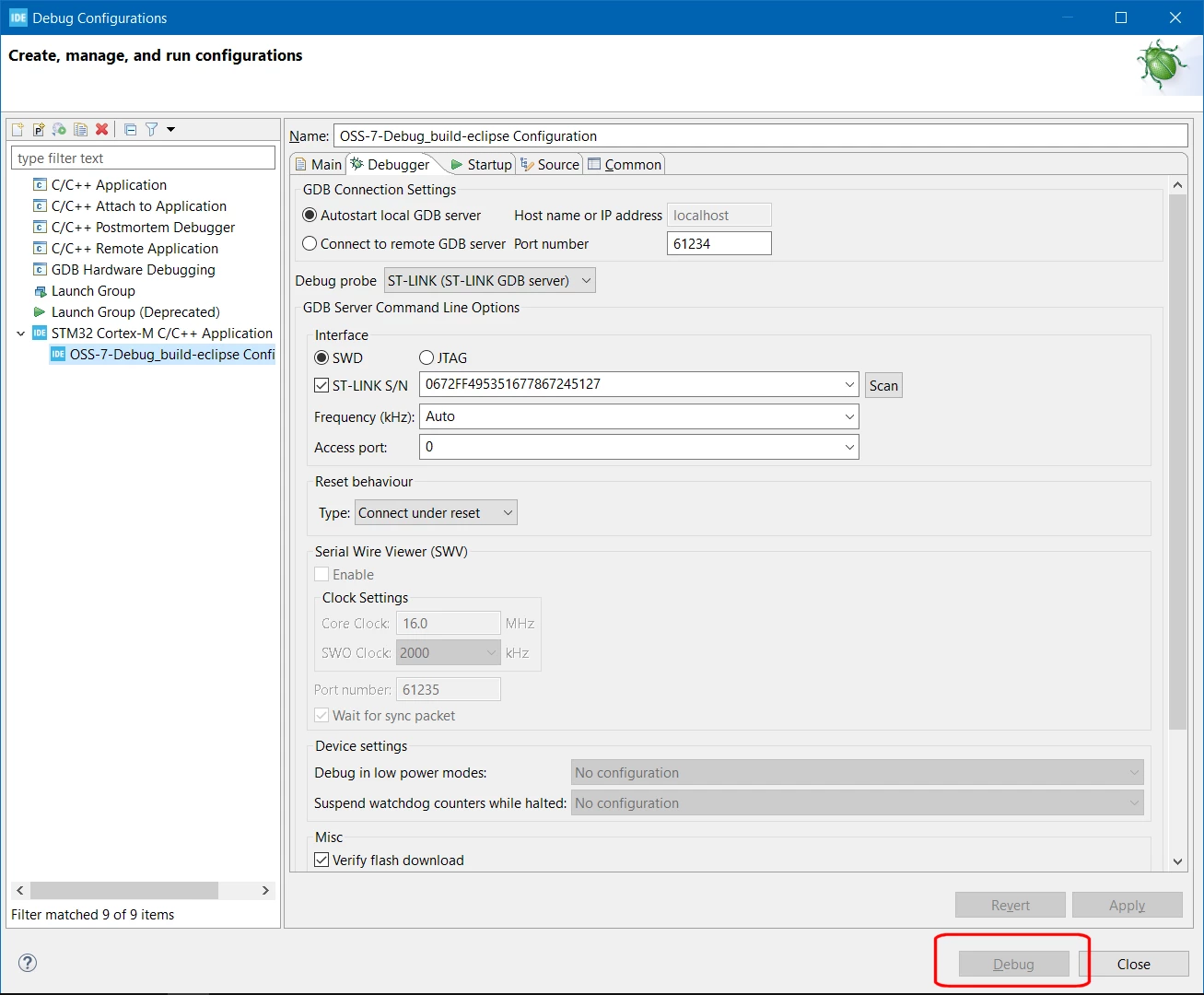
0693W000007EAPlQAO.png0693W000007EAQFQA4.png0693W000007EAQKQA4.png0693W000007EAQjQAO.png 

0693W000007EAQoQAO.pngSo what's going wrong?

Why can't I use this Debug Configuration?

What is keeping the 'Debug' button disabled?

The Target is a B-L072Z-LRWAN1, it is connected and a 'Scan' on the 'Debug' tab will read its serial number.

STM32CubeIDE Version: 1.5.1

Build: 9029_20201210_1234 (UTC)

OS: Windows 10, v.10.0, x86_64 / win32

Java version: 1.8.0_272

 Cross-post: https://groups.google.com/g/dash7-ap-oss/c/kZZR5ySbWeg/m/3pVCT7OLBgAJ

This topic has been closed for replies.

15 replies

Cartu38 OpenDev
Graduate II
Feb 5, 2021 8:14 PM UTC

Most probably STM32CubeIDE required metadata lacks here. Possibly share .project & .cproject files

Andrew Neil
Super User
Feb 5, 2021 8:24 PM UTC

Is there a way for STM32CubeIDE to import a "vanilla" Eclipse project ?

Had to rename the files to attach them.

A complex system that works is invariably found to have evolved from a simple system that worked.A complex system designed from scratch never works and cannot be patched up to make it work.
Andrew Neil
Super User
Feb 5, 2021 8:26 PM UTC

oh - seems the stupid forum will only allow 1 attachment per post.

:persevering_face:

A complex system that works is invariably found to have evolved from a simple system that worked.A complex system designed from scratch never works and cannot be patched up to make it work.
Pavel A.
Feb 5, 2021 11:27 PM UTC

Maybe because CubeIDE does not know how to debug x86 binaries?

MinGW is not a Cortex-M toolchain.

Have you tried to generate a makefile and import it into CubeIDE as a makefile project?

> Is there a way for STM32CubeIDE to import a "vanilla" Eclipse project ?

A good question. Maybe it would be easier to implement CubeIDE project generator for cmake?

-- pa

Andrew Neil
Super User
Feb 8, 2021 12:19 PM UTC

MinGW is just used to provide the 'make' tool on Windows - the actual build is being done by arm-none-eabi-gcc

"Have you tried to generate a makefile and import it into CubeIDE as a makefile project?"

I haven't tried that. There is a makefile, so I could give it a go ...

A complex system that works is invariably found to have evolved from a simple system that worked.A complex system designed from scratch never works and cannot be patched up to make it work.
Andrew Neil
Super User
Feb 8, 2021 3:22 PM UTC

Trying importing 'Existing Code as Makefile Project’:

0693W000007ENfSQAW.pngThe import completes without complaint, and builds without errors or warnings:

0693W000007ENgkQAG.pngI create a Debug Config, and fill-in the details on the 'Main' tab - but 'Apply' or trying to go to any other tab gives:

0693W000007ENibQAG.pngI don't see where to specify the MCU target in any of the Debug Config tabs - maybe it's elsewhere ... ?

A complex system that works is invariably found to have evolved from a simple system that worked.A complex system designed from scratch never works and cannot be patched up to make it work.
Andrew Neil
Super User
Feb 16, 2021 12:16 PM UTC
A complex system that works is invariably found to have evolved from a simple system that worked.A complex system designed from scratch never works and cannot be patched up to make it work.
Cartu38 OpenDev
Graduate II
Feb 16, 2021 1:23 PM UTC

General question is getting some nice answer ;)