Andrew Neil
Super User
February 5, 2021
Question

Can't use/create Debug Config for OSS-7 Stack

  • February 5, 2021
  • 3 replies
  • 7478 views

OSS-7 is the open-source stack for the DASH7 protocol:

https://mosaic-lopow.github.io/dash7-ap-open-source-stack/

The build system is created with CMake:

https://mosaic-lopow.github.io/dash7-ap-open-source-stack/docs/building/

Specifying -G "Eclipse CDT4 - MinGW Makefiles" on the CMake command line completes without complaining, and does create the expected Eclipse .project and .cproject files.

STM32 Cube IDE happily opens these, and builds successfully.

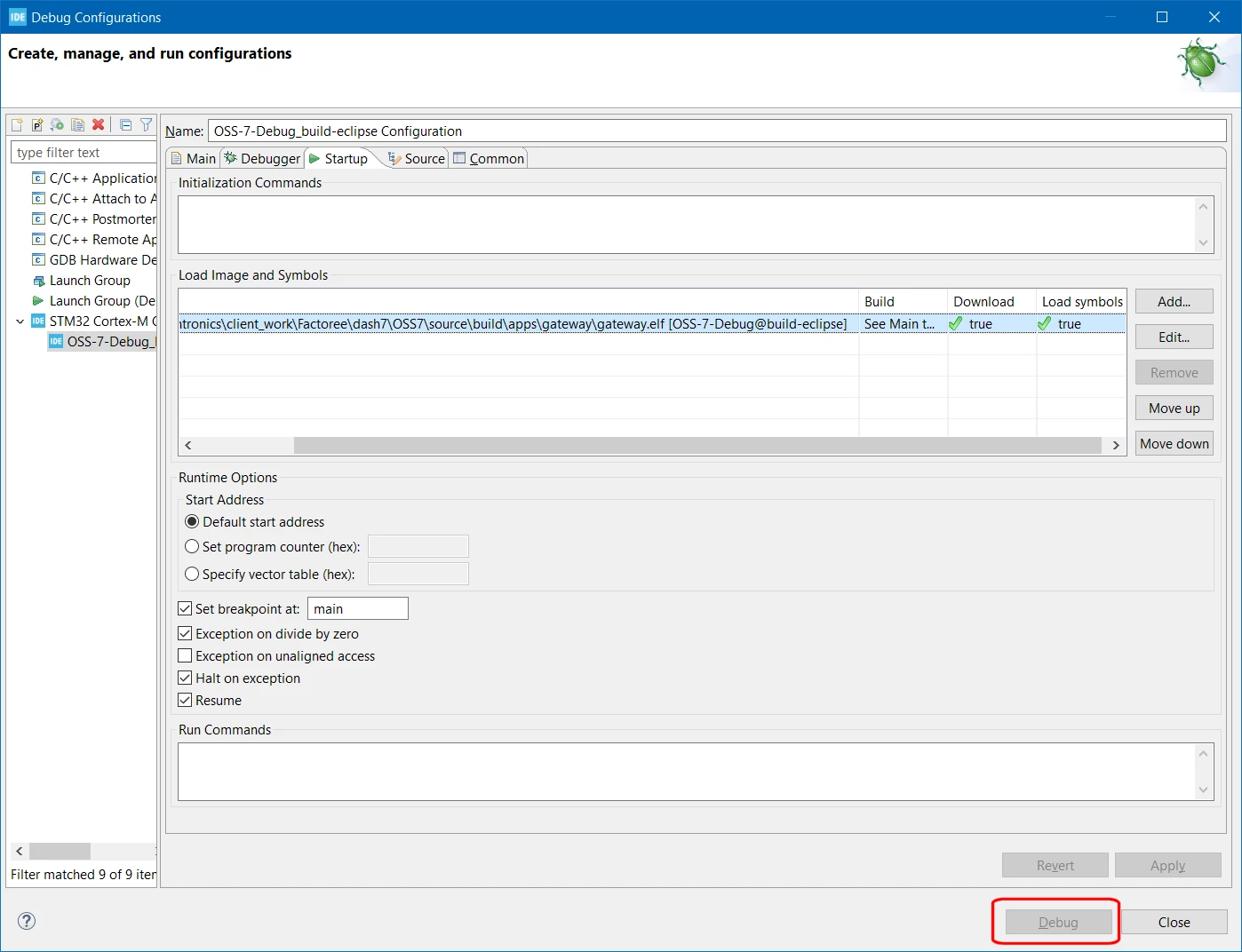
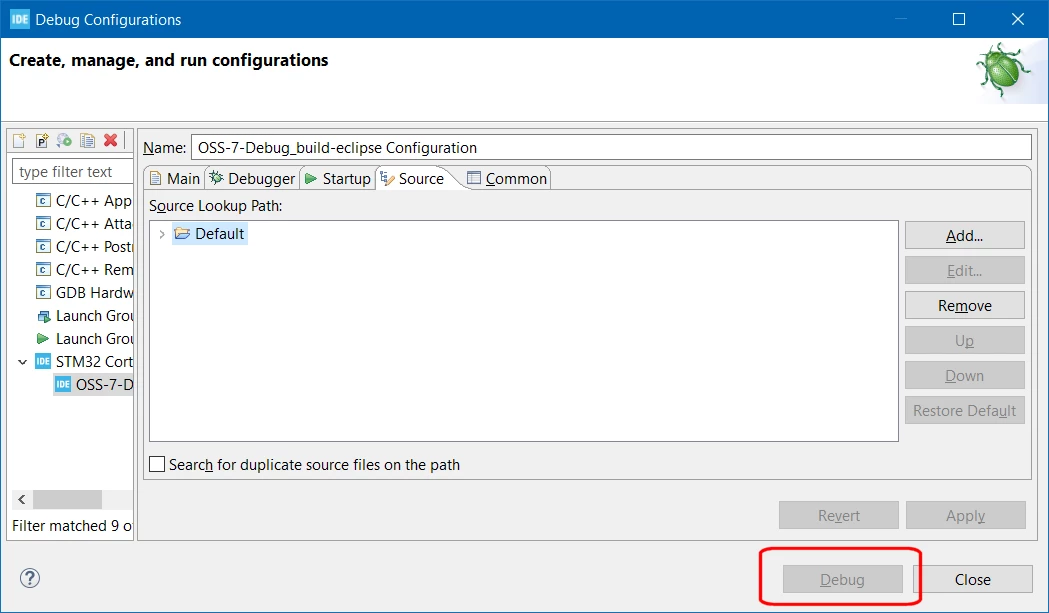
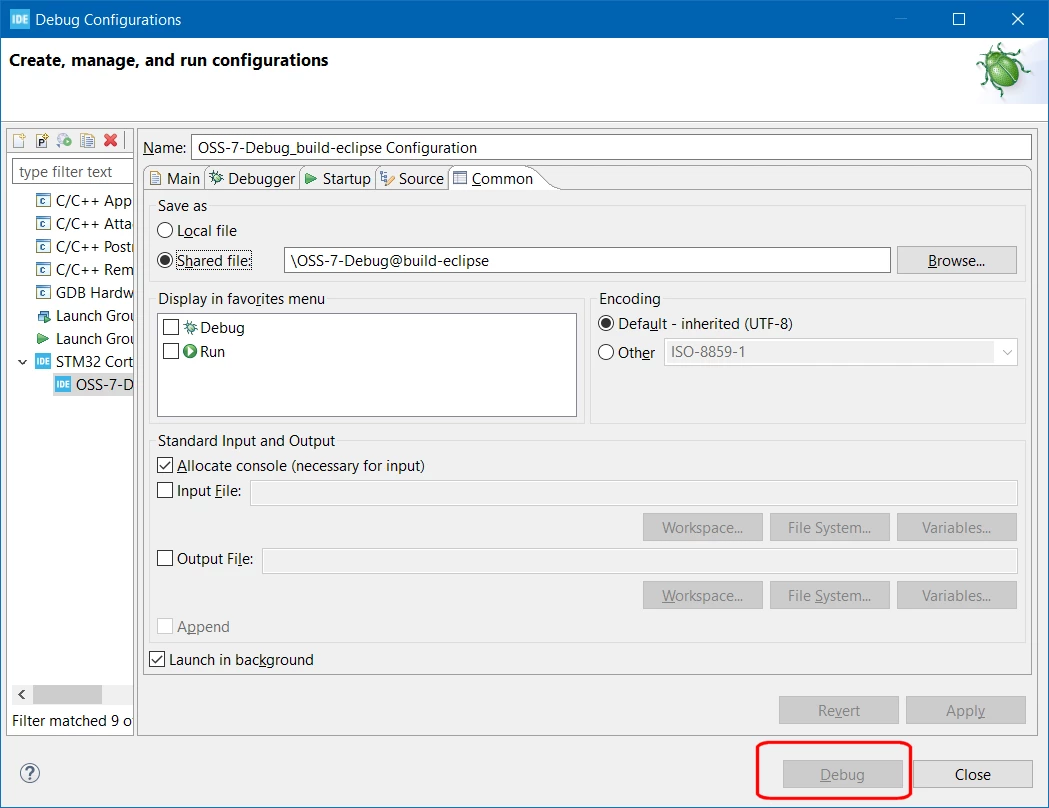
But I can't seem to create a Debug configuration that works - the 'Debug' button always remains greyed-out - even after pressing 'Apply' on any changes:
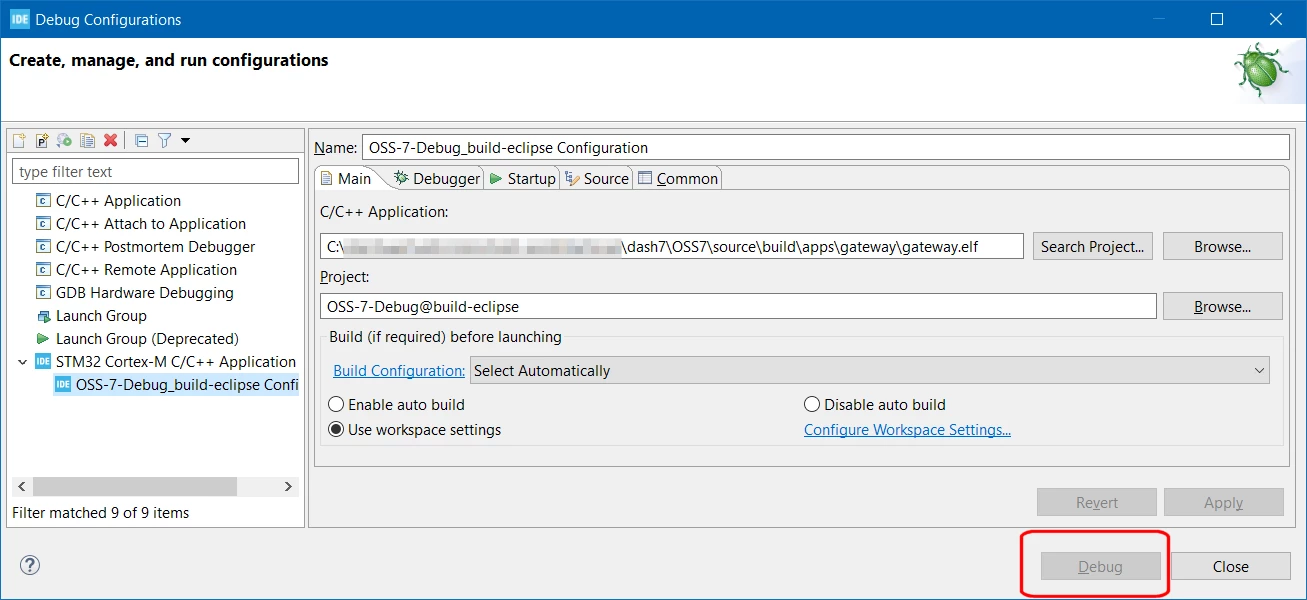
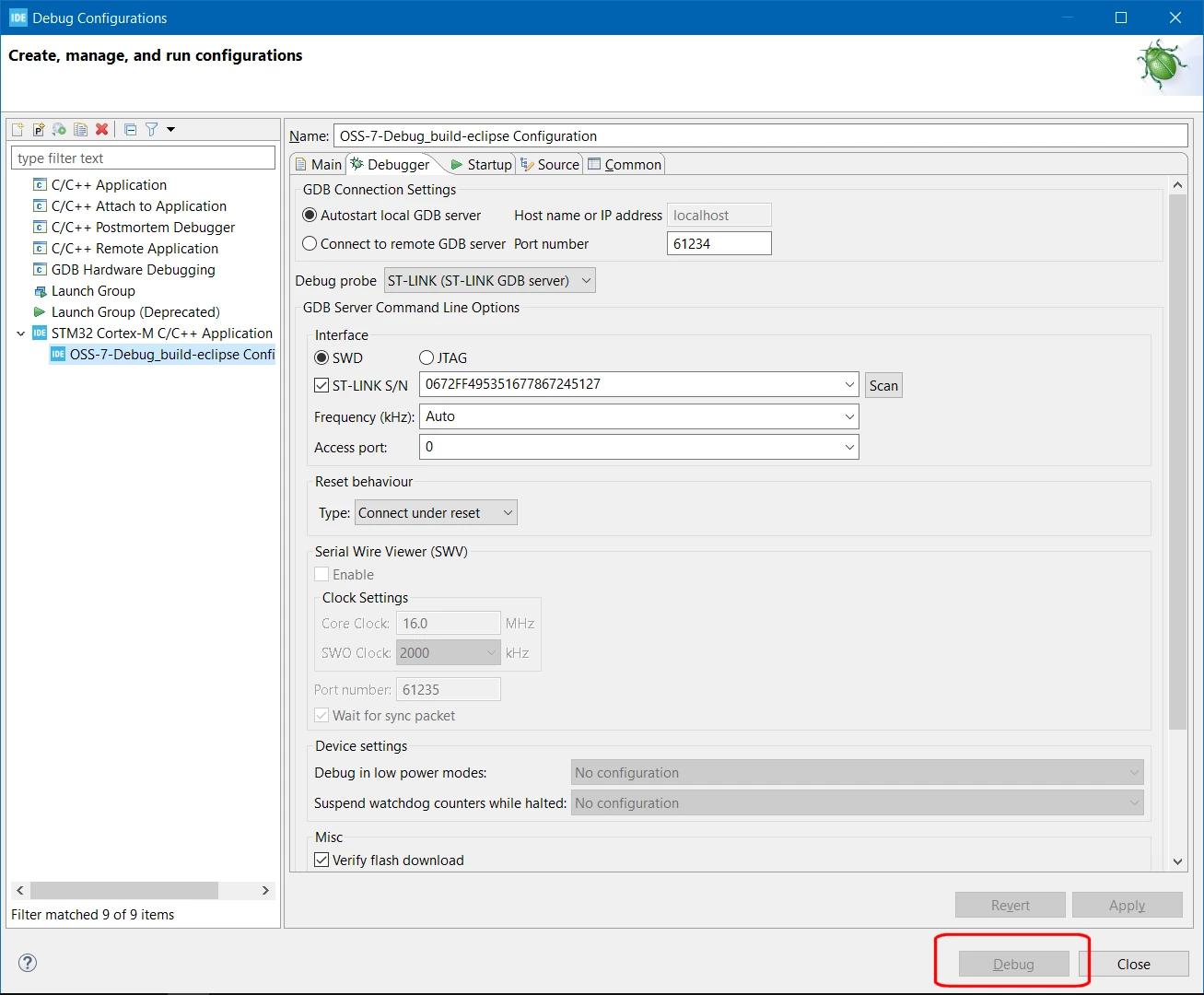
0693W000007EAPlQAO.png0693W000007EAQFQA4.png0693W000007EAQKQA4.png0693W000007EAQjQAO.png 

0693W000007EAQoQAO.pngSo what's going wrong?

Why can't I use this Debug Configuration?

What is keeping the 'Debug' button disabled?

The Target is a B-L072Z-LRWAN1, it is connected and a 'Scan' on the 'Debug' tab will read its serial number.

STM32CubeIDE Version: 1.5.1

Build: 9029_20201210_1234 (UTC)

OS: Windows 10, v.10.0, x86_64 / win32

Java version: 1.8.0_272

 Cross-post: https://groups.google.com/g/dash7-ap-oss/c/kZZR5ySbWeg/m/3pVCT7OLBgAJ

This topic has been closed for replies.

3 replies

Cartu38 OpenDev
Graduate II
February 5, 2021

Most probably STM32CubeIDE required metadata lacks here. Possibly share .project & .cproject files

Andrew Neil
Super User
February 5, 2021

Is there a way for STM32CubeIDE to import a "vanilla" Eclipse project ?

Had to rename the files to attach them.

A complex system that works is invariably found to have evolved from a simple system that worked.A complex system designed from scratch never works and cannot be patched up to make it work.
Andrew Neil
Super User
February 5, 2021

oh - seems the stupid forum will only allow 1 attachment per post.

:persevering_face:

A complex system that works is invariably found to have evolved from a simple system that worked.A complex system designed from scratch never works and cannot be patched up to make it work.
Pavel A.
February 5, 2021

Maybe because CubeIDE does not know how to debug x86 binaries?

MinGW is not a Cortex-M toolchain.

Have you tried to generate a makefile and import it into CubeIDE as a makefile project?

> Is there a way for STM32CubeIDE to import a "vanilla" Eclipse project ?

A good question. Maybe it would be easier to implement CubeIDE project generator for cmake?

-- pa

Andrew Neil
Super User
February 8, 2021

MinGW is just used to provide the 'make' tool on Windows - the actual build is being done by arm-none-eabi-gcc

"Have you tried to generate a makefile and import it into CubeIDE as a makefile project?"

I haven't tried that. There is a makefile, so I could give it a go ...

A complex system that works is invariably found to have evolved from a simple system that worked.A complex system designed from scratch never works and cannot be patched up to make it work.
Andrew Neil
Super User
February 8, 2021

Trying importing 'Existing Code as Makefile Project’:

0693W000007ENfSQAW.pngThe import completes without complaint, and builds without errors or warnings:

0693W000007ENgkQAG.pngI create a Debug Config, and fill-in the details on the 'Main' tab - but 'Apply' or trying to go to any other tab gives:

0693W000007ENibQAG.pngI don't see where to specify the MCU target in any of the Debug Config tabs - maybe it's elsewhere ... ?

A complex system that works is invariably found to have evolved from a simple system that worked.A complex system designed from scratch never works and cannot be patched up to make it work.
Andrew Neil
Super User
February 16, 2021
A complex system that works is invariably found to have evolved from a simple system that worked.A complex system designed from scratch never works and cannot be patched up to make it work.
Cartu38 OpenDev
Graduate II
February 16, 2021

General question is getting some nice answer ;)