January 4, 2021
Solved

China texts

  • January 4, 2021
  • 11 replies
  • 5357 views

Hello!

I have a typography, which contains this set of symbols "0-9,A-z,�?-�?,0x20-0x7F,0x401,0x451"

But I want to use China and Japan languages.

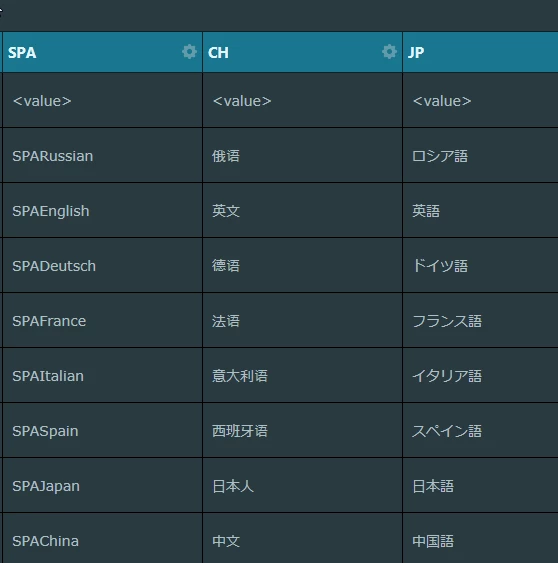
In TouchGFXDesigner all OK
0693W000006HOdPQAW.pngBut in application - "????"

How to fix?

This topic has been closed for replies.
Best answer by Romain DIELEMAN

Hi,

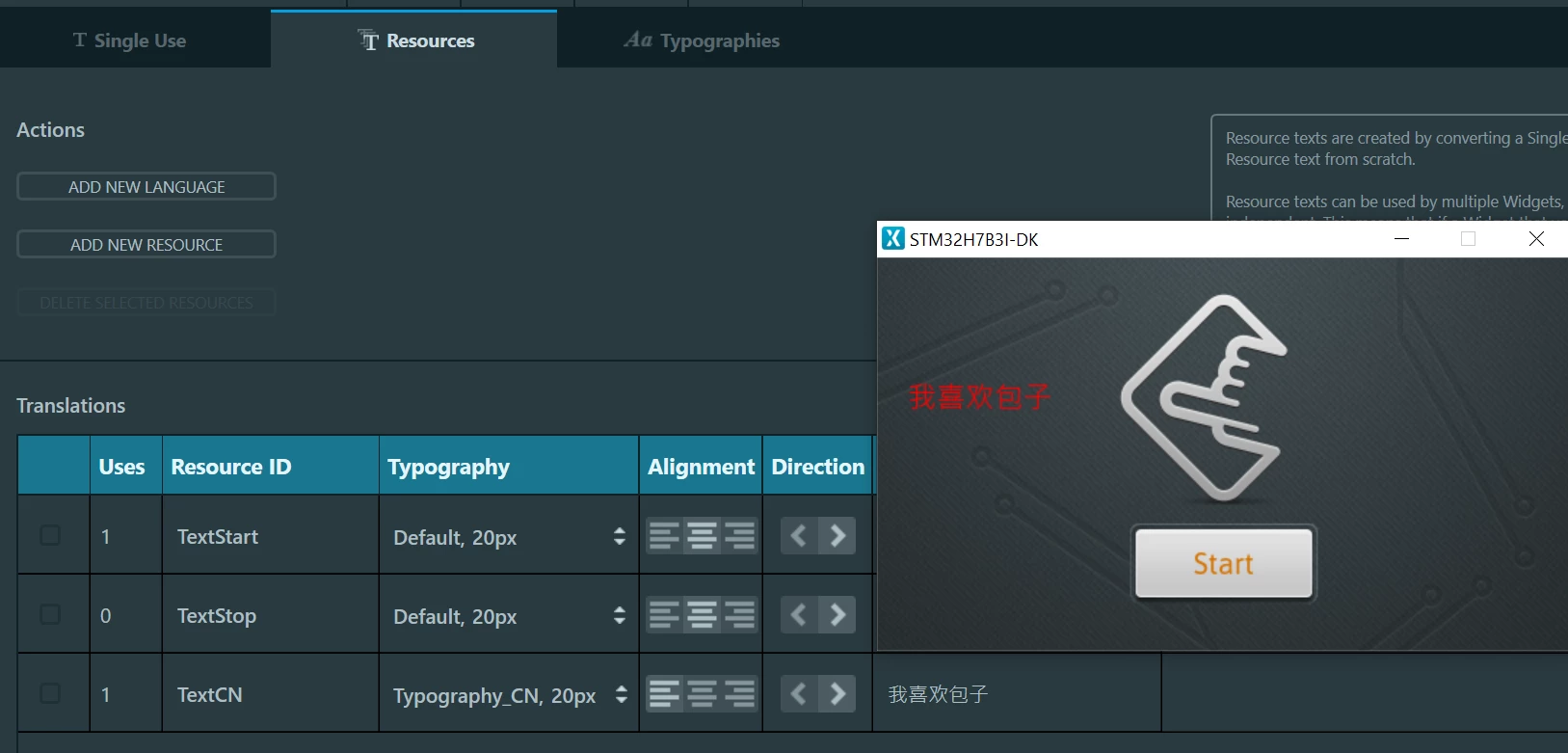
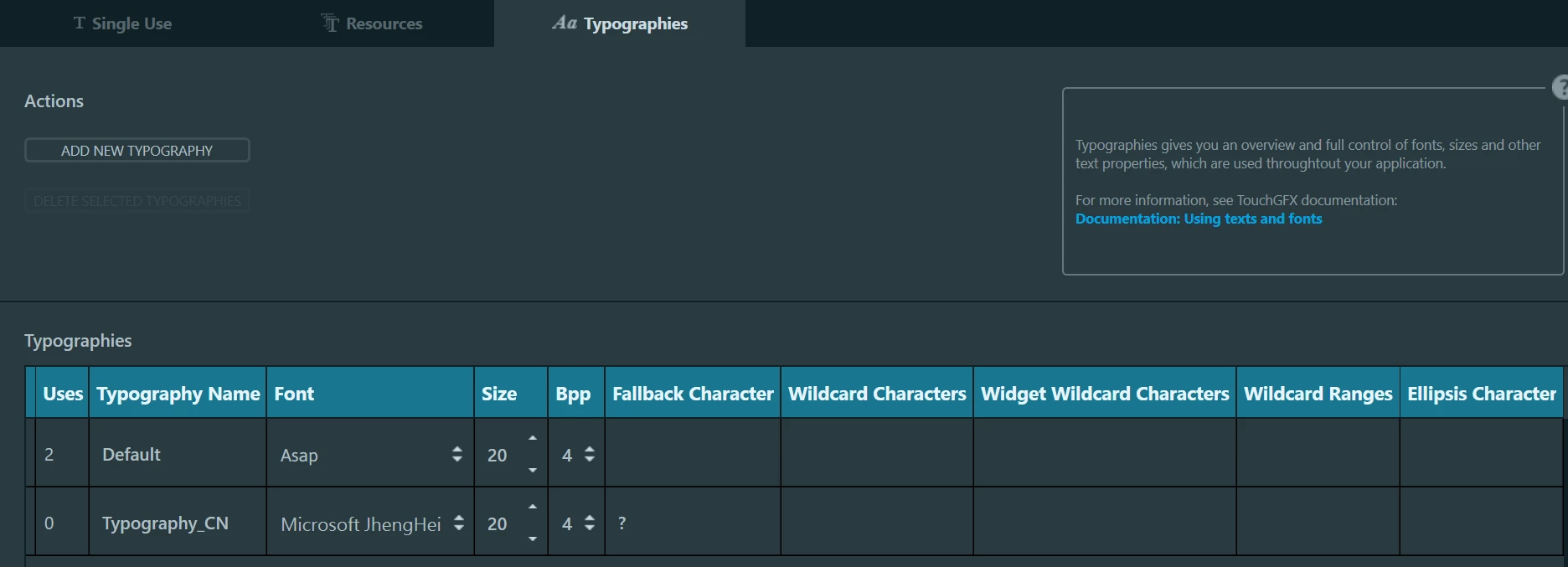
Can you try to add another text area where you just display the chinese text ? I tested on my side and was able to display without any issue with your font with the simulator and on a board I have. I put the text i wanted to display (我喜欢包�?) directly in the "Ressources" tab and did not have to put anything in the wildcard range. I believe the issue might come more from your code and what you are trying to display.

0693W000006HYYAQA4.png0693W000006HYaBQAW.png/Romain

11 replies

Romain DIELEMAN
ST Employee
January 4, 2021

Hi,

The ???? displayed correspond to the fallback characters set in the Typography tab in the Text View. This means that the glyphs of the characters you wish to display are not found. You need to set in the "Wildcard range" (or characters) the characters that the application will need.

You can have a look at how languages are handled in the code of the UI template "Demo 1".

/Romain

January 4, 2021

You dont undetstand my question.

I know how to add wildcard range.

But I dont know, how do it in chinese.

For English is "A-Z, a-z".

How it must be look in chinese?

Alexandre RENOUX
Visitor II
January 5, 2021

Hello EEuge,

To add a range of Chinese characters, you need to add the range using the Unicode values from 0x4E00 to 0x9FFF for all Chinese characters.

Of course this range is very big and will probably not fit your memory so you should select only the ones you need.

Instead of writing a range, you can also enumerate the characters in the Wildcard characters field.

/Alexandre