
Solved
STM32F746G-DISCO, new font
Hi
How do I install a new font?
best regards
Andrzej

Hi
How do I install a new font?
best regards
Andrzej
Hi,
The "Text and Font" article will help you understand how to handle fonts. First I would suggest you make sure your font is in TrueType (.ttf) or OpenType (.otf) format. Glyph Bitmap Distribution Format (.bdf) are complicated to work with unfortunately.
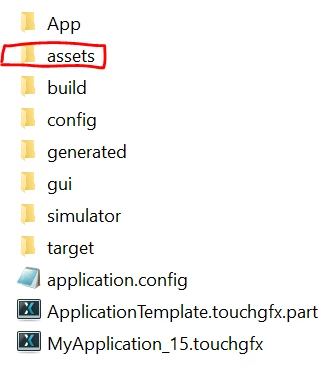
If your font is in one of those formats, you can add it to the "assets/font" folder of your project. If you have your project open In TouchGFX Designer you have to close it and open it again to make sure it will be known by Designer.
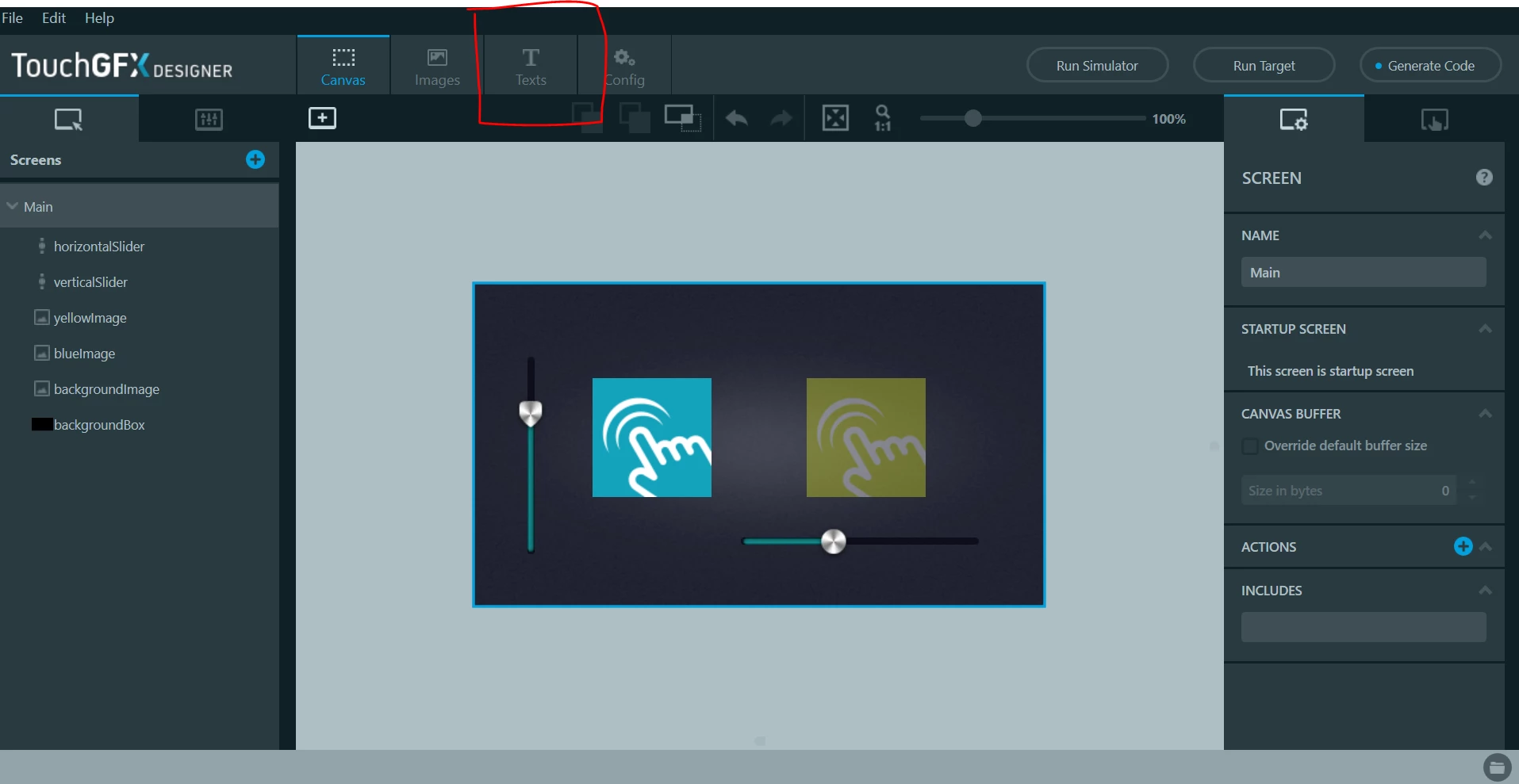
Now when you open your project in Designer, go to the Text tab.
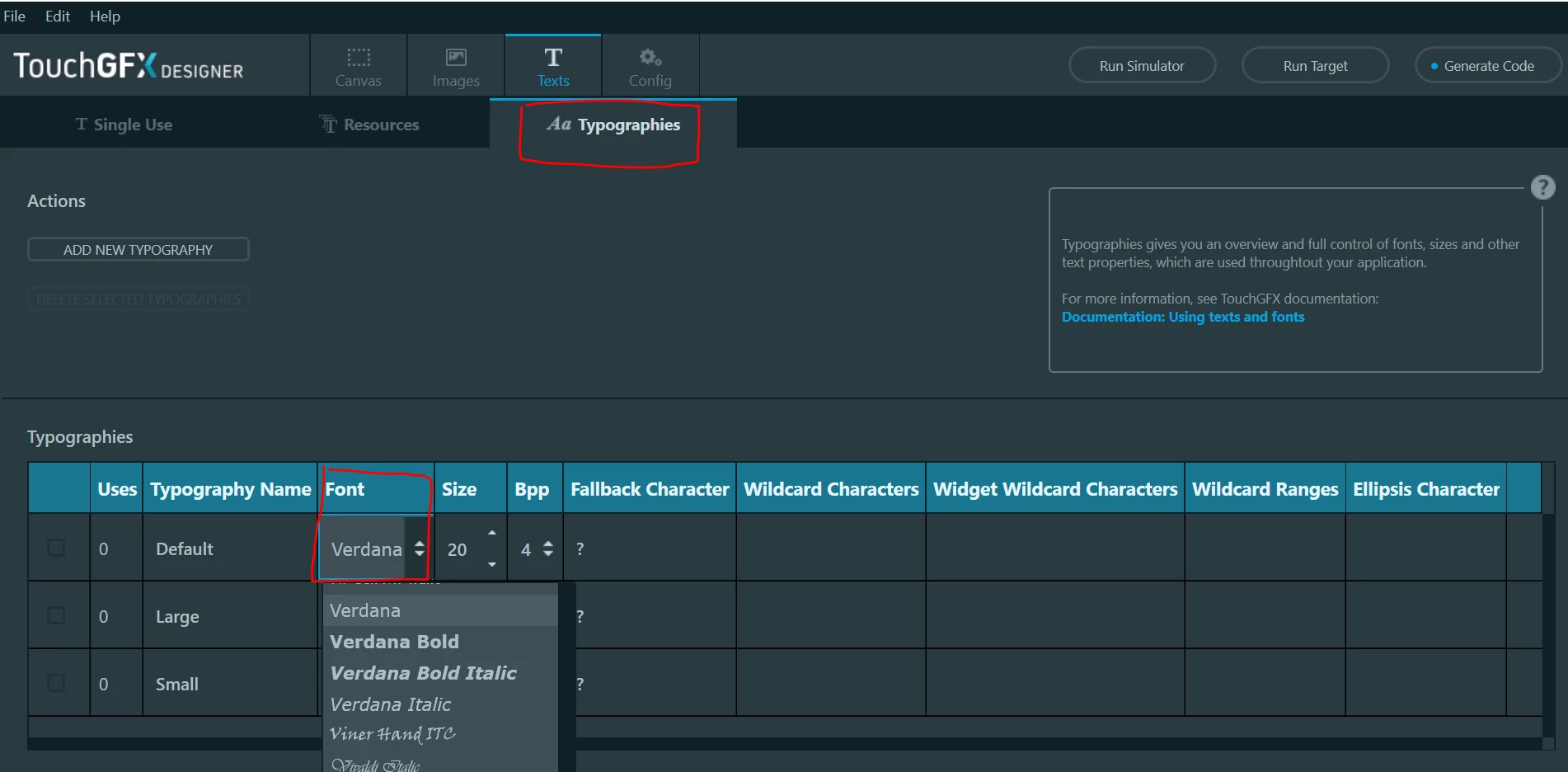
 Within that tab, go to the Typographies tab. You can now see the different typographies you can use in your project (you can create new ones). You have a font property for all typographies which you can change to the font you have now added.
/Romain
Enter your E-mail address. We'll send you an e-mail with instructions to reset your password.
