


Sprak.11
Associate II
July 25, 2020
Question

I want to know how to create a .exe software to communicate my STM32F446RE through USART

  • July 25, 2020
  • 6 replies
  • 2424 views

i want o create a .exe same like mentioned below,

its taken from :AN30640693W000003BI4oQAG.png
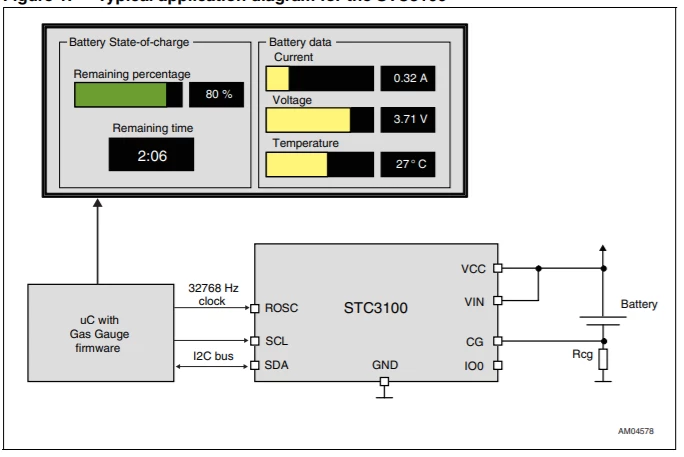
I want to create a software to communicate STM32F446RE through UART1 to change the UART2 parameter setting & to see the certain variable value Declare in code.

And then need to export that page of the Software as PDF.

This topic has been closed for replies.

6 replies

gregstm
Senior II
July 26, 2020

I've used Delphi (Pascal) to create my own custom downloader/terminal to communicate with the STM32 bootloader (and for debugging). Not sure of the availability of Delphi these days (I bought it over 20 years ago) - but it sounds like freepascal does a similar job these days. The following link talks about serial access - https://wiki.freepascal.org/Hardware_Access

TDK
July 26, 2020

A lot of programming languages out there can create EXEs. Do you have experience with any of them?

UART would most likely need to be converted to a USB serial port with an FTDI chip.

"If you feel a post has answered your question, please click ""Accept as Solution""."
S.Ma
Principal
July 26, 2020

use stlink to program and peek internal variables or even breakpoint to manually tune usart2 control registers. in stm32 st boards, usart1 is usb bridged by st link too. otherwise, on android phone, use hc-05 bluetooth cheap stick to make wireless connection to bluetooth electronics app

Tesla DeLorean
Guru
July 26, 2020

Not sure how a PDF is involved, but opening is COM port and transmitting data back and forth is something you should be able to find a million examples for.

Tips, Buy me a coffee, or three.. PayPal Venmo (See Profile) Up vote any posts that you find helpful, it shows what's working..
KnarfB
Super User
July 26, 2020

You may look at the STM32 Cube Monitor software for easy drafting some GUI IO panels.

Matlab can do similar things.

For serious multi-platform GUI programming at the C++ level, I recommend Qt.

berendi
Principal
July 26, 2020

I'd too recommend Qt, it comes with a GUI creator module, and classes for handling serial ports and creating PDF documents.

prain
Visitor II
July 27, 2020

​Use QT. It can be used for your need and can be ported to many operating systems like windows, mac, android, linux.

It​ has many serial port examples just use google