


Question
SDRAM bad resolution on LCD
hello everyone
i have been working with a custom board F429IG
LTDC RGB565
SDRAM 32MB 16bit data width
STMCUBE IDE and CUBEMX 5.6
i have tested each hardware separately and they seem to work fine .
created a project to show just a button in 7" LCD 800X480 resoulotion
at first i programed the micro to use extrenal SDRAM as buffer but the picture went very bad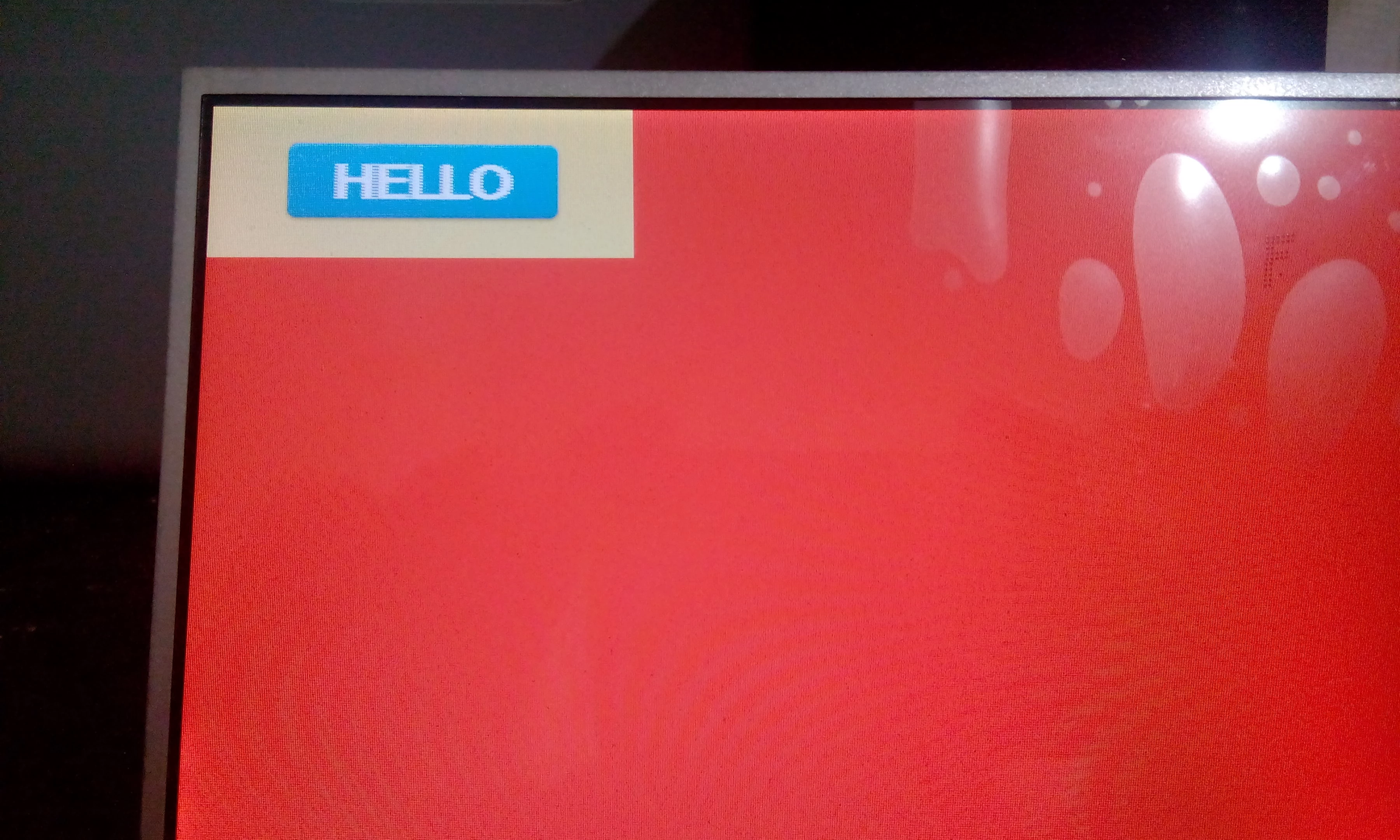
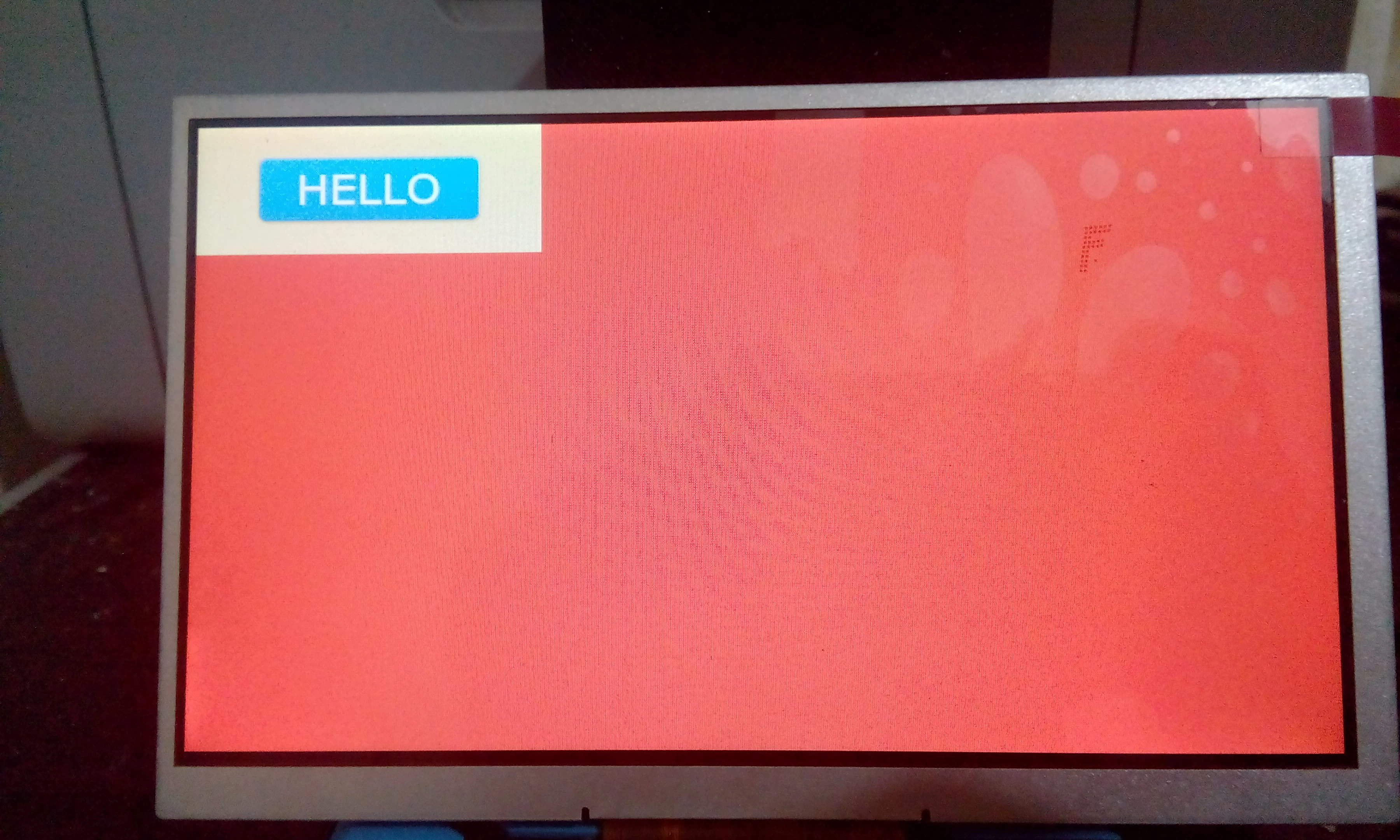
then i changed the SDRAM address from 0XC0000000 to internal address of 0X20020000 and i get this result which is perfect
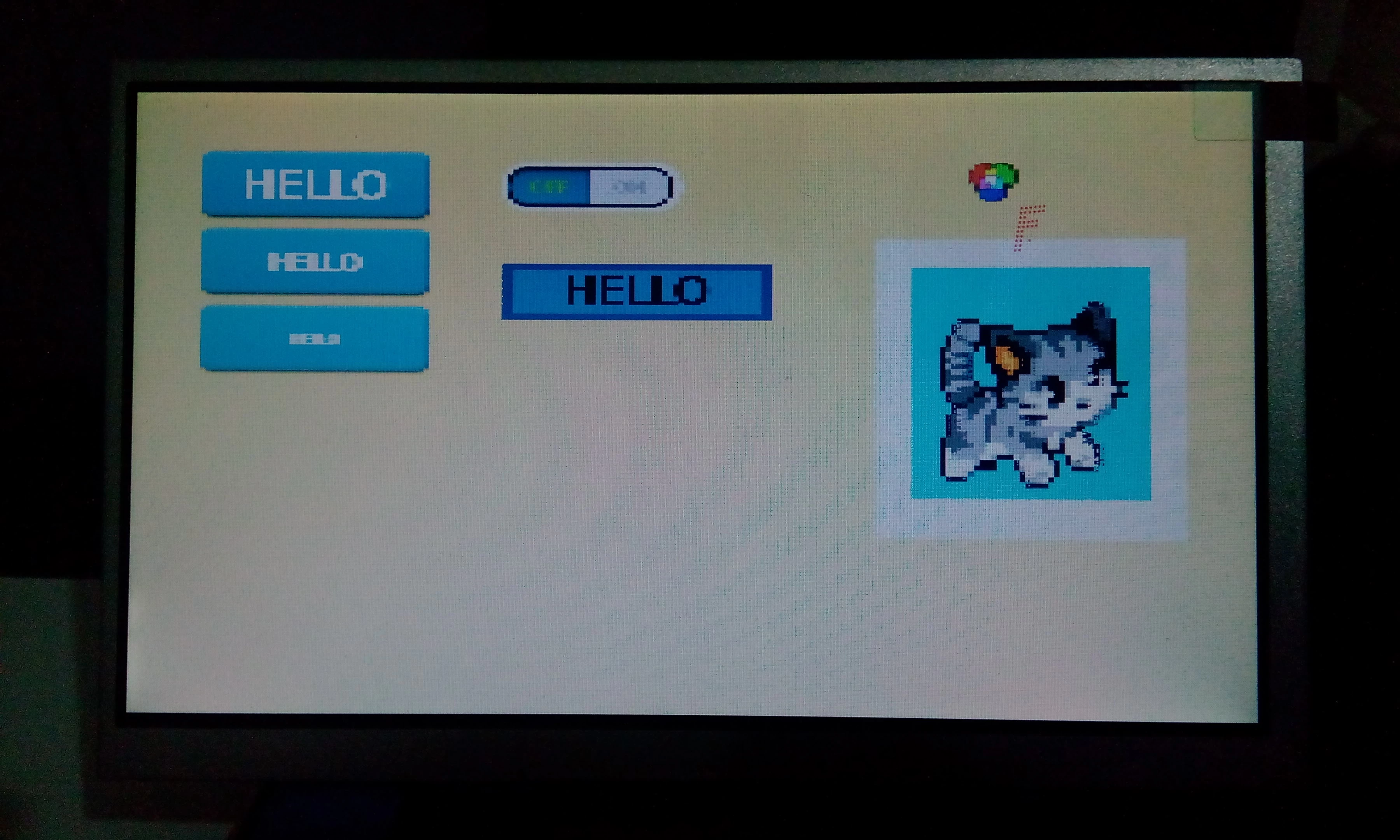
here is 2 other pictures from 800x480 test in external memory
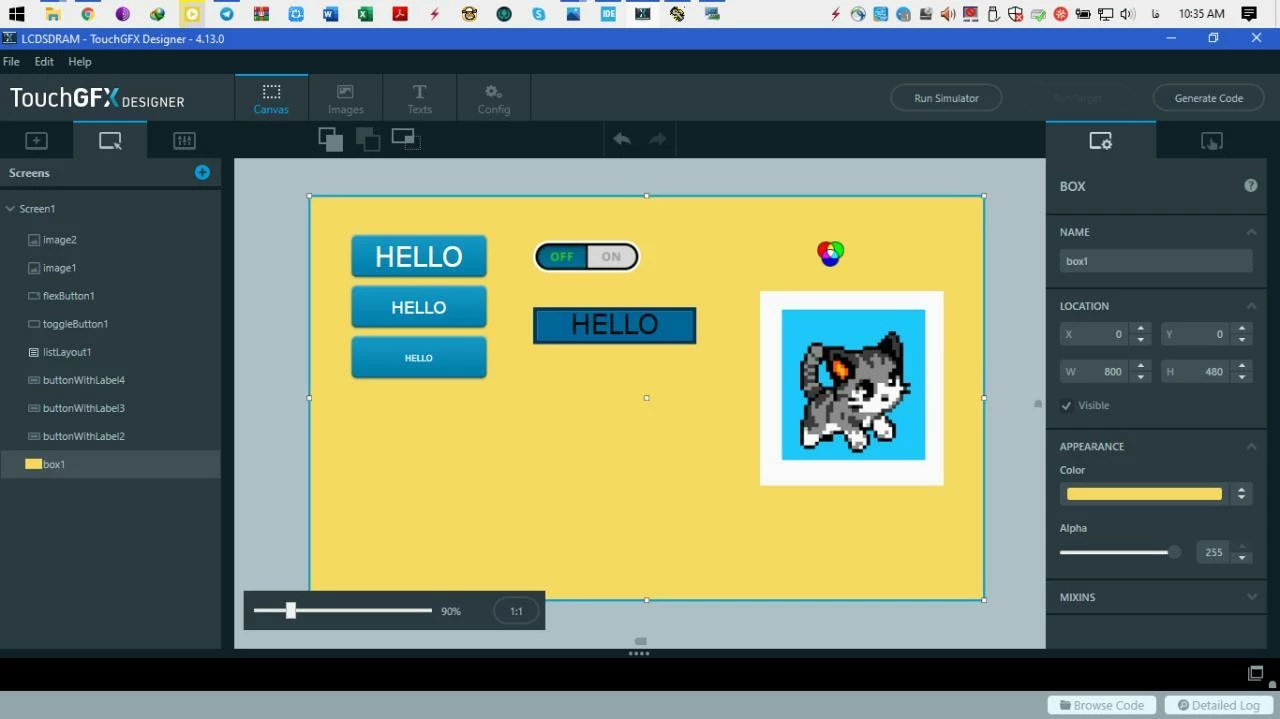
and my memory configuration
 /** Perform the SDRAM1 memory initialization sequence
 */
 hsdram1.Instance = FMC_SDRAM_DEVICE;
 /* hsdram1.Init */
 hsdram1.Init.SDBank = FMC_SDRAM_BANK1;
 hsdram1.Init.ColumnBitsNumber = FMC_SDRAM_COLUMN_BITS_NUM_9;
 hsdram1.Init.RowBitsNumber = FMC_SDRAM_ROW_BITS_NUM_13;
 hsdram1.Init.MemoryDataWidth = FMC_SDRAM_MEM_BUS_WIDTH_16;
 hsdram1.Init.InternalBankNumber = FMC_SDRAM_INTERN_BANKS_NUM_4;
 hsdram1.Init.CASLatency = FMC_SDRAM_CAS_LATENCY_3;
 hsdram1.Init.WriteProtection = FMC_SDRAM_WRITE_PROTECTION_DISABLE;
 hsdram1.Init.SDClockPeriod = FMC_SDRAM_CLOCK_PERIOD_2;
 hsdram1.Init.ReadBurst = FMC_SDRAM_RBURST_ENABLE;
 hsdram1.Init.ReadPipeDelay = FMC_SDRAM_RPIPE_DELAY_0;
 /* SdramTiming */
 SdramTiming.LoadToActiveDelay = 2;
 SdramTiming.ExitSelfRefreshDelay = 7;
 SdramTiming.SelfRefreshTime = 6;
 SdramTiming.RowCycleDelay = 6;
 SdramTiming.WriteRecoveryTime = 5;
 SdramTiming.RPDelay = 2;
 SdramTiming.RCDDelay = 2;

 if (HAL_SDRAM_Init(&hsdram1, &SdramTiming) != HAL_OK)
 {
 Error_Handler( );
 }


 HAL_SDRAM_WriteProtection_Disable(&hsdram1);
 HAL_Delay(100);
 FMC_SDRAM_CommandTypeDef command;
 ///////////////////////////////////////////////////////////Clock
 command.CommandMode= FMC_SDRAM_CMD_CLK_ENABLE;
 command.CommandTarget= FMC_SDRAM_CMD_TARGET_BANK1;
 command.AutoRefreshNumber=1;
 command.ModeRegisterDefinition=0;
 HAL_SDRAM_SendCommand(&hsdram1, &command, 5000);
 HAL_Delay(10);
 ///////////////////////////////////////////////////////////Precharge
 HAL_Delay(100);
 command.CommandMode= FMC_SDRAM_CMD_PALL;
 command.CommandTarget= FMC_SDRAM_CMD_TARGET_BANK1;
 command.AutoRefreshNumber=1;
 command.ModeRegisterDefinition=0;
 HAL_Delay(10);
 ///////////////////////////////////////////////////////////SELF REFRESH
 command.CommandMode= FMC_SDRAM_CMD_SELFREFRESH_MODE;
 command.CommandTarget= FMC_SDRAM_CMD_TARGET_BANK1;
 command.AutoRefreshNumber=10;
 command.ModeRegisterDefinition=0;
 HAL_SDRAM_SendCommand(&hsdram1, &command, 5000);
 HAL_Delay(10);
 ///////////////////////////////////////////////////////////MODE SETTINGS
 command.CommandMode= FMC_SDRAM_CMD_LOAD_MODE;
 command.CommandTarget= FMC_SDRAM_CMD_TARGET_BANK1;
 command.AutoRefreshNumber=1;
 command.ModeRegisterDefinition=0X00000133;
 HAL_SDRAM_SendCommand(&hsdram1, &command, 5000);
 HAL_Delay(10);
 HAL_SDRAM_SetAutoRefreshNumber(&hsdram1, 730);
My SDRAM is MT48LC16m16
i Think i am missing something but i cant figure it out
i am using no OS and tested the program with and without ChromeART (same result)