

Solved
Compilation errors in project created from STM32F0429 board with touchGFX interface
Hello all,
We are working on STM32F429 Discovery board.
Following are the steps we followed to create a project in TrueStudio using CubeMX and TouchGFX
- Create a project in CubeMX by defining STM32F429 Discovery board .
- Do the configuration in GRAPHICS as shown in the screenshot as an attachment herewith
- Generate the code
- Open TouchGFX project throuch "Execute" button on the same screen
- Add a simple image in TouchGFX
- Generate the code in TouchGFX
- Again open CubeMX and generate the code in TrueStudio
- Compile the project created in TrueStudio containing CubeMX with UI created in TouchGFX
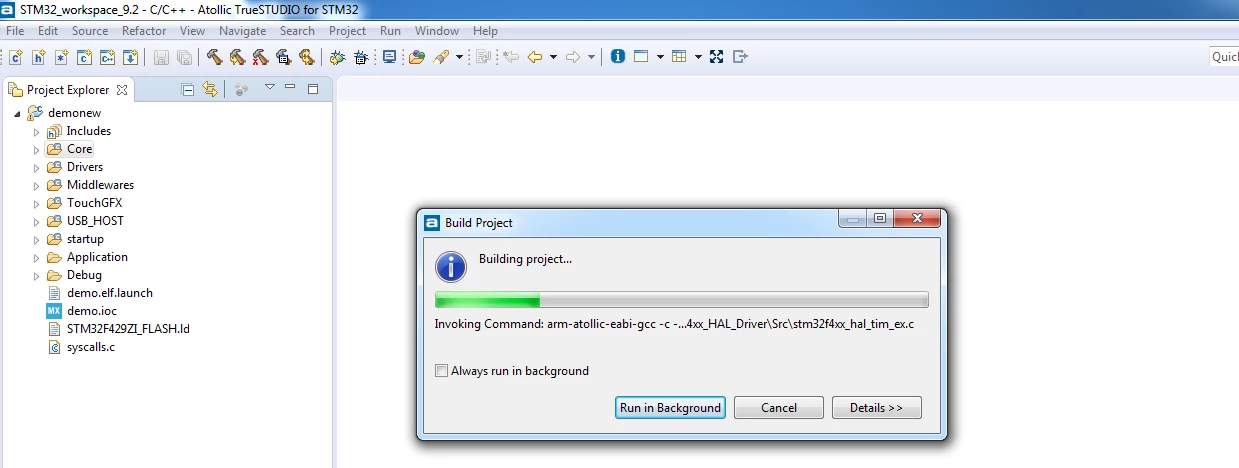
But this results in compilation and linking errors as shown in below screenshots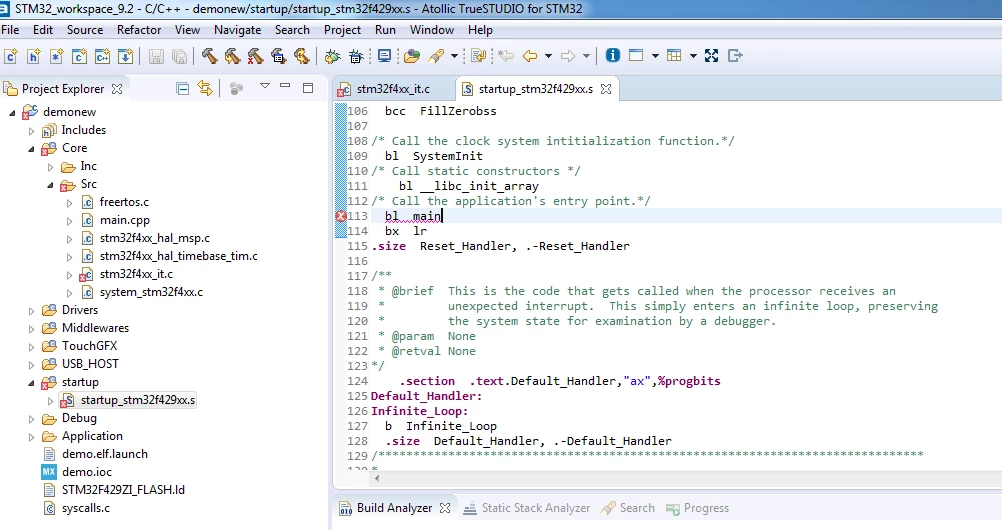
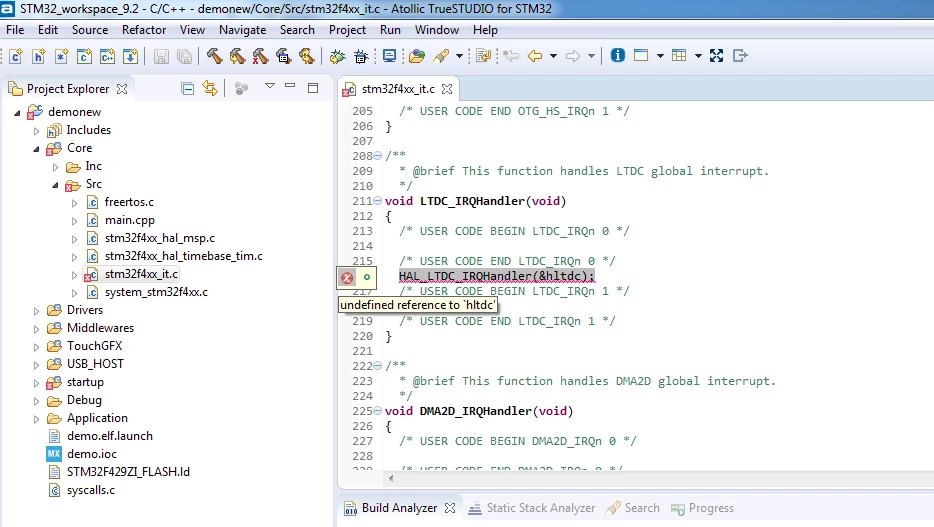
Please help me with the solution to above errors
UPDATE:
One more change I did in testing today.
- Create a CubeMX project with GRAPHICS enabled
- Generate the code and compile it in TrueSTUDIO without any touchGFX interface attached to it.
RESULT: Same compilation errors as above
There are no compilation/linking errors without GRAPHICS enabled.
