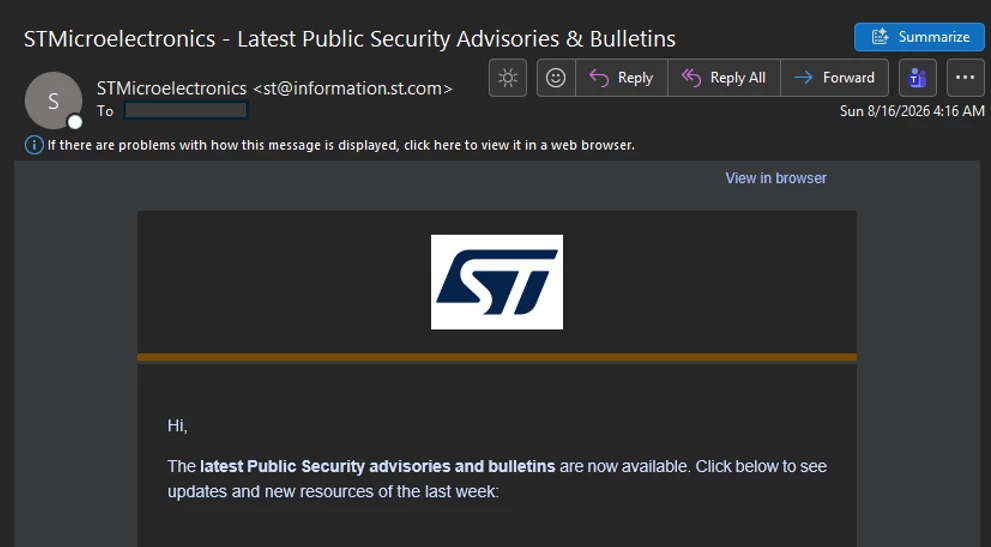
How to activate the ST Public Security Advisories & Bulletins publication notification
If you want to be informed when a new Public Security Advisory or Bulletin is published, you can enable security notifications in your MyST account.
- Sign in to your MyST account. https://my.st.com/cas/login
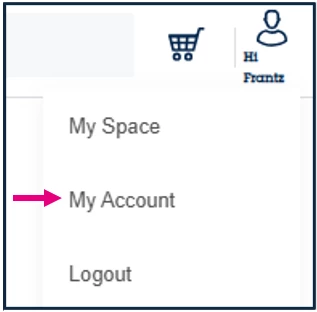
- Go to “My Account”.
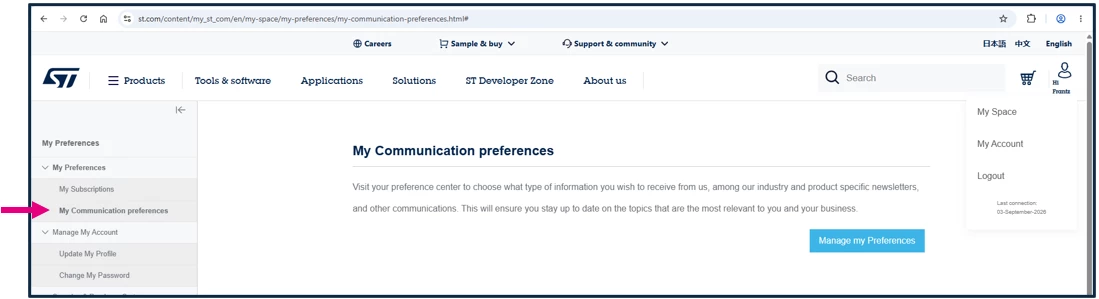
- Select “My communication preference”.
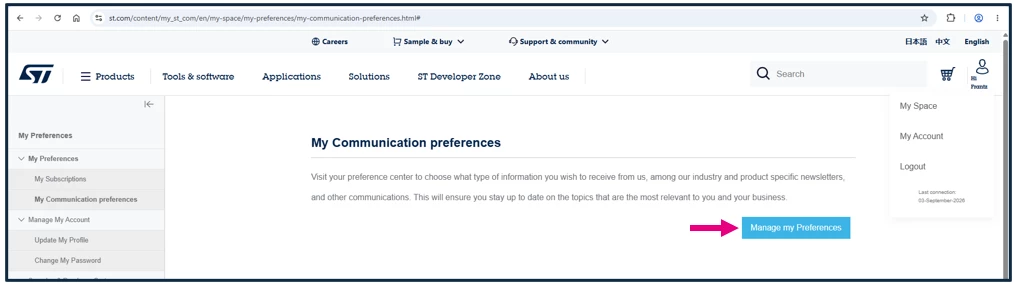
- Click on “Manage my preference”.
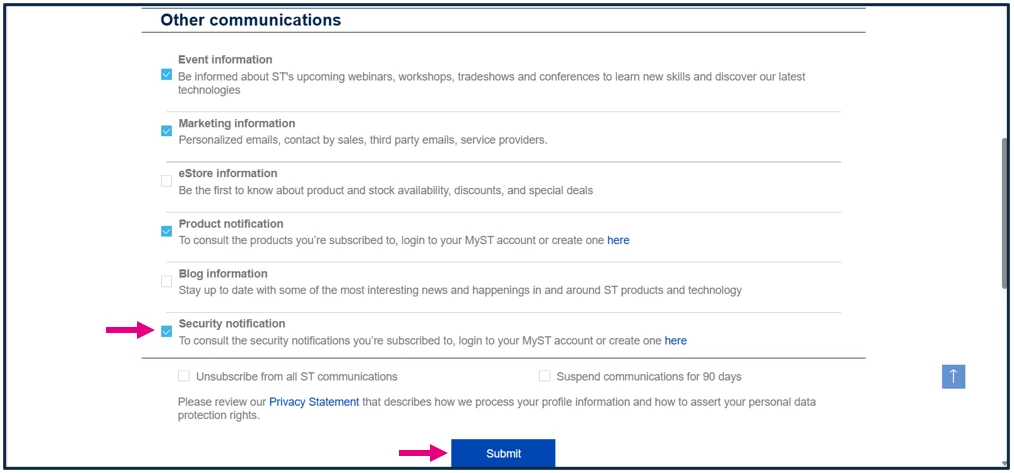
- Scroll down to the “Other communications” section.
- Tick “Security notification”.
- Click “Submit”
Once this is done, you will receive an email notification each time a new ST Public Security Advisory or Bulletin is published.