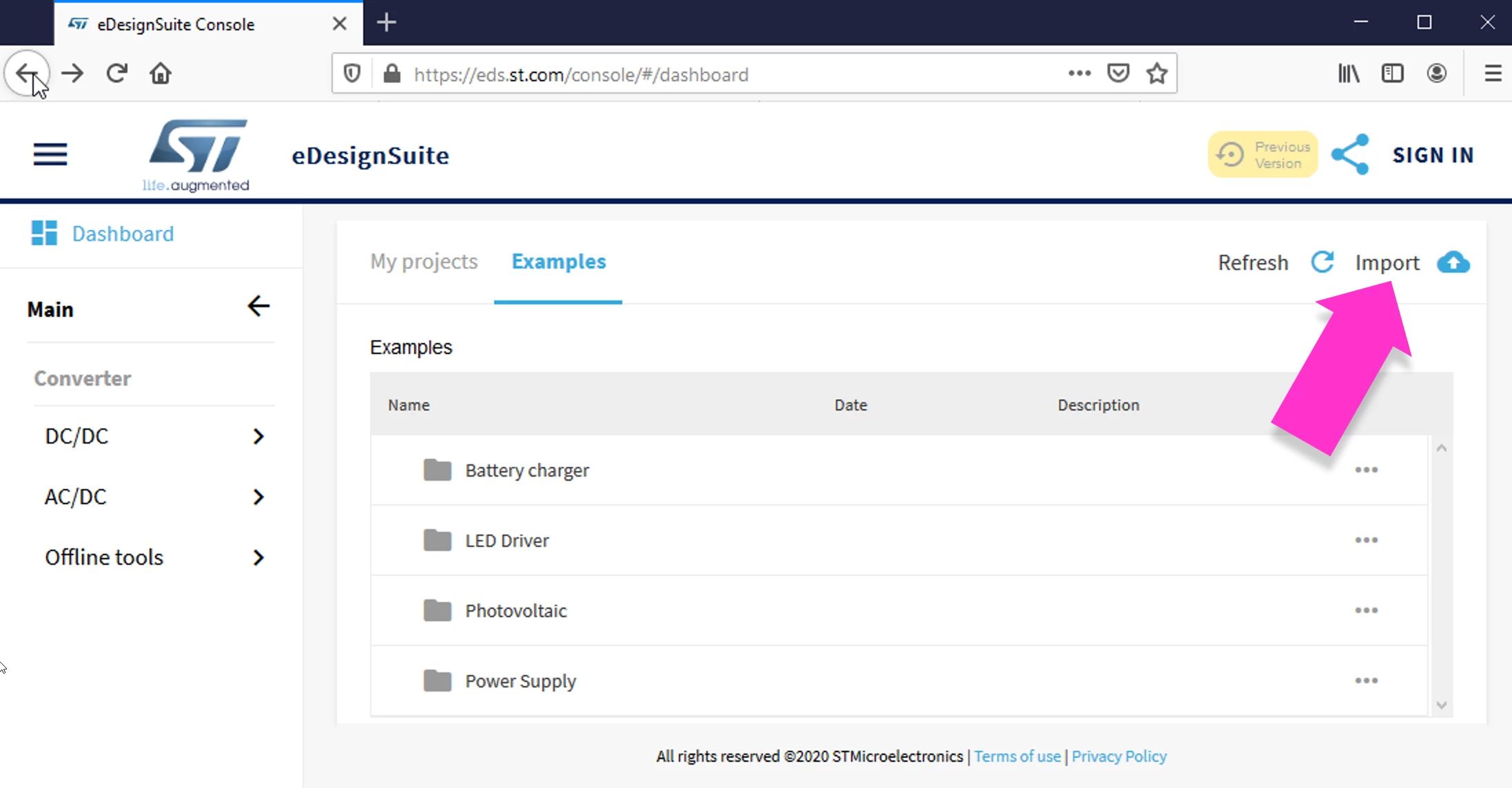
on the left-side menu of the Main window of eDsesignSuite, click on `Dashboard`, it opens the section from where you can open previously saved project or load examples we provide or import `. prj` files => at the top-right corner of the Dashboard section/window you will find the "Import" link-button.
Please, be aware that old exported projects can be imported back only from their originator modules, some of them would require Flash Player Plugin
on the left-side menu of the Main window of eDsesignSuite, click on `Dashboard`, it opens the section from where you can open previously saved project or load examples we provide or import `. prj` files => at the top-right corner of the Dashboard section/window you will find the "Import" link-button.
Please, be aware that old exported projects can be imported back only from their originator modules, some of them would require Flash Player Plugin