


Question
STEVAL-MKI109V3 doesn't work after firmware upgrade to ProfiMEMSToolV3.6.4
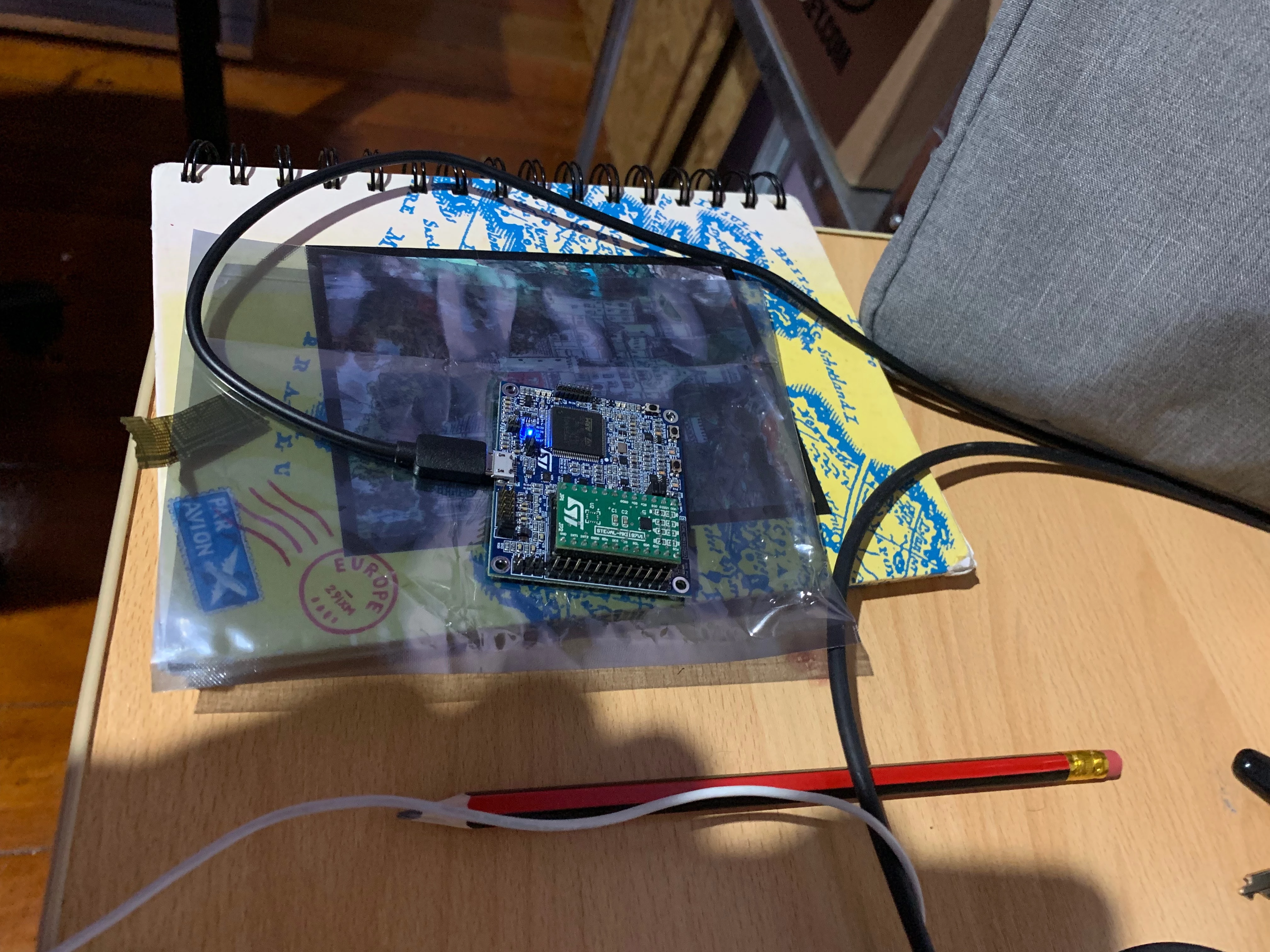
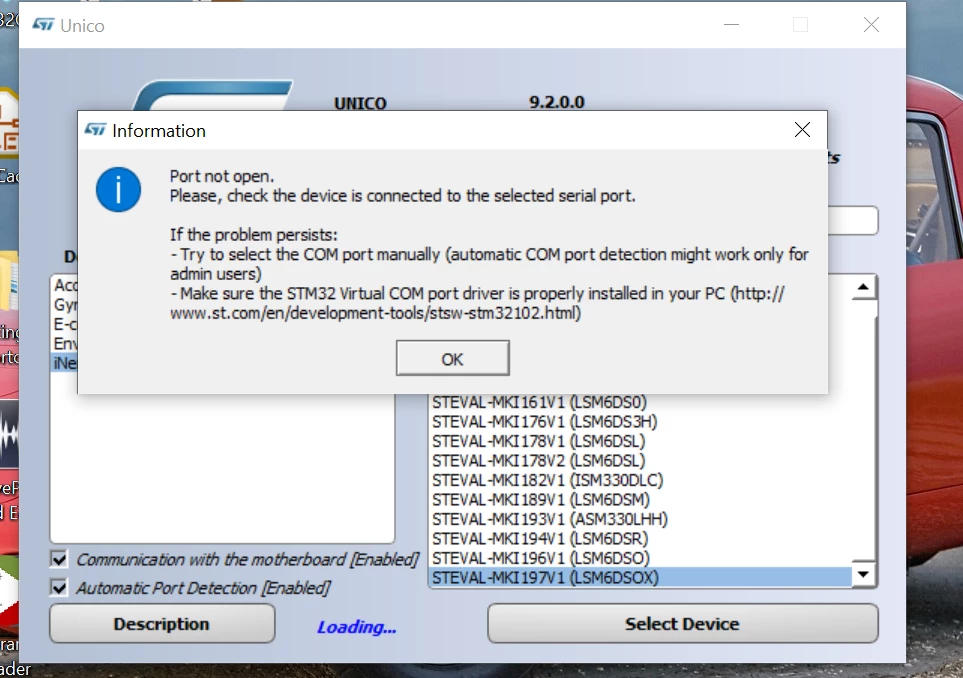
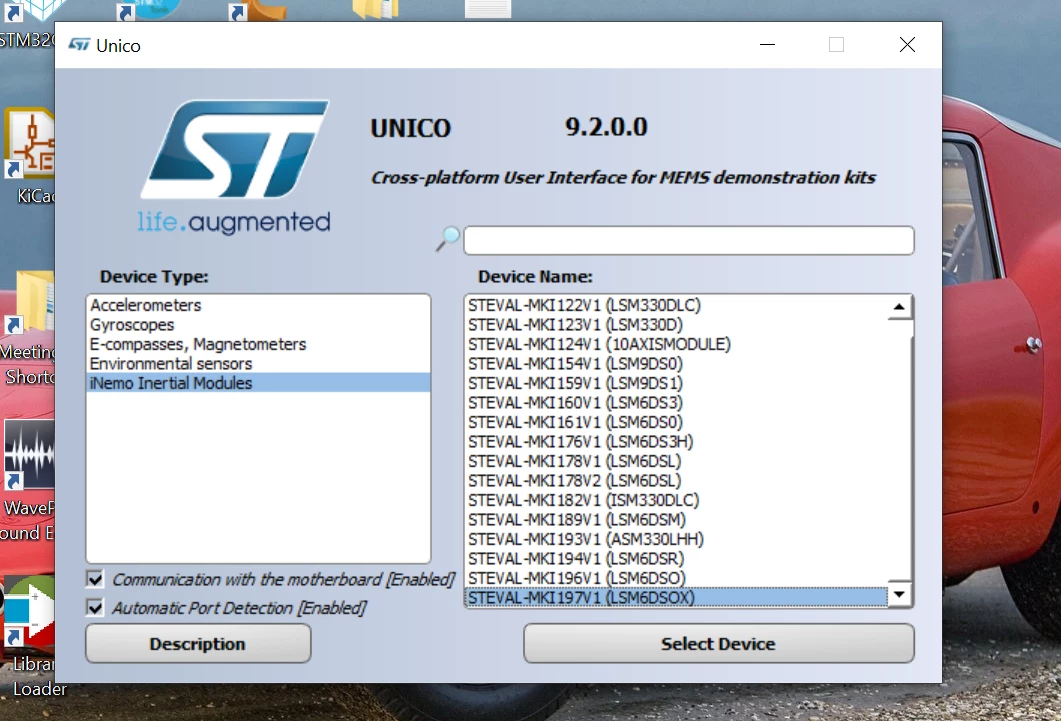
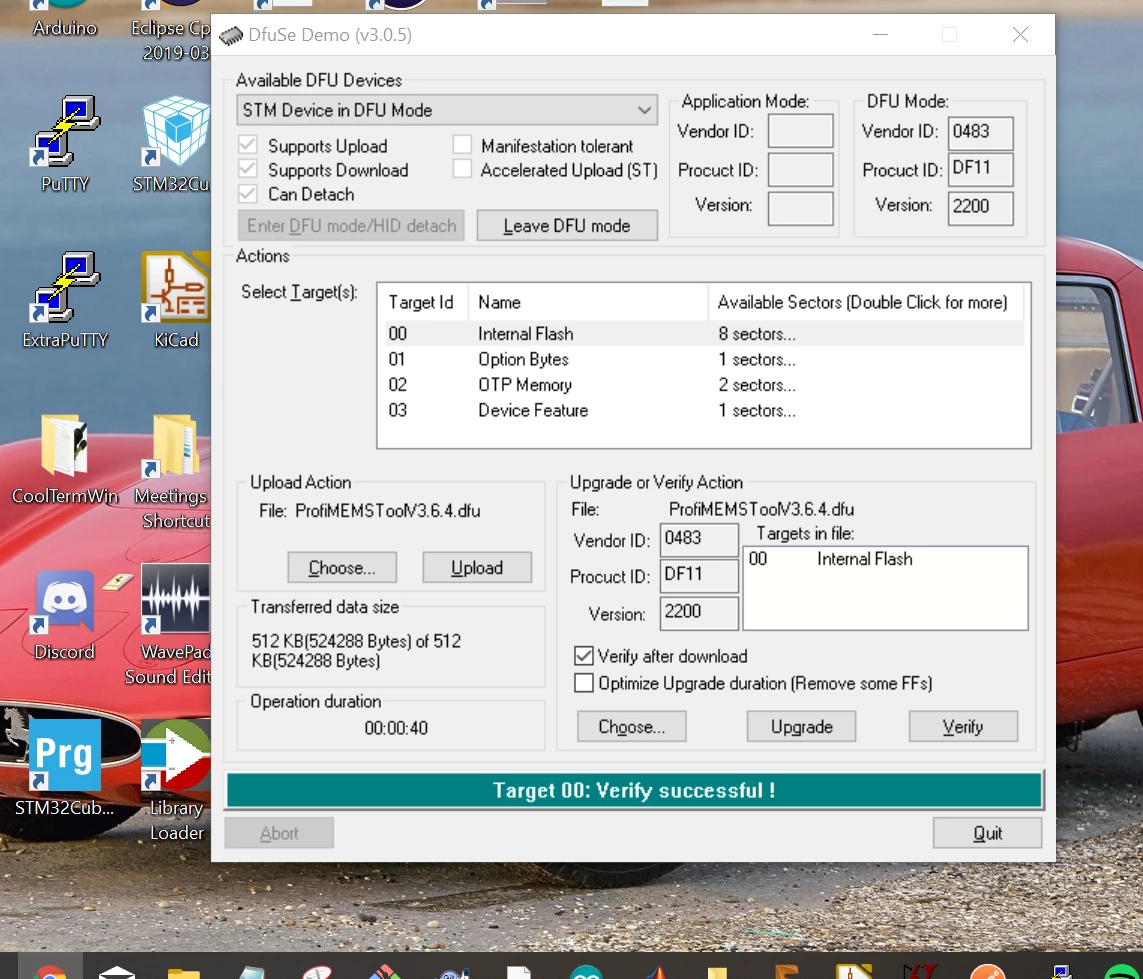 After upgrading the firmware to 'ProfiMEMSToolV3.6.4.dfu' using DfuSE, the blue LED on the board doesn't turn ON and it doesn't show up under any virtual COM ports in my laptop. Attached screenshots. Where am I going wrong? How can I debug this?
NOTE: the blue LED on picture above is when the motherboard is in DFU mode. Exiting DFU mode the LED turns OFF and the board isn't picked up by my laptop.