Solved
Sensor TileBox Pro - orientation of X,Y,Z axes ?
So, I was showing some friends in England how to use the Sensor TileBox Pro to measure a building, using the modified CLI_EXAMPLE program.
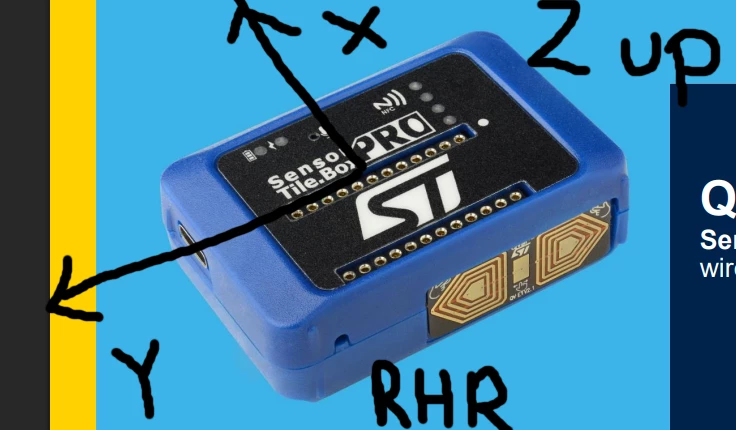
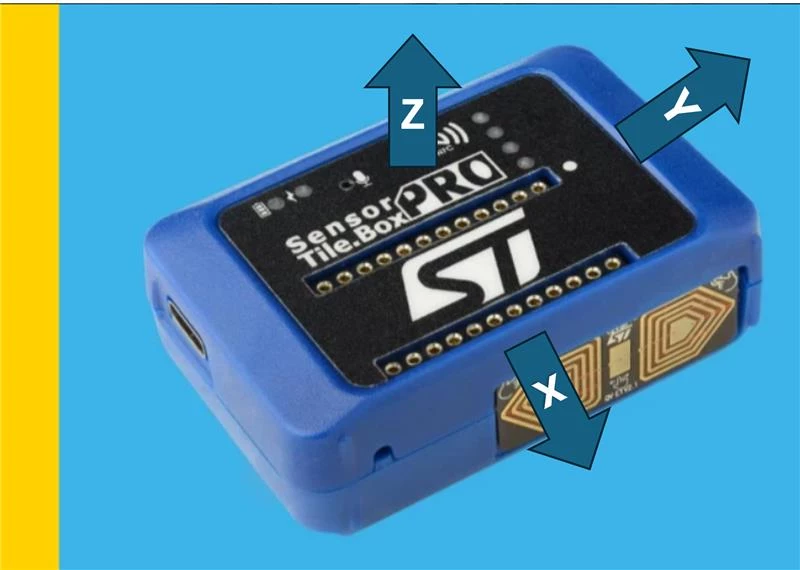
So starting analysis, the X axis now representing gravity vector in the table, I knew I had the box sitting on its side in a slot in the column, so if I am looking at the box, I was wondering what axis system matched the box and the unit.
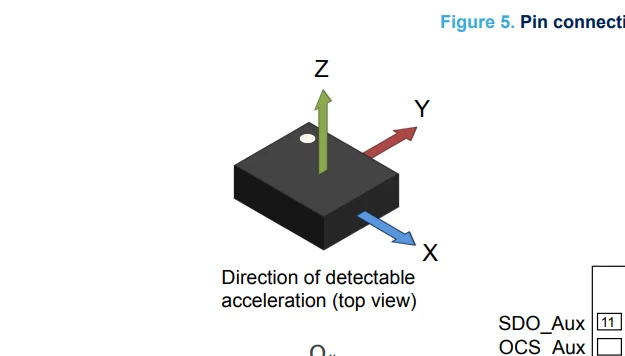
Your data sheet shows
The whit dot is important
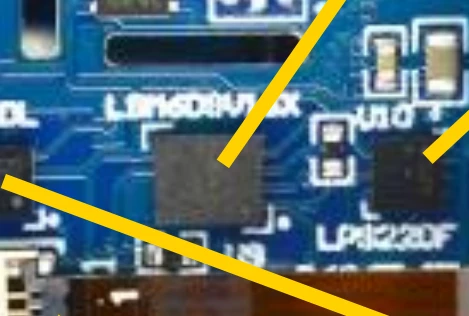
I think the white dot is in the bottom right hand corner, is the white dot on the board an indicator
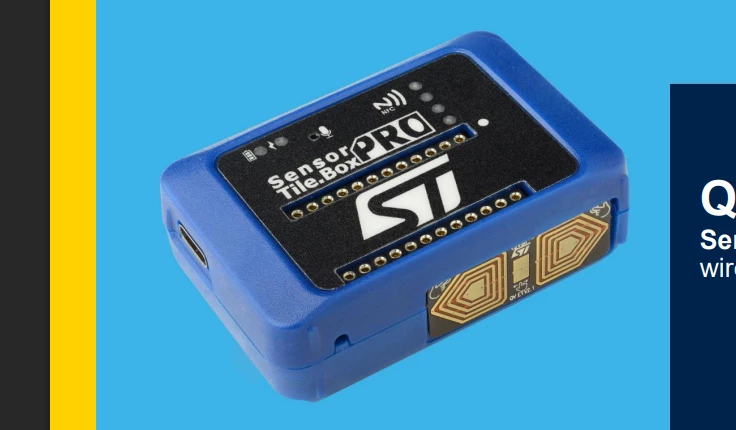
so X is parallel to the short axis of the box laying down, the Y axis is parallel to the long axis lying down and the Z axis is vertical. Please confirm, as I have no desire to take the box apart.