

Explorer
Mar 26, 2025 7:32 PM UTC
Solved

MEMS Studio Not Detecting STEVAL-MKI109D

I followed 'STEVAL-MKI109D Professional MEMS Tool motherboard for MEMS adapter boards' and installed MEMS Studio.

I then placed STEVAL-MKI250KA on STEVAL-MKI109D by following UM3420 and AN6173.  When I boot MEMS Studio, it just does not recognise the board either via bluetooth or serial.  
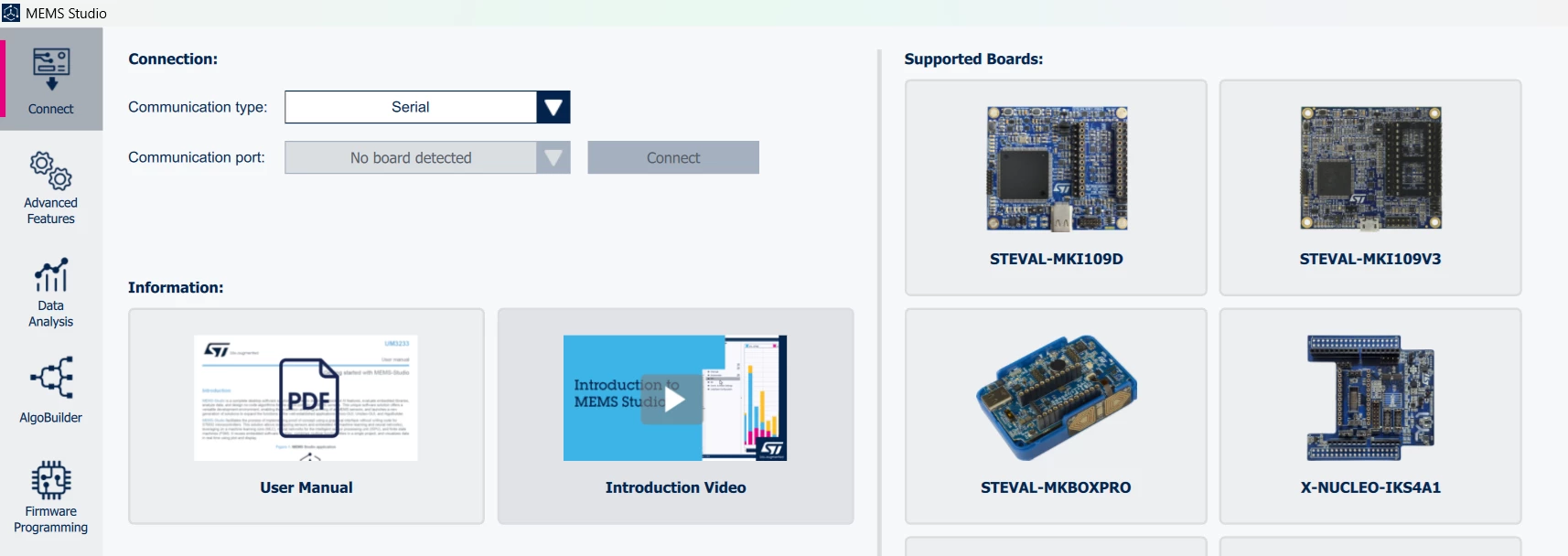
no conn.png

I also installed https://www.st.com/en/development-tools/stsw-stm32102.html

Any ideas what I am doing wrong?

This topic has been closed for replies.
Federica Bossi
Federica BossiBest answer
ST Technical Moderator
Mar 27, 2025 2:47 PM UTC

Hi @seanjm ,

STEVAL-MKI109D does not have bluetooth this is why it does not work.
As for the serial, have you installed cube programmer?

In order to give better visibility on the answered topics, please click on 'Best answer' on the reply which solved your issue or answered your question.

1 reply

Federica Bossi
Federica BossiBest answer
ST Technical Moderator
Mar 27, 2025 2:47 PM UTC

Hi @seanjm ,

STEVAL-MKI109D does not have bluetooth this is why it does not work.
As for the serial, have you installed cube programmer?

In order to give better visibility on the answered topics, please click on 'Best answer' on the reply which solved your issue or answered your question.