Configuration of pedometer for Regression Tool
Hello,
I’m having some problems with regression tool configuration for pedometer.
I'm having some issues with the regression tool configuration for the pedometer. I’m using the STEVAL-MKI109D and STEVAL-MKI238A with MEMs Studio tool (FW: 2.10.2).
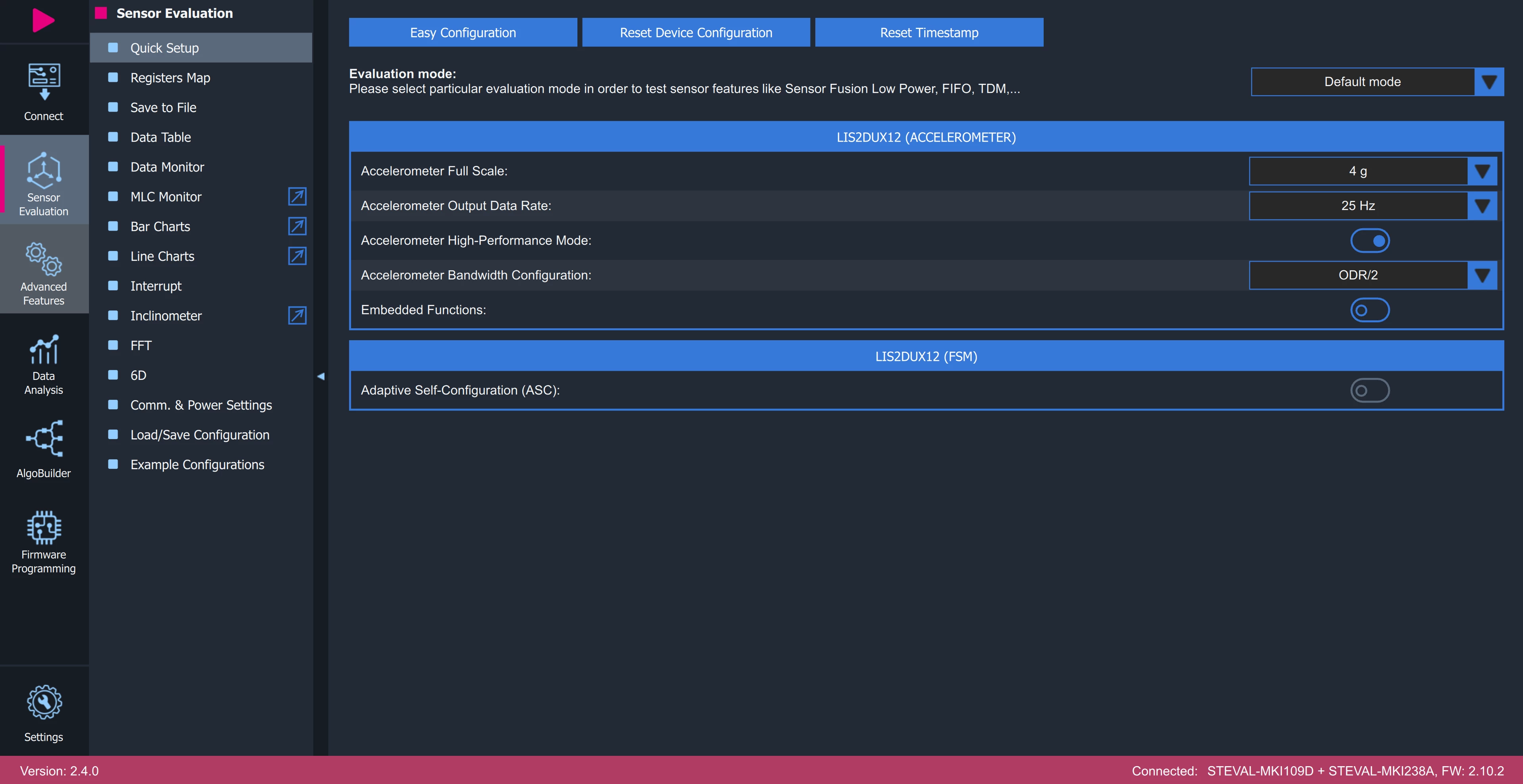
First, I set up the sensor using 'Easy Configuration' and changed the Full Scale to ±4g, the Output Data Rate (ODR) to 25 Hz, enabled High-Performance mode, and set the bandwidth to ODR/2.
First, I recorded and saved different walking types (slow, normal, and fast, with 20 steps each) using the 'Save to file' tab. This only saves the Accelerometer data.
Next, I opened the Pedometer tab and ran the regression tool using these three files (fast_steps20.txt, normal_steps20.txt, and slow_steps20.txt). I selected the LIS2DUX12 sensor and tested it with the default settings for error type (Mean) and complexity level (50%). The generated results are in the attached zip file.
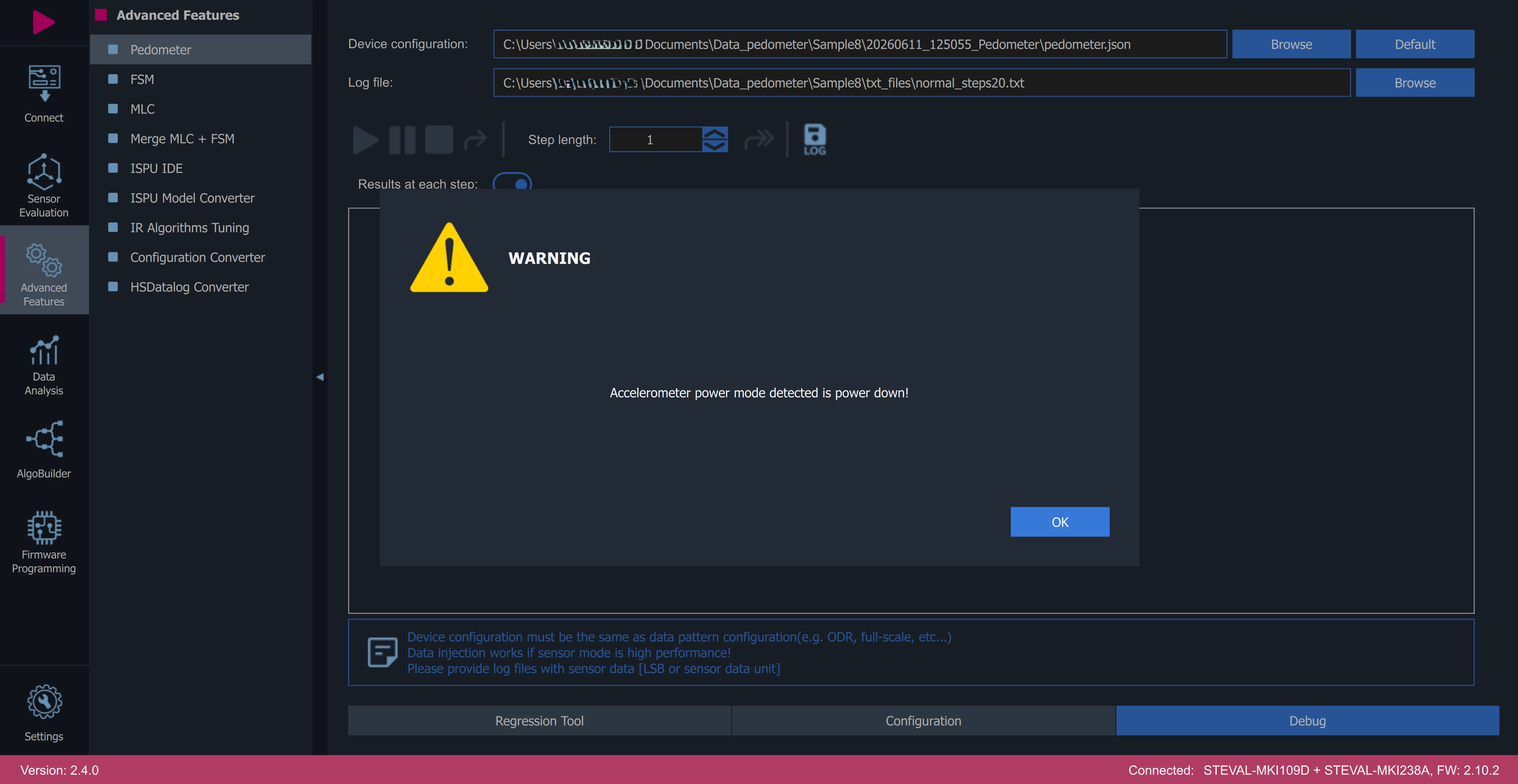
After that, I went to the debug page to test the results. I loaded the pedometer.json configuration and selected the normal_steps20.txt log file. However, the following warning appeared: 'Accelerometer power mode detected is power down!'.
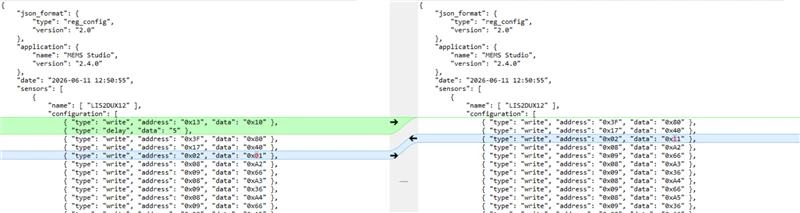
I tried modifying the JSON configuration file to enable high-power mode. Although the warning disappeared, the debug results were still incorrect.
How can I fix this?
Thanks,
GoncaloS