Solved
Change ODR in Sensor Tile Box PRO
Hello,
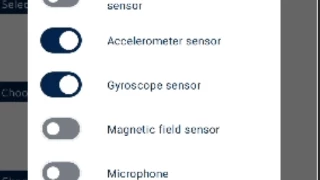
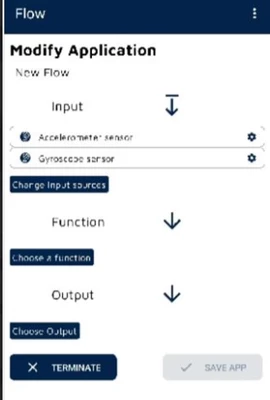
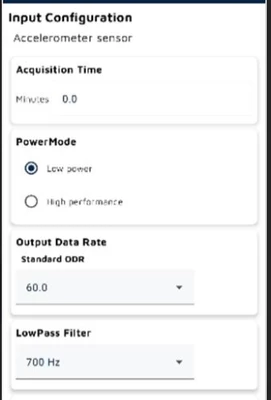
I'm working with MKBOXPRO and I'm using the Entry/Expert Firmware to send to my app via bluetooth accelerations and gyro speeds. I think default ODR is 60 Hz for both datas.
How can I modify ODR and increase it?
In case there isn't a way to do it wiithout coding which files of which fimrware I have to modify?
Thanks, best regards.C
Claudio De Checchi