

How to develop context-aware applications with STEVAL-MKI109D
- 0 replies
- 2775 views
Summary
This article showcases the recently released STEVAL-MKI109D evaluation board, designed for all ST MEMS sensors. This evaluation board can be used to evaluate a sensor for a new application, analyze data from different sensors, and build and test a configuration for ST MEMS sensors. Users can thus develop context-aware applications with MEMS sensors more quickly, powerfully and flexibly.
Introduction
The new STEVAL-MKI109D board is the new evaluation board for all ST MEMS sensors and it allows:
- Plugging different MEMS sensors through DIL24 adapter boards.
- Showing sensor outputs in a graphical user interface, perform data logging and data analysis.
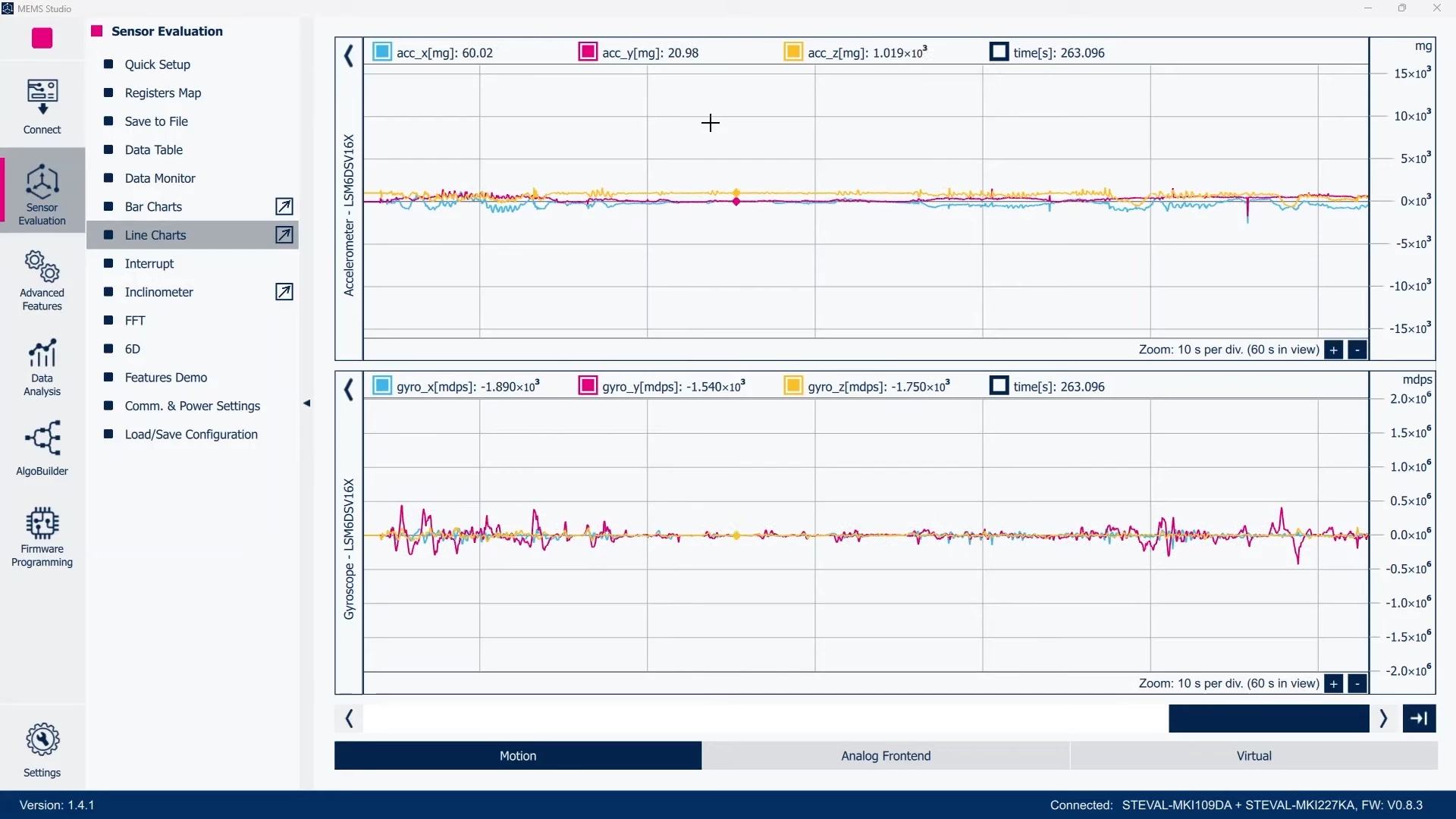 Figure 1: MEMS Studio - Sensor Evaluation, Line Charts
- Setting up a sensor configuration, or configuring the advanced features available in the latest MEMS sensors.
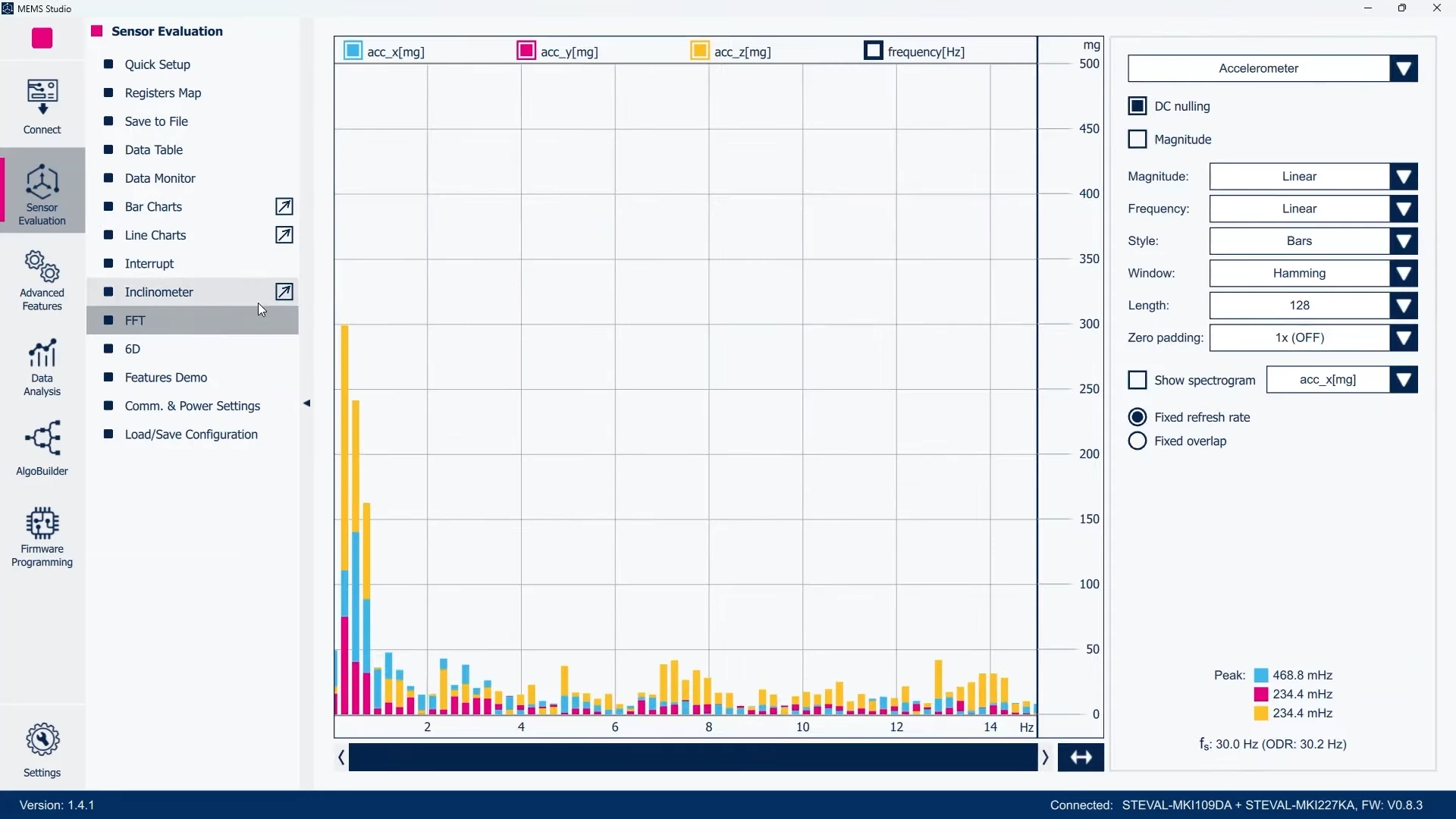 Figure 2: MEMS Studio - Sensor Evaluation, FFT
The STEVAL-MKI109D is the successor of the STEVAL-MKI109V3, and it continuously supports functionalities like:
- A programmable voltage power supply.
- An on-board dedicated circuitry for current measurement tests.
- Communication protocol changes on the fly.
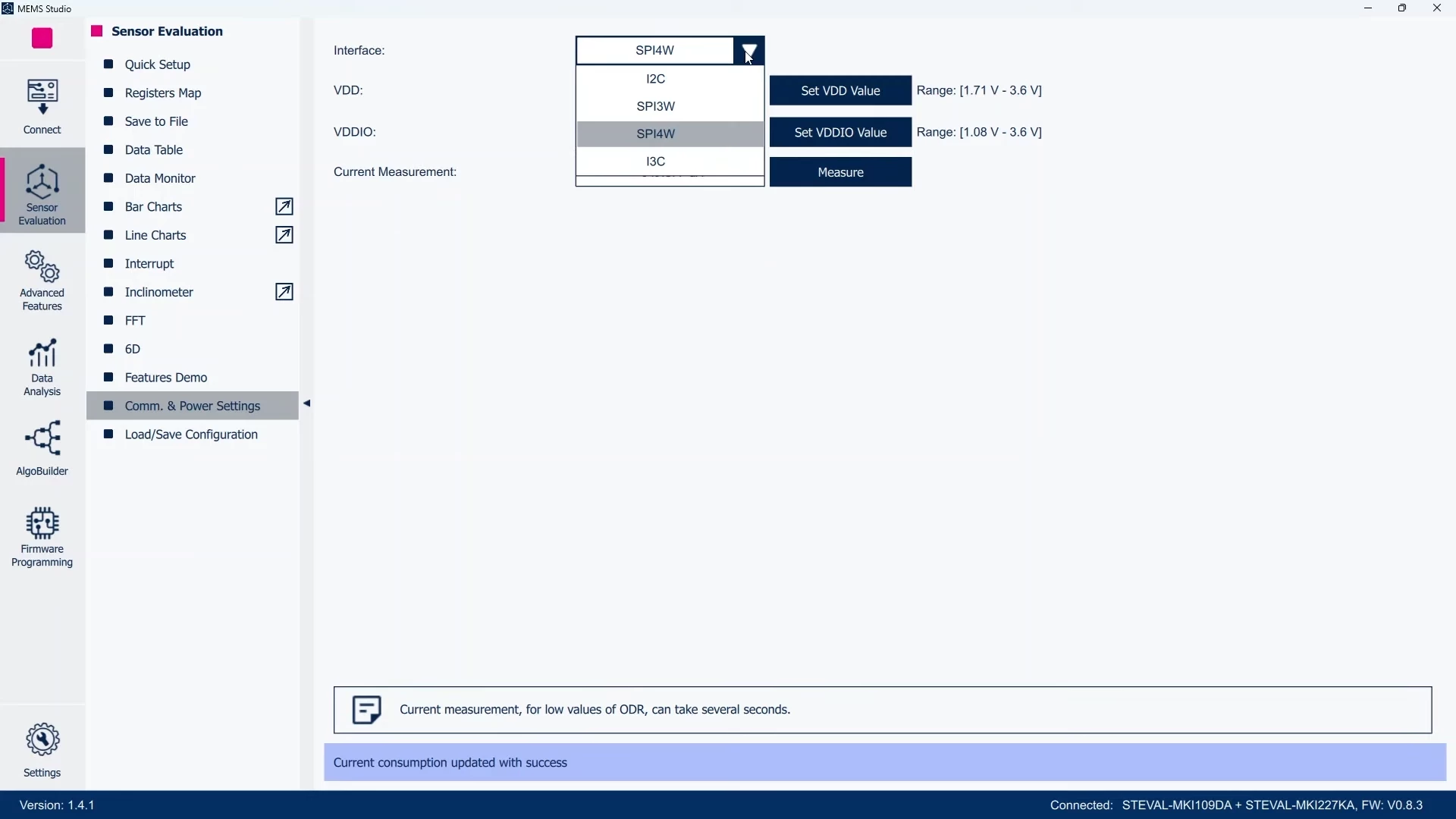 Figure 3: MEMS Studio - Sensor Evaluation, switch communication interface
Compared to the previous STEVAL-MKI109D generation, some additional features are available:
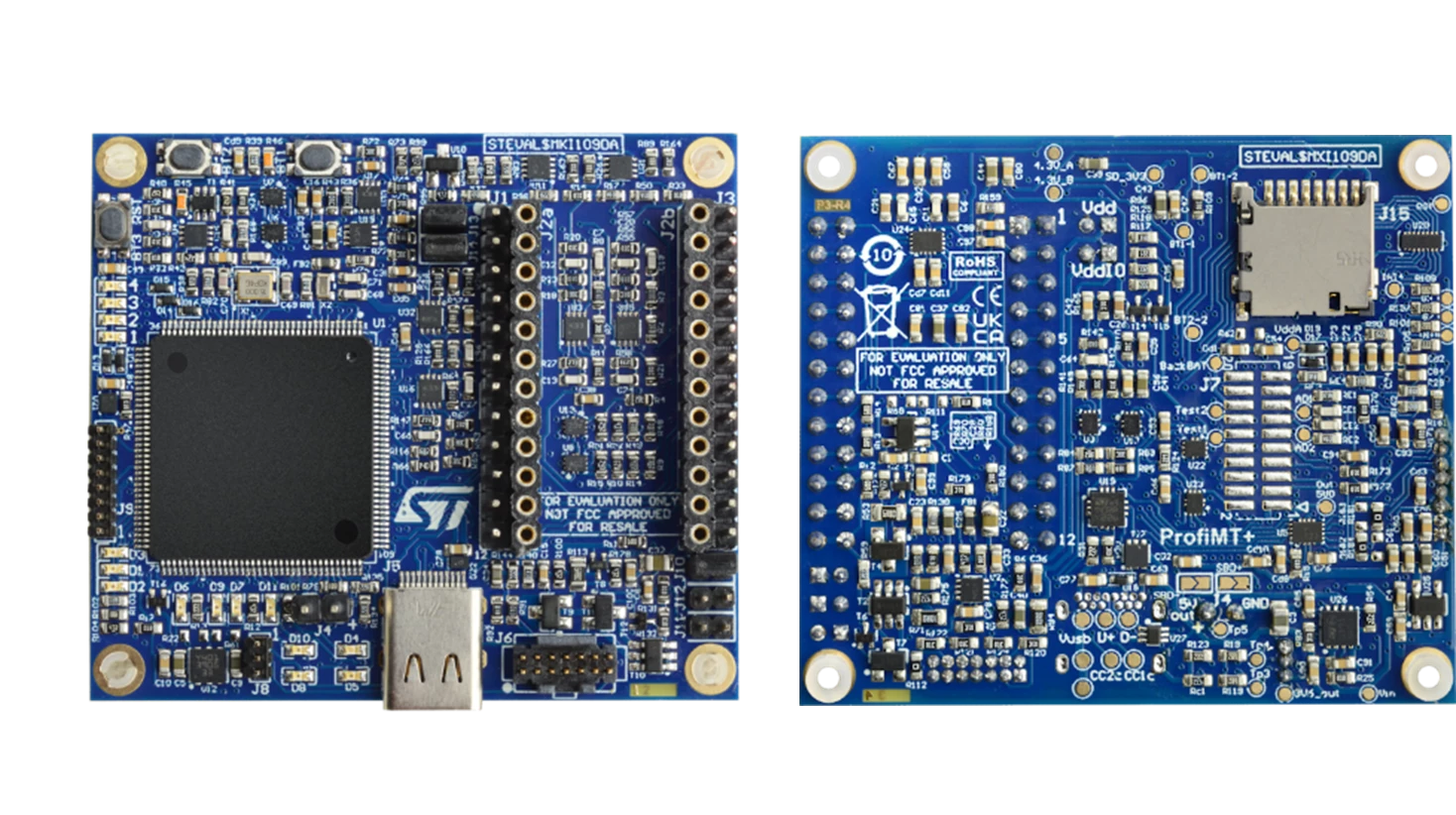 Figure 4: STEVAL-MKI109D
- A STM32H5 MCU controls the board.
- A USB Type-C® cable establishes a connection to the PC.
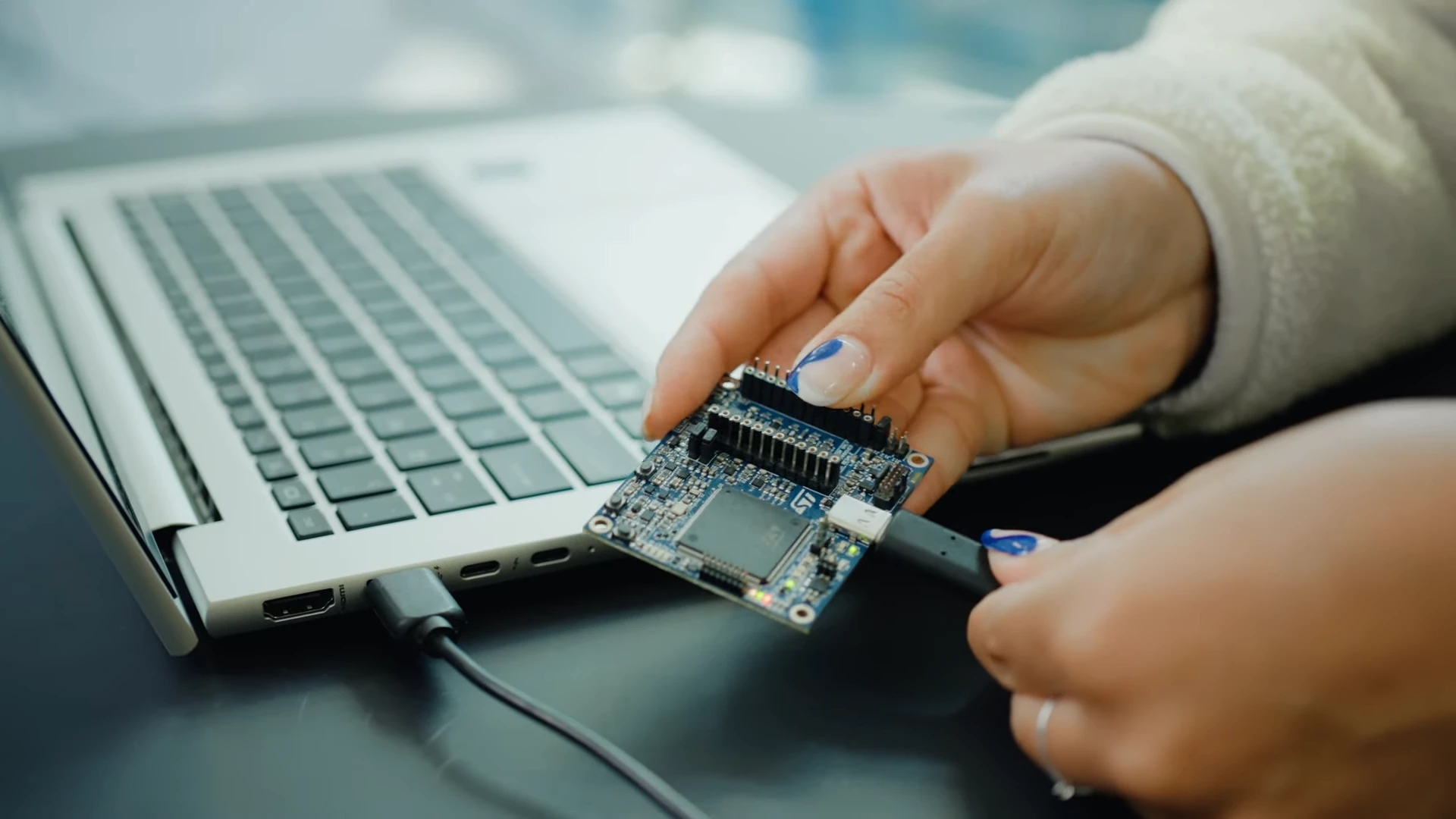 Figure 5: Connecting STEVAL-MKI109D to the PC through a USB type C cable
- STEVAL-MKI109D now supports I3C in addition to I²C, SPI, and TDM.
- An SD card slot is available on the back side of the board.
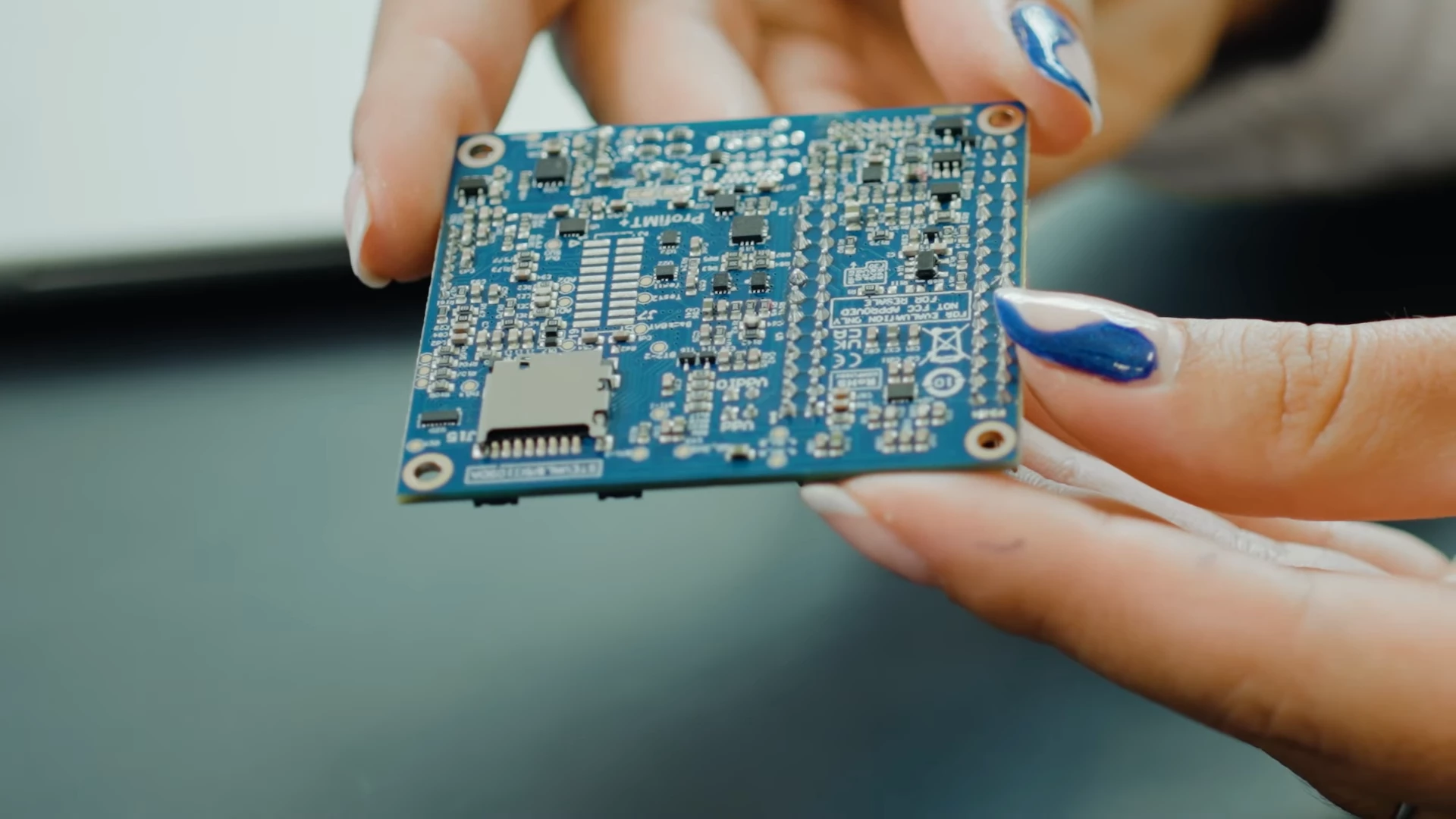 Figure 6: An SD-card slot is available on STEVAL-MKI109D
- The board can be programmed with different tools like STM32CubeProgrammer or MEMS.
Exploring STEVAL-MKI109D with MEMS-Studio
Plug an ST MEMS DIL24 adapter board on the STEVAL-MKI109D, as shown in the following figure. You can choose one among the large portfolio of adapters which ST offers for every sensor in production.
For example, here we use the STEVAL-MKI227KA DIL24 adapter board with the LSM6DSV16X.
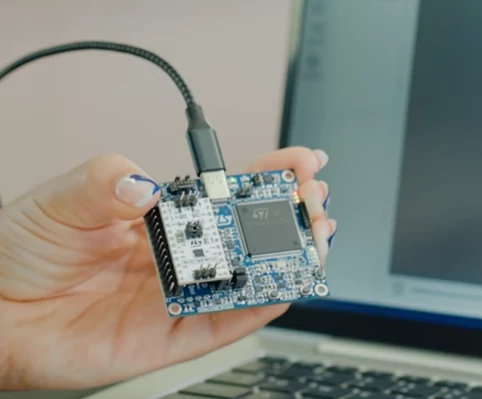 Figure 7: STEVAL-MKI227KA with LSM6DSV16X plugged on STEVAL-MKI109D
Now MEMS-Studio and select STEVAL-MKI227KA (LSM6DSV16X) as the device name, shown in the picture below:
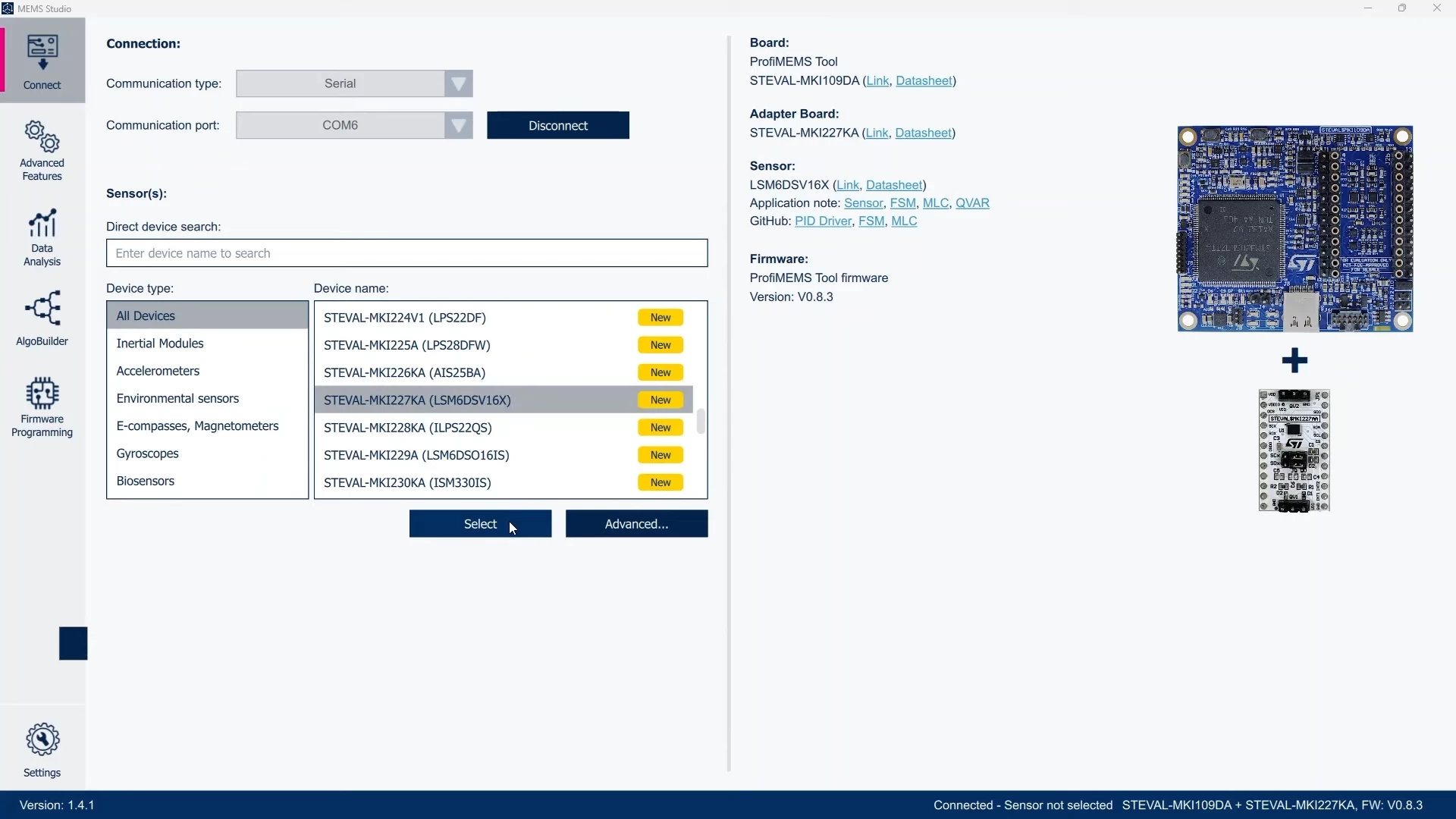 Figure 8: MEMS Studio - Connect
After selecting the device, click the start button to enable STEVAL-MKI109D to send data to the PC. 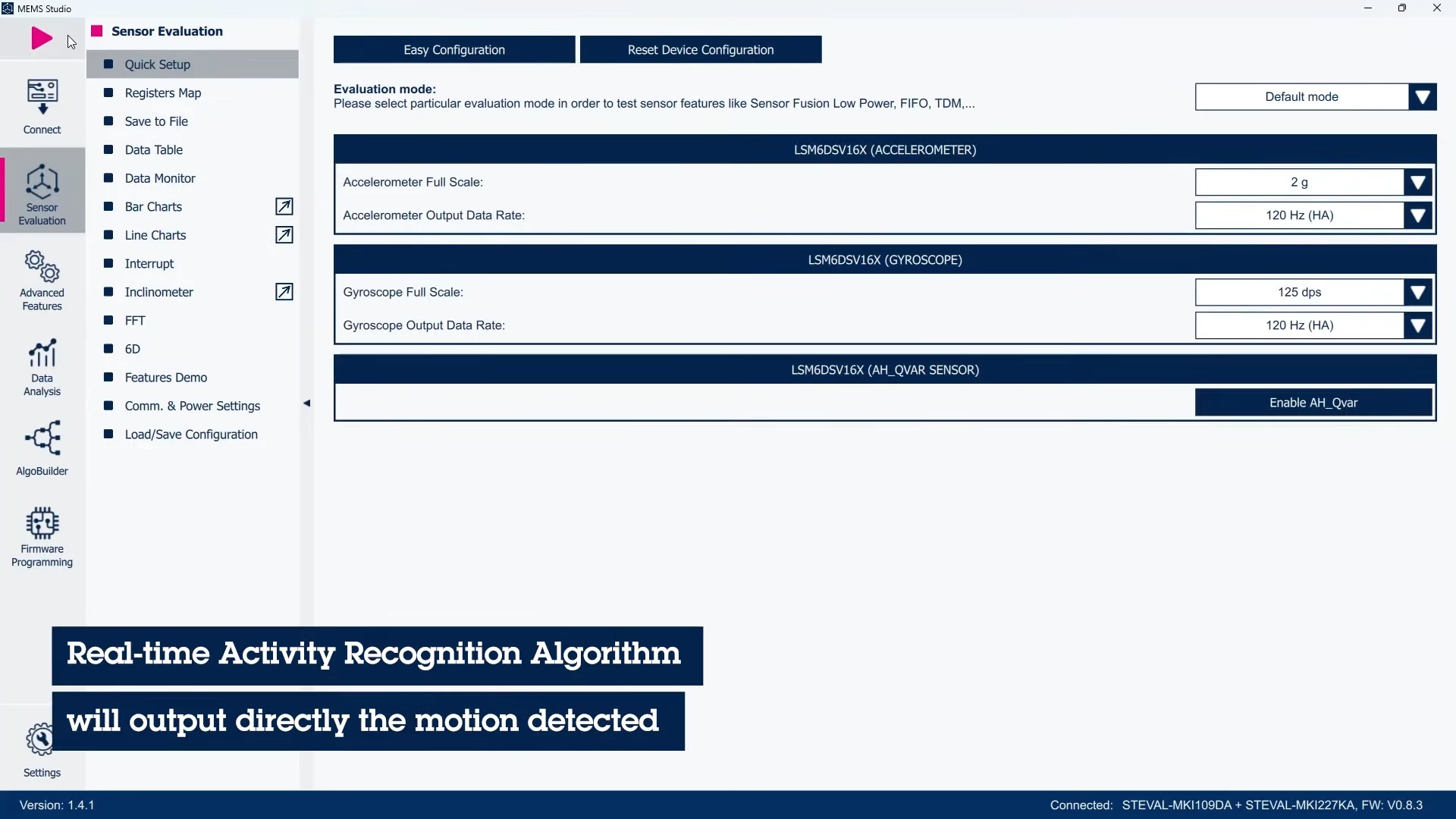 Figure 9: MEMS Studio - Sensor Evaluation, quick setup
You can see the sensor outputs as numerical data and plots in MEMS-Studio.
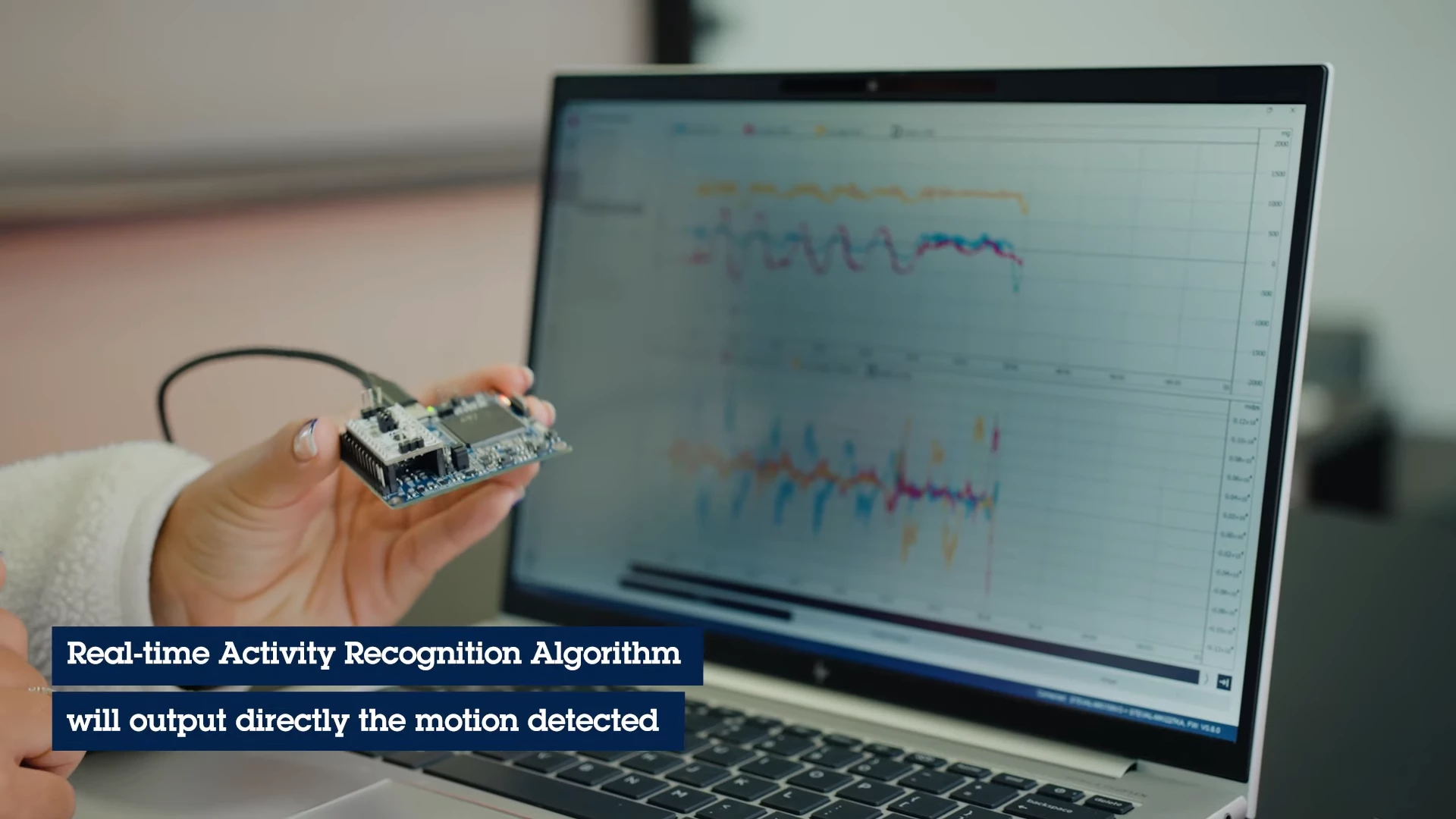 Figure 10: Data plotting in MEMS Studio
Now, the following features are available:
- Perform data logging.
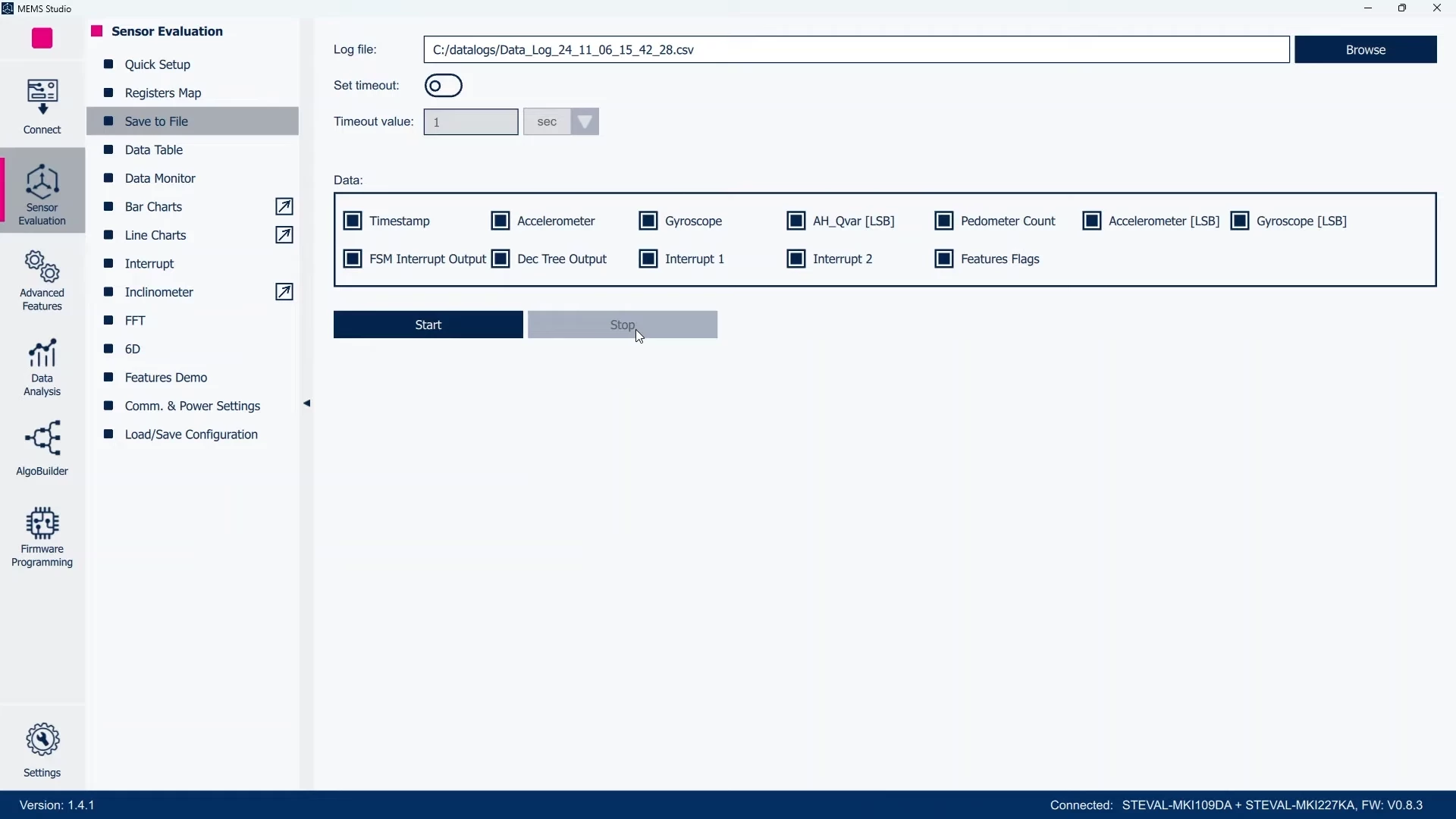 Figure 11: MEMS Studio - Sensor Evaluation, Save to File
- Analyze data in the time domain and in the frequency domain.
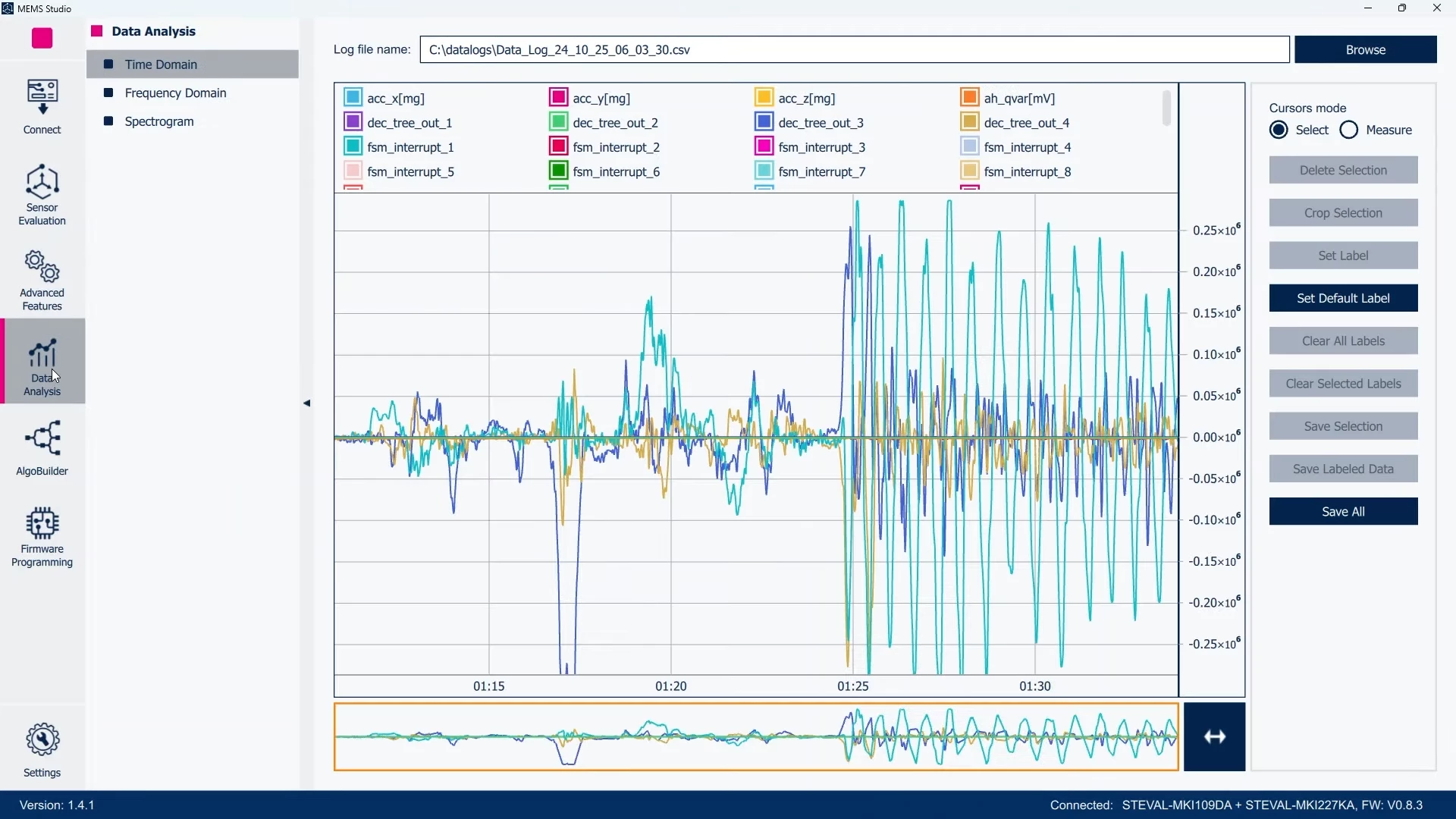 Figure 12: MEMS Studio - Data Analysis, Time Domain
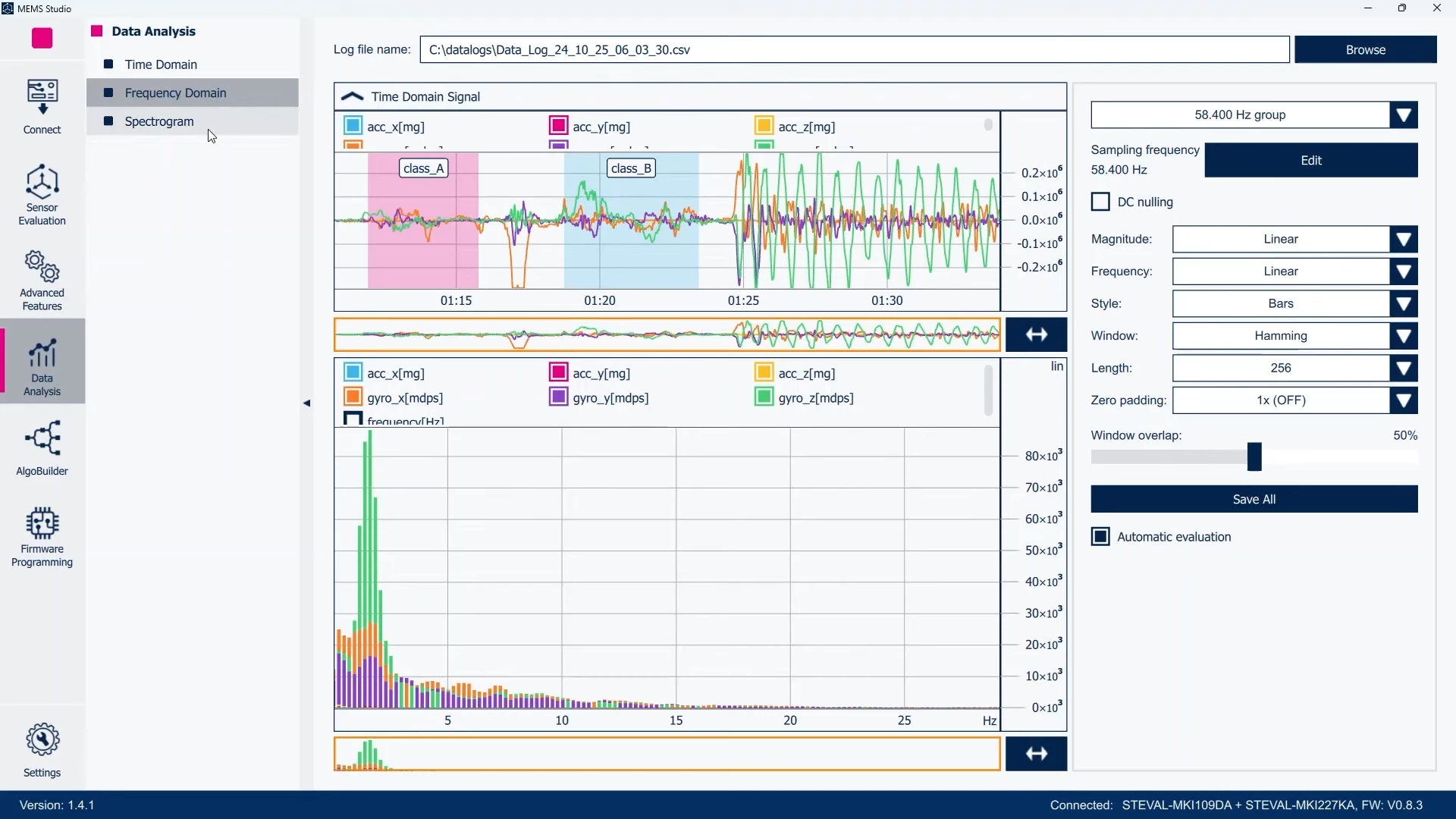 Figure 13: MEMS Studio - Data Analysis, Frequency Domain
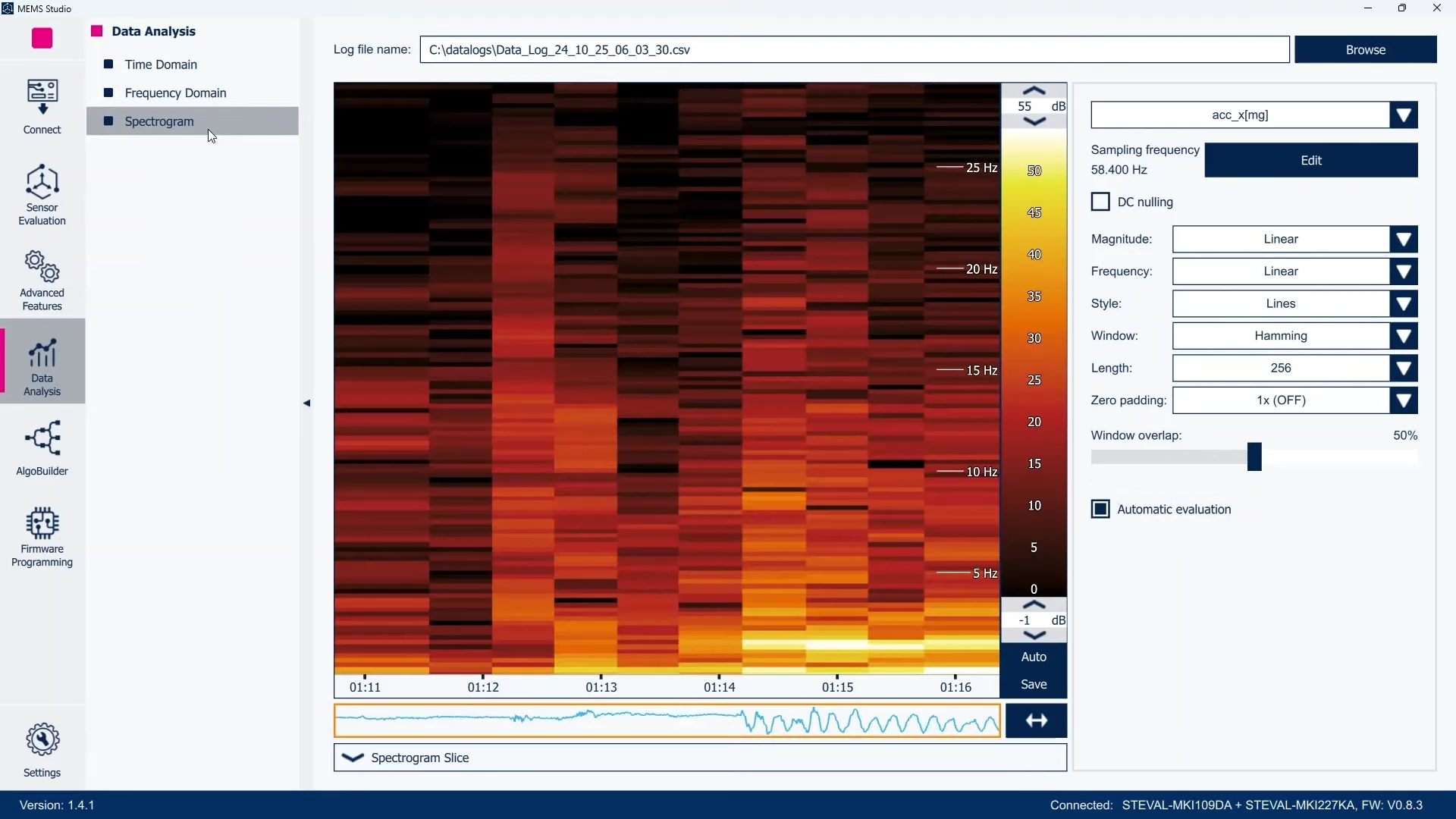 Figure 14: MEMS Studio - Data Analysis, Spectrogram
Some of the advanced features available in MEMS-Studio for the new STEVAL-MKI109D are:
- The possibility to evaluate the sensor fusion low power (SFLP).
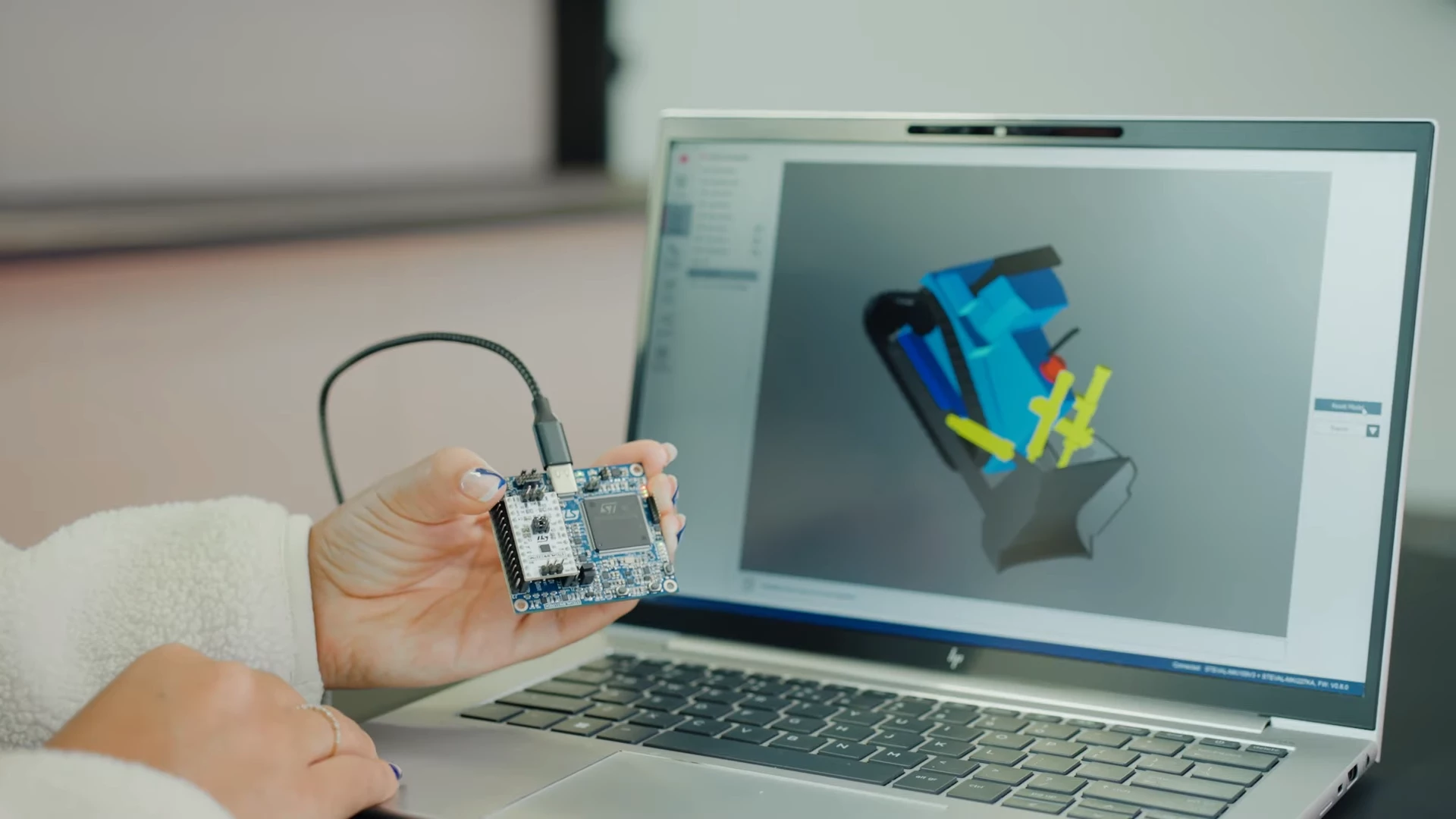 Figure 15: Sensor Fusion Low Power (SFLP) with STEVAL-MKI109D, STEVAL-MKI227KA and MEMS Studio
- A programmable finite state machine (FSM), which can be debugged at real time.
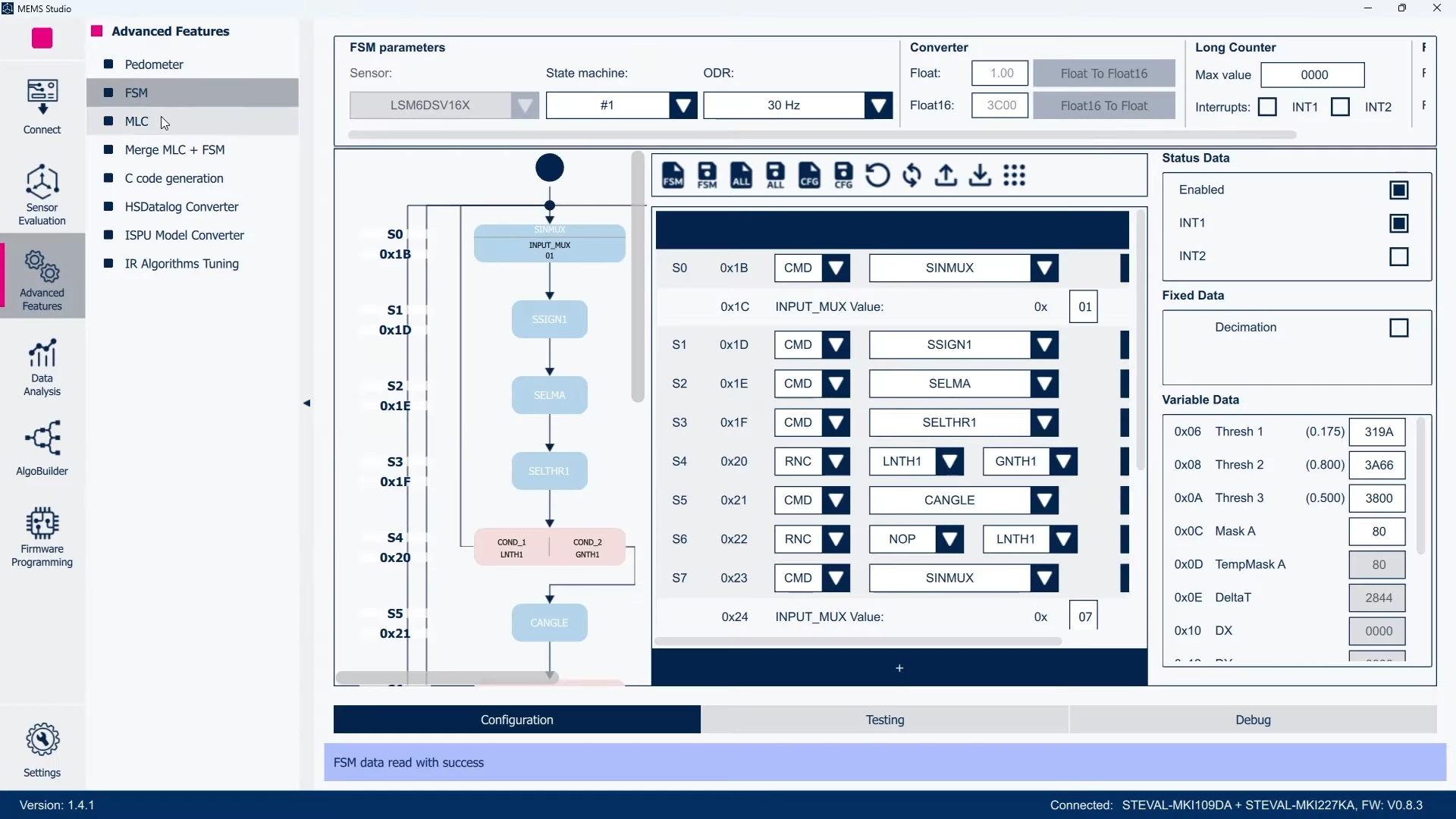 Figure 16: MEMS Studio - Advanced Features, FSM
- The machine learning core (MLC), enabling AI at the edge through decision tree based algorithms.
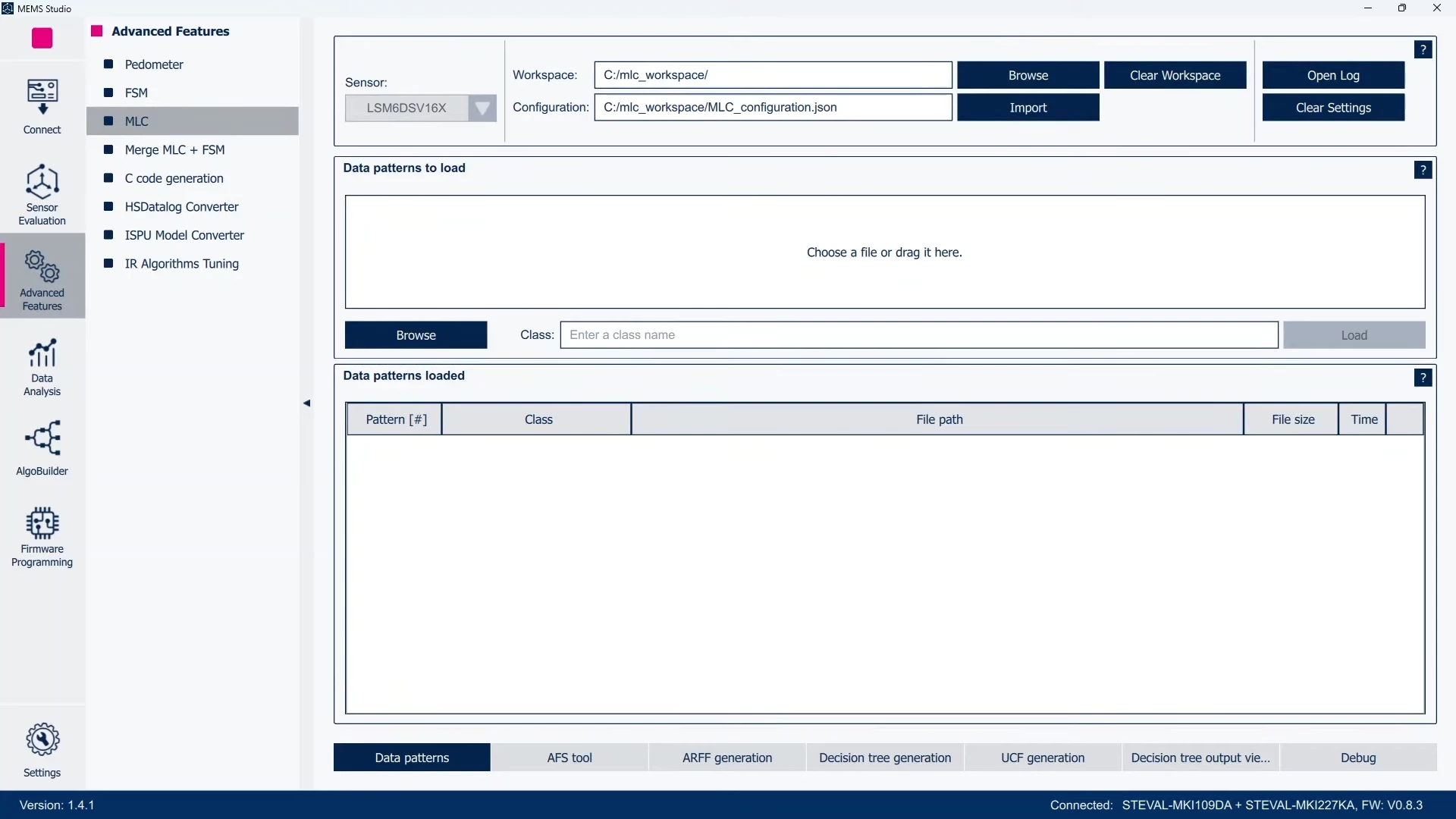 Figure 17: MEMS Studio - Advanced Features, MLC
- The intelligent sensor processing unit, which allows to embed more advanced AI models such as a neural network in the MEMS sensor.
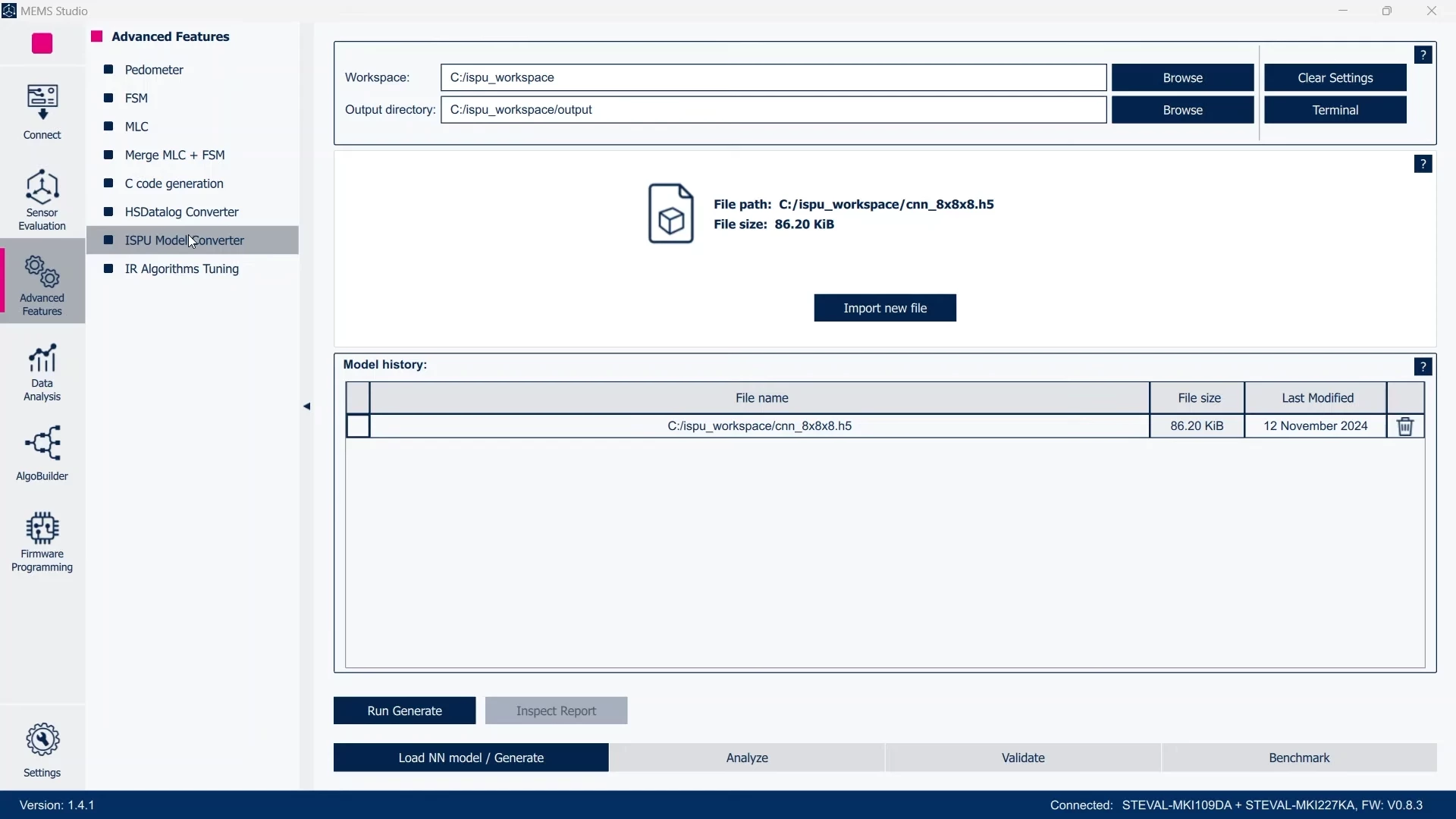 Figure 18: MEMS Studio - Advanced Features, ISPU Model Converter, NN model
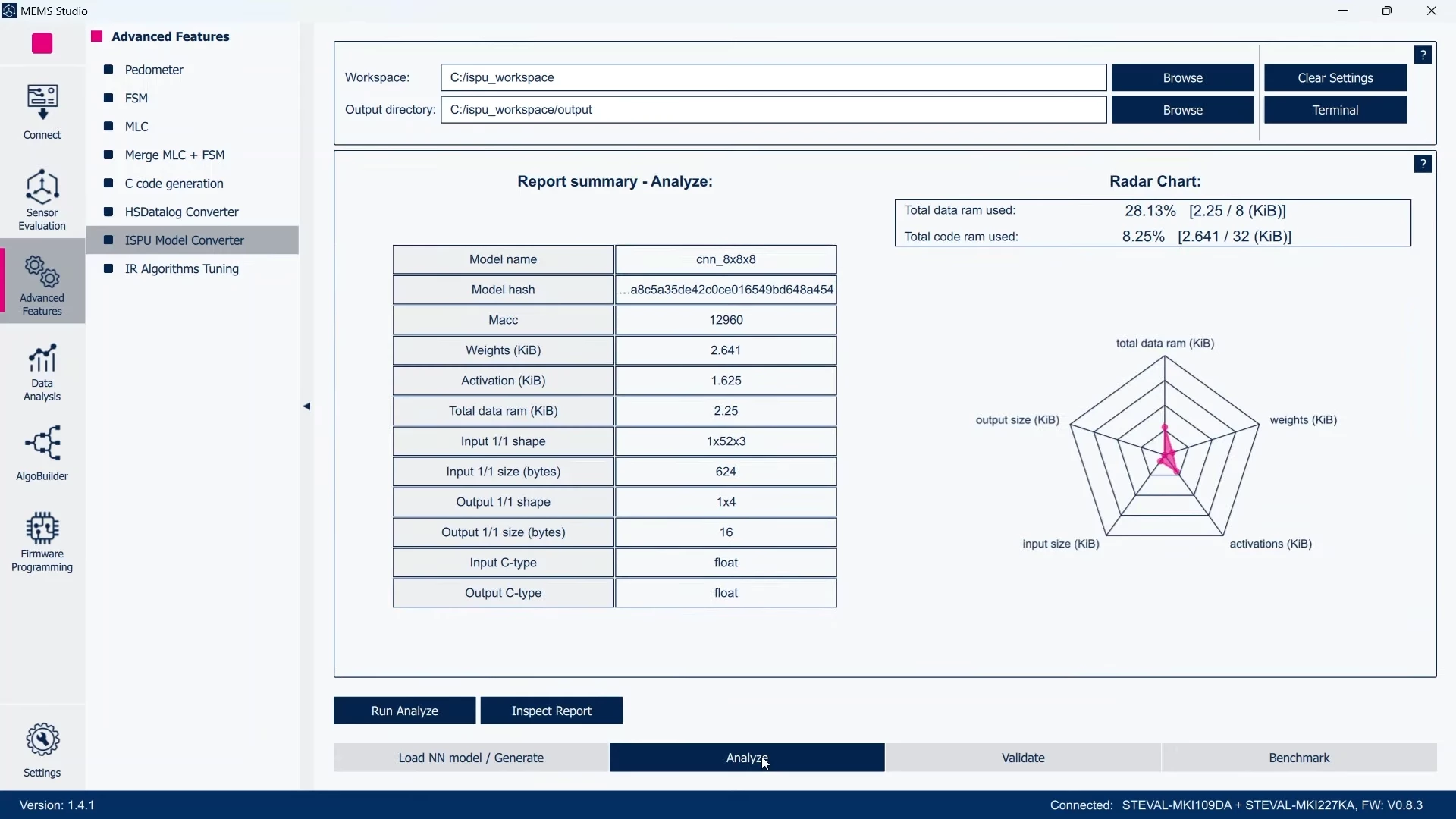 Figure 19: MEMS Studio - Advanced Features, ISPU Model Converter, Radar Chart
Conclusion
With a STEVAL-MKI109D and the MEMS-Studio software tool, you can speed up the evaluation for your application.
Now, it’s your turn, choose your sensor and start to design a new breakthrough application!
You can find STEVAL-MKI109D and the MEMS adapter boards on our eStore.
Related links
- Product overview STEVAL-MKI109D
- Data brief STEVAL-MKI109D
- Product presentation STEVAL-MKI109D
- Video: STEVAL-MKI109D and MEMS-Studio
- Overview MEMS-Studio
- Data brief MEMS-Studio
- Developer news: Upgraded sensor board accelerates plug-and-play evaluation with ST MEMS-Studio