Hi,
Please see the main points below:
1. Range above 1.2 m / target 2 m+
According to the Datasheet - VL53L4CX - Time-of-Flight sensor with extended range measurement, for a 17% gray target under reference conditions, VL53L4CX can typically reach around “2.1 m at 90% detection rate”.
So, 2 m is possible, but it depends strongly on:
- target reflectance and size
- whether the target covers enough FoV
- ambient IR
- cover glass / crosstalk
- timing budget
- motion
- multi-sensor interaction
Recommended checks:
- use “Medium distance mode” for maximum range
- try increasing timing budget beyond “56 ms” if frame rate allows
- make sure “RefSPAD / Xtalk / Offset” calibration is correctly done in final assembly conditions
- if multiple sensors run together, check possible interaction by comparing “1 sensor vs multiple sensors”
- First, we recommend checking the sensor in a simple reference setup: keep both the sensor and target still, test indoors with minimal IR, and use a large flat target that fills most of the FoV. This helps establish the baseline ranging capability before evaluating the full dynamic multi-sensor system.
2. Timestamp accuracy
Per A guide to using the VL53L4CX Time-of-Flight sensor with extended distance measurement - User manual, the `TimeStamp` field is not implemented, so there is no precise internal timestamp available from the API.
Your midpoint estimation is acceptable as an approximation, but for better timing fidelity, using “GPIO1 interrupt”, timestamping on interrupt arrival, then reading the data immediately.
3. Azimuth / elevation inside FoV
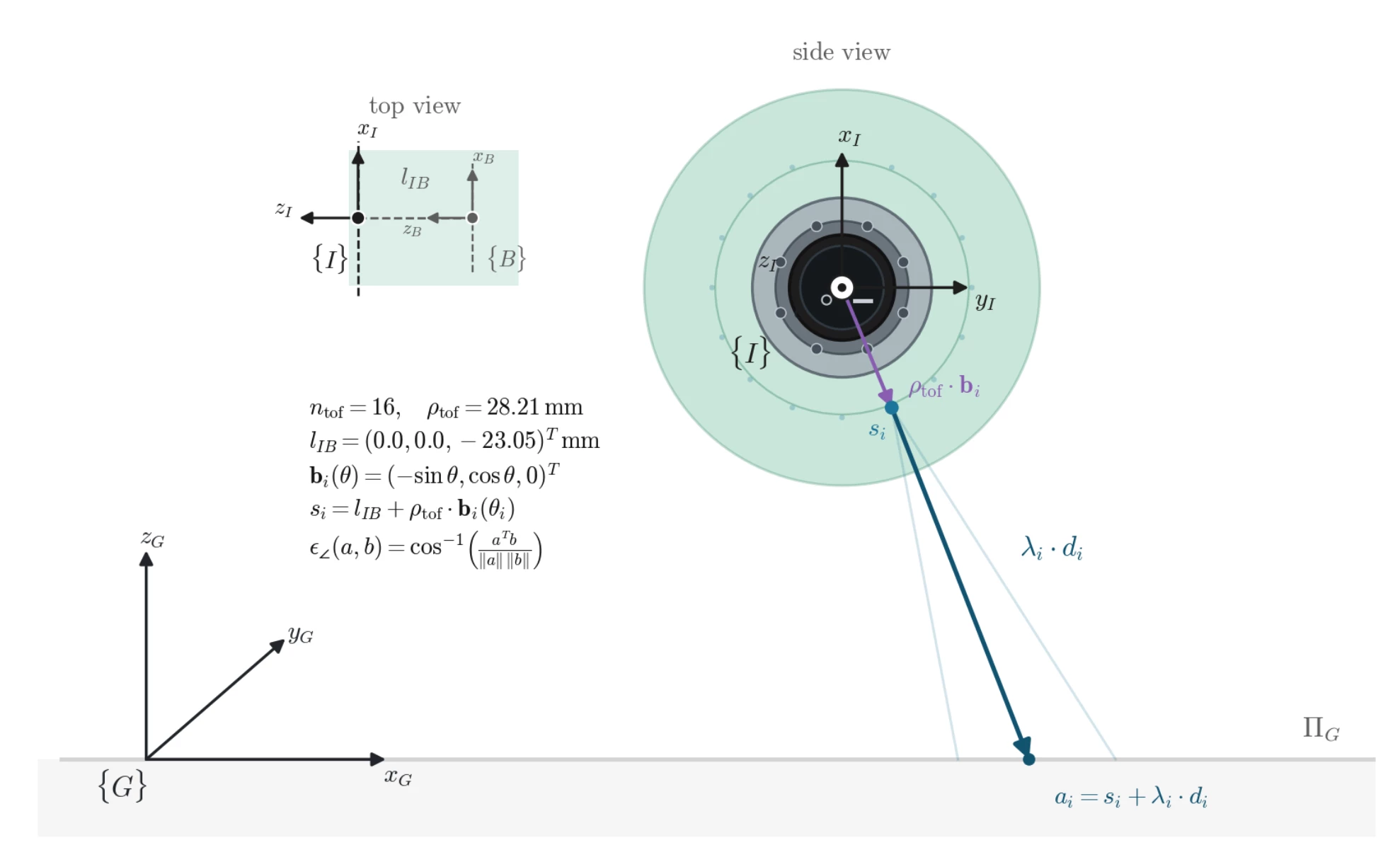
A single VL53L4CX cannot provide azimuth/elevation inside its FoV. It is a single-zone ToF sensor, not a multizone angular sensor.
With your 16 radially arranged sensors, you may estimate coarse direction at system level by combining outputs from multiple sensors, but this is not something one VL53L4CX can output directly.
Best Regards,
Bin FAN
In order to give better visibility on the answered topics, please click on 'Accept as Solution' on the reply which solved your issue or answered your question.