


Andrew Neil
Super User
September 24, 2026
Question

Datasheets can no longer be viewed online?

eg, this morning, https://www.st.com/en/evaluation-tools/stm32f4discovery.html


It used to be possible to right-click the link, and choose ‘Open in new tab’ - and the PDF would, indeed, open in a new browser tab.

That no longer works: it insists that you download the file.

Same if I copy & paste the link here.

https://www.st.com/resource/en/datasheet/stm32f407vg.pdf


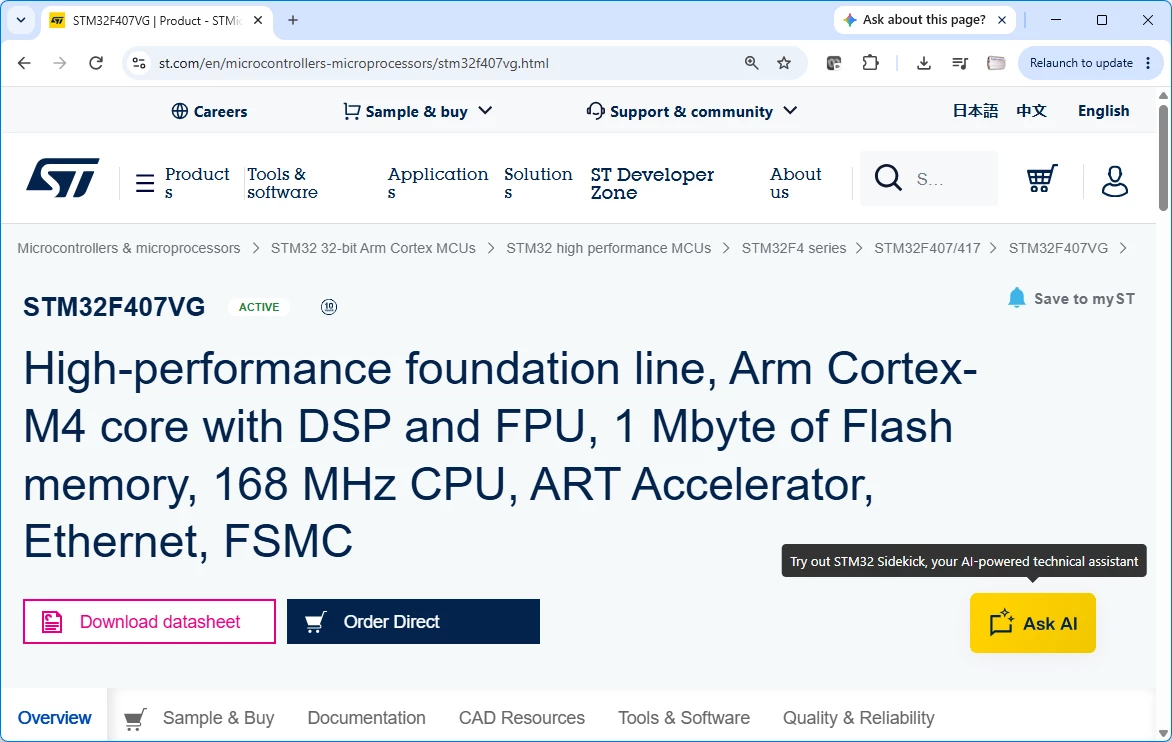
This applies to both the ‘Download datasheet’ button on the main page:
 

and the link on the ‘Documentation’ tab:
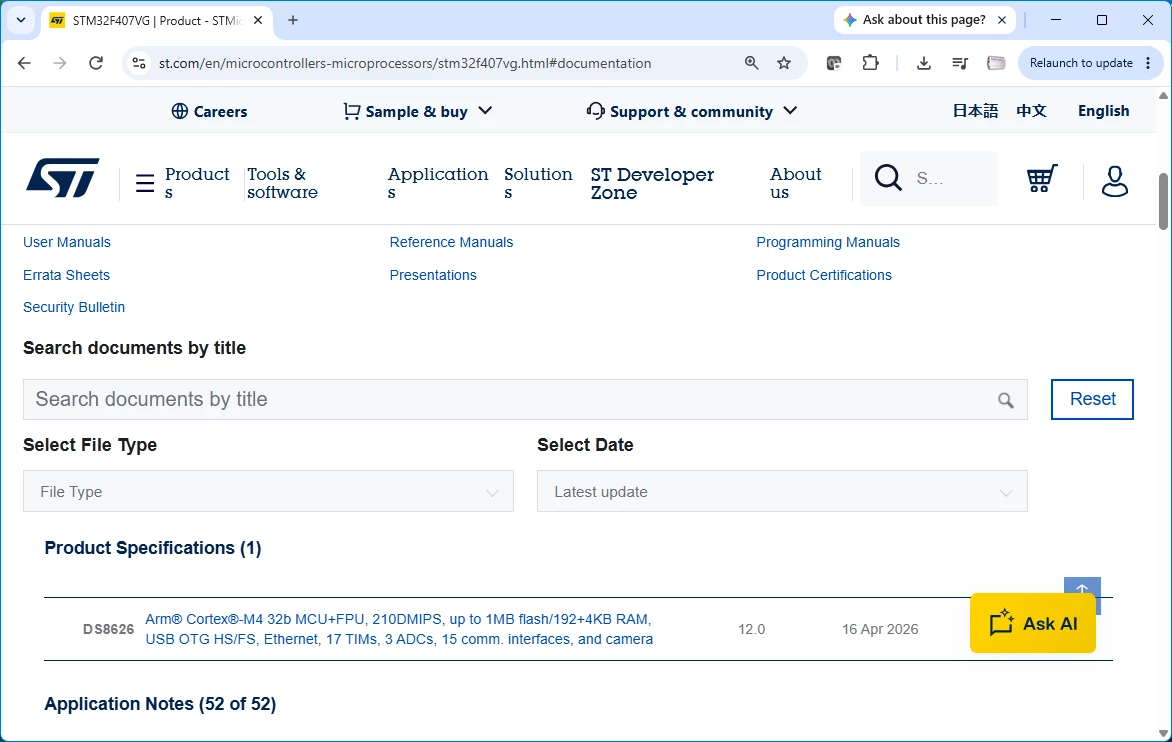
 

But the Application Note links can still be viewed online; eg,

https://www.st.com/resource/en/application_note/an4230-introduction-to-random-number-generation-validation-using-the-nist-statistical-test-suite-for-stm32-mcus-and-mpus-stmicroelectronics.pdf


This is Really Bad - because it means it is no longer possible to post links to specific pages in datasheets; eg,

https://www.st.com/resource/en/datasheet/stm32f407vg.pdf#page=1

which I do a lot; eg, here:

Where I link to page 63 of the datasheet, as that’s where the OP’s question is specifically answered - like this

https://www.st.com/resource/en/datasheet/stm32h743vi.pdf#page=63


I’m using Chrome Version 153.0.8010.48 (Official Build) (64-bit) on Windows 11 - as I always have.


PS:

Chrome has just updated itself to Version 154.0.8037.58 (Official Build) (64-bit) - the problem persists.

Edge Version 153.0.4234.48 (Official build) (64-bit) is (unsurprisingly) the same.

5 replies

Andrew Neil
Super User
September 24, 2026

It used to be possible to right-click the link, and choose ‘Open in new tab’ - and the PDF would, indeed, open in a new browser tab.

I’ve mentioned this before:

So something has changed recently!


From that thread, see also:

https://community.st.com/feedback%2Dforum%2D118/st%2Dweb%2Dserver%2Dbug%2Dfor%2Dpdf%2Dfiles%2D124287

by ​@Piranha - which seems to describe the issue.

A complex system that works is invariably found to have evolved from a simple system that worked.A complex system designed from scratch never works and cannot be patched up to make it work.
Andrew Neil
Super User
September 24, 2026

This is what I see for that datasheet in Chrome’s “Developer Tools”:

For the App Note:


A complex system that works is invariably found to have evolved from a simple system that worked.A complex system designed from scratch never works and cannot be patched up to make it work.
Andrew Neil
Super User
September 24, 2026

Thus it seems that the ST website is using the wrong Content-Disposition header in its response:

  • attachment forces the browser to download the file;
     
  • inline would allow the browser to display it.

https://stackoverflow.com/a/1395173


A complex system that works is invariably found to have evolved from a simple system that worked.A complex system designed from scratch never works and cannot be patched up to make it work.
Andrew Neil
Super User
September 24, 2026

Seems there is a Chrome extension which I could use to fix this locally on my PC:

https://superuser.com/a/1220688

But that still won’t address the issue of the #page references for others.

A complex system that works is invariably found to have evolved from a simple system that worked.A complex system designed from scratch never works and cannot be patched up to make it work.