Associate
August 10, 2026
Question

STM32N6570-DK "n6-ai-demos" download link (Get latest) returns 404 - need out-of-the-box demo binary

  • August 10, 2026
  • 7 replies
  • 82 views

Hi,

I recently erased the external flash of my STM32N6570-DK board while experimenting with STM32CubeProgrammer, and I'd like to restore the original out-of-the-box demo (the multi-application menu demo with image classification / pose estimation / face detection etc.).

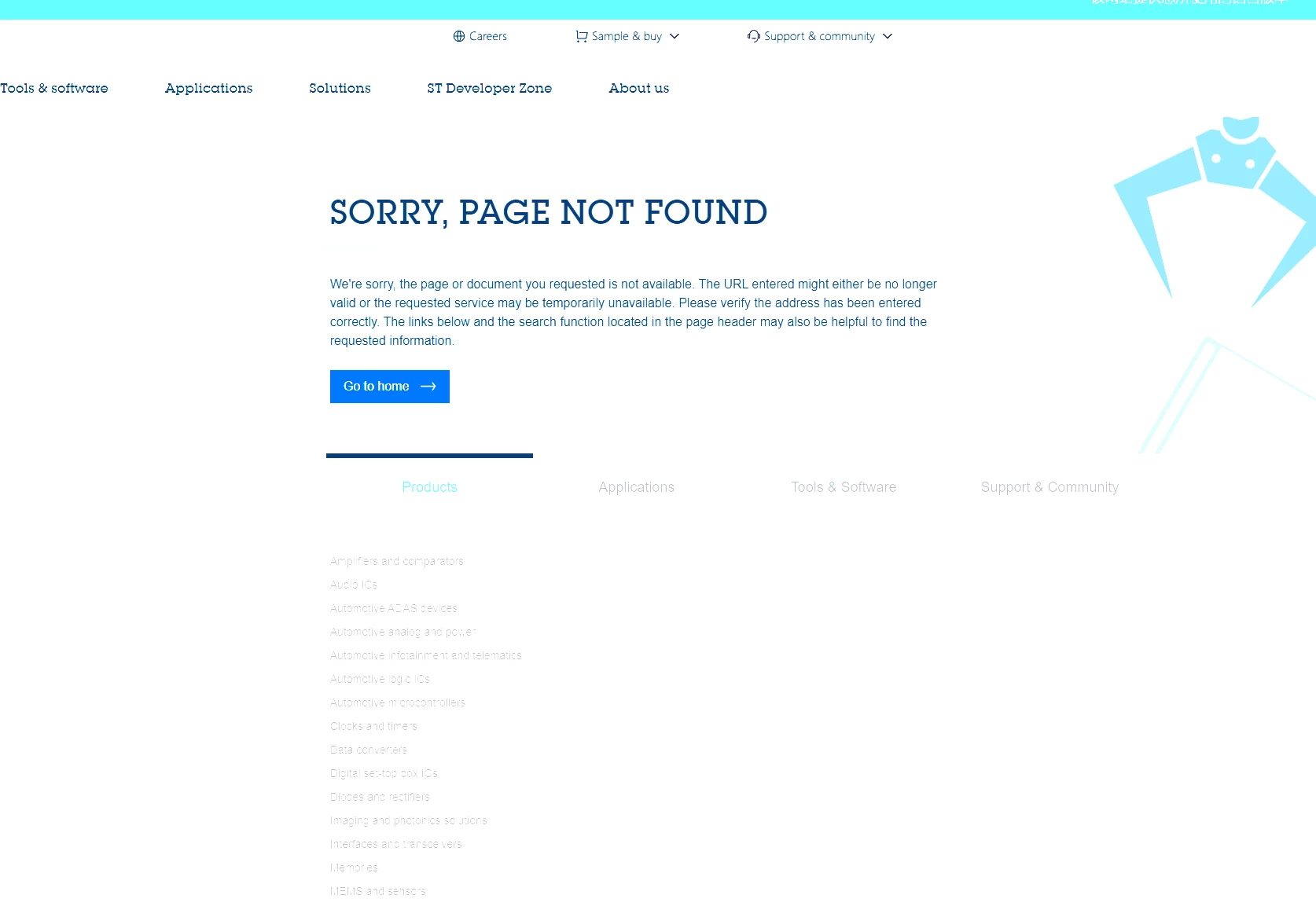
I found the "n6-ai-demos" entry under Tools & Software on the product page, but clicking "Get latest" leads to a 404 page not found error.

Could someone please:

  1. Confirm whether this link is currently broken on ST's side, or
  2. Share a direct working link / attach the "STM32N6570-DK Out-of-the-box demo binary" file

Board info:

  • Board: STM32N6570-DK, Revision ID Rev Z
  • Device ID: 0x486

Thanks in advance!


7 replies

Julian E.
ST Technical Moderator
August 10, 2026

Hi ​@sksskr,


Strange, maybe something went wrong.

I successfully got it here: STM32N6-AI | Software - STMicroelectronics

After clicking get latest, you are asked to log in and then the download starts.


Have a good day,

Julian

​In order to give better visibility on the answered topics, please click on 'Accept as Solution' on the reply which solved your issue or answered your question.
sksskrAuthor
Associate
August 10, 2026

Hi, thank you for the previous replies in this thread.

I understand STM32CubeN6 contains the HAL examples and individual Applications/Demonstrations, and I already tried "n6-ai-demos" which unfortunately gives a 404 error on the download button.

To be more specific about what I'm looking for: it's the original out-of-the-box demo with a touchscreen GUI — not the button-controlled version (TAMP/USER1/NRST navigation). The one I'm looking for has:

  • A boot/splash animation when the board powers up
  • A touch-and-swipe interface to switch between different AI applications (image classification, object detection, pose estimation, etc.)
  • An on-screen toggle to enable/disable NPU acceleration, to visually compare inference speed with and without it

I've seen this exact demo shown in a few unboxing videos of the STM32N6570-DK, so I believe it's the genuine factory-preloaded firmware. Could someone share a working download link or attach the binary file directly?

Board info:

  • Board: STM32N6570-DK, Revision ID Rev Z
  • Device ID: 0x486

Thanks!

Julian E.
ST Technical Moderator
August 11, 2026

Hi ​@sksskr,


I think it is this one:

https://www.st.com/en/embedded-software/stm32cuben6.html#get-software


The last one: “STM32N6-OOB” for out of the box demo.


Have a good day,

Julian

​In order to give better visibility on the answered topics, please click on 'Accept as Solution' on the reply which solved your issue or answered your question.
sksskrAuthor
Associate
August 11, 2026

Hello, thank you for your previous reply in this thread.

I followed the link you provided and accessed the webpage. However, after clicking the last item to download the latest version, the download did not start. Instead, the page showed that it could not be found. I am not sure whether this is due to a network issue on my side or a problem with the website.

If you have the binary file of STM32N6-OOB saved locally, I would greatly appreciate it if you could share it with me. Thank you again for your help and support.

Board information:

  • Development board: STM32N6570-DK, Revision: Rev Z

  • Device ID: 0x486

Thank you!

Visitor II
August 11, 2026

Thanks for the information. I tried downloading the latest STM32N6-OOB package from the link, but the download page appears to be unavailable. I’ve also checked from my side, so it may be an issue with the file or webpage rather than the network.


Julian E.
ST Technical Moderator
August 14, 2026

Hi Guys,


I don’t know why you cannot download it.

The file is too big to be uploaded.


I created 3 zip each containing a part:

  • Download the 3 zip in this message and the following
  • Extract them to get:
    • N6_OoB_v1.3_single_hex.zip.001
    • N6_OoB_v1.3_single_hex.zip.002
    • N6_OoB_v1.3_single_hex.zip.003
  • Then open 7zip or any other tools that allows to select the 3 files to decompress the original folder

(I needed to put these 3 files inside .zip for ST Community to allow the import)


Then you should get the .hex of the out of the box demo


Have a good day,

​In order to give better visibility on the answered topics, please click on 'Accept as Solution' on the reply which solved your issue or answered your question.
Julian E.
ST Technical Moderator
August 14, 2026

The other files:


Have a good day,

Julian

​In order to give better visibility on the answered topics, please click on 'Accept as Solution' on the reply which solved your issue or answered your question.