

Associate
Jun 11, 2025 1:51 PM UTC
Solved

NanoEdge AI signal sanity check does not take progress

Hiiii!

I installed NanoEdge AI Studio. try to upload some test data for training. As shown below, sanity check is not taking progress.
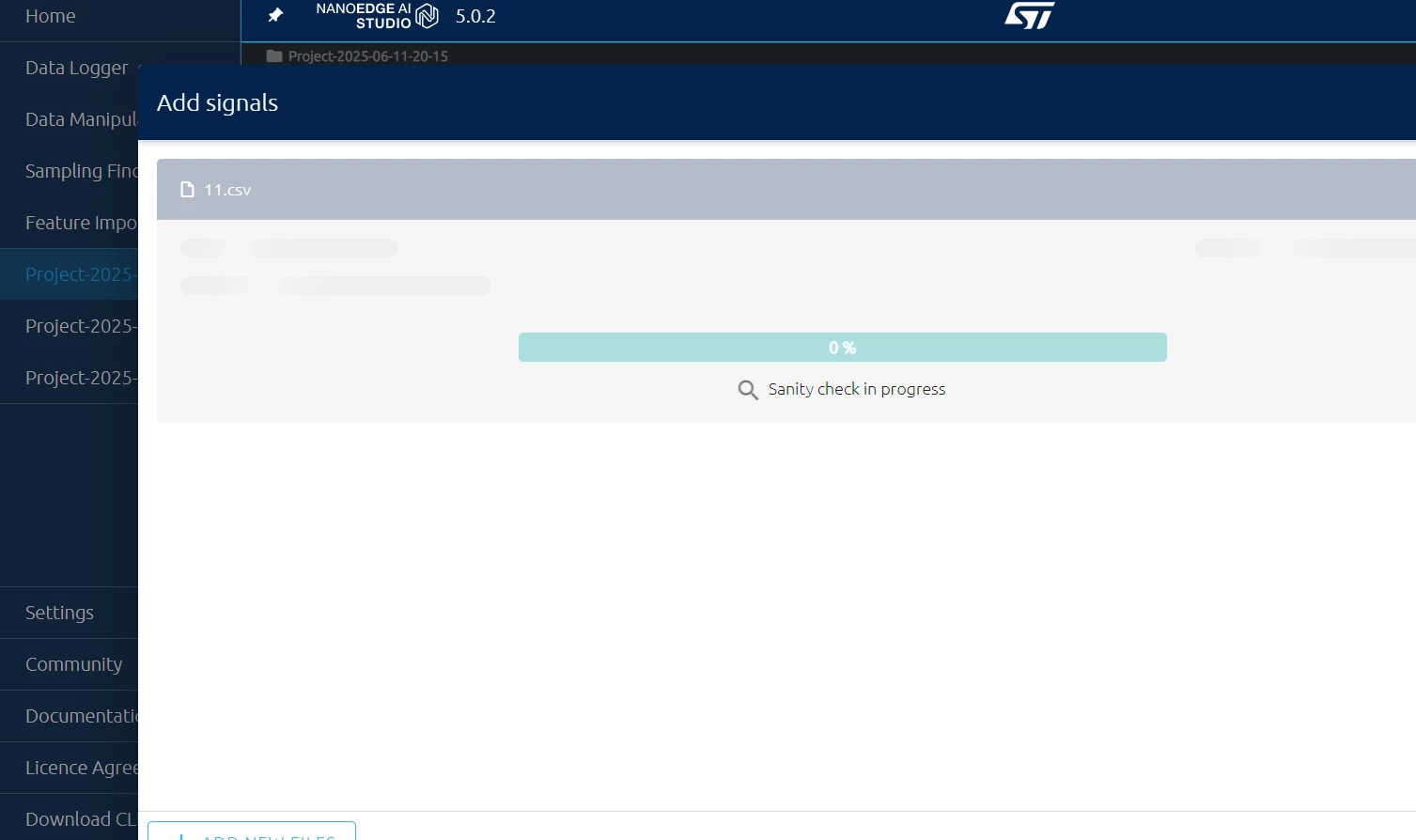
Gmen_0-1749649541747.png


I am not sure if is related to connection issue. I do encounter following issue as well
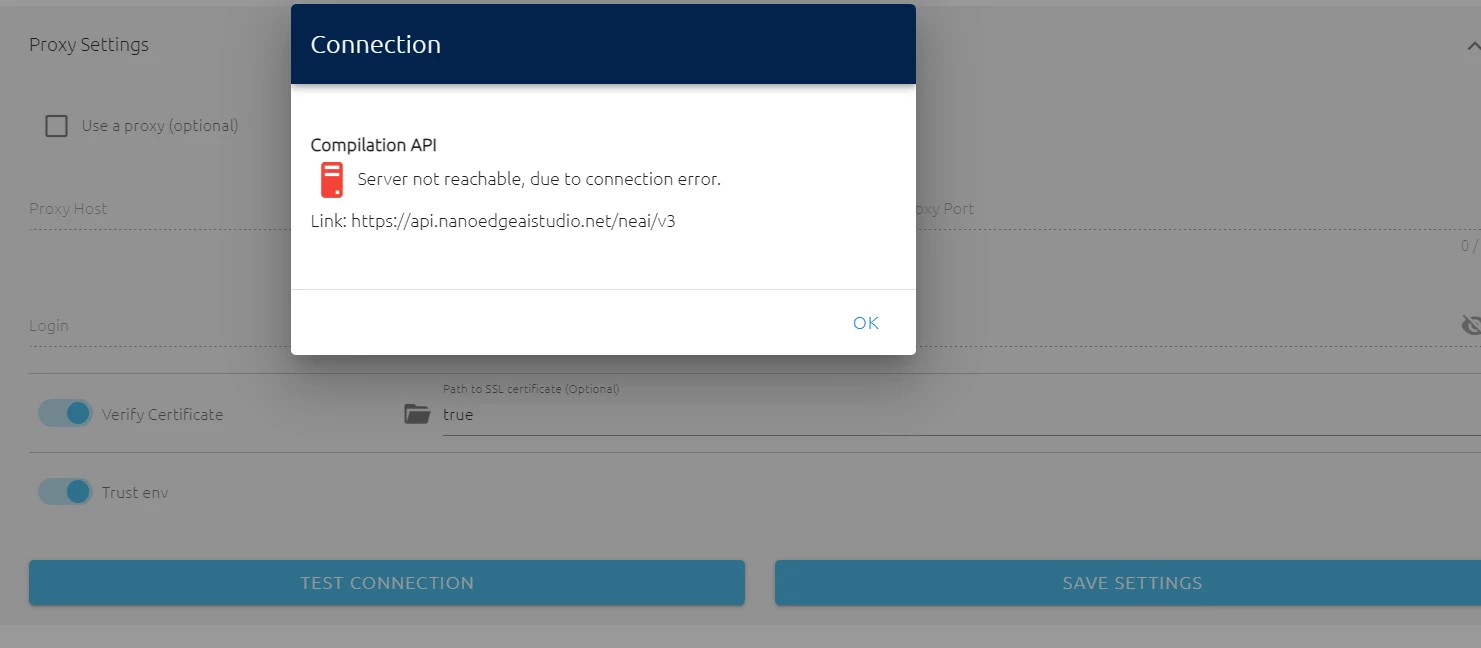
Gmen_0-1749649799978.png


My license is activated successfully. 


Really new to NEAI. Looking for help~~~

 

This topic has been closed for replies.
Julian E.
Julian E.Best answer
ST Technical Moderator
Jun 12, 2025 9:50 AM UTC

Hello @Gmen,


The issue is the encoding type of your files.

Your files need to be saved as UTF8 encoding, in your case they seem to be UTF16 LE.


Have a good day,

Julian

​In order to give better visibility on the answered topics, please click on 'Accept as Solution' on the reply which solved your issue or answered your question.

4 replies

Julian E.
ST Technical Moderator
Jun 11, 2025 2:30 PM UTC

Hello @Gmen,


The connection issue while be a problem later on for emulation and compilation as NanoEdge needs to reach our server to compile the library. It's most likely a proxy setup missing. If you are in a company, you may want to ask your IT department if you have one.


As for the signal that cannot be imported, could share an example file with your real data or at least one with the same exact structure.

You can attach .zip to message here (it may even work directly with .csv)


Have a good day,

Julian

​In order to give better visibility on the answered topics, please click on 'Accept as Solution' on the reply which solved your issue or answered your question.
GmenAuthor
Associate
Jun 12, 2025 8:56 AM UTC

Thank you for such quick reply @Julian E. 


I solved proxy issue, now server is reachable.


and sanity check still is 0%. I attached .csv and readme file in attached zip.


Many thanks in advance! Looking forward to your reply.

Julian E.
Julian E.Best answer
ST Technical Moderator
Jun 12, 2025 9:50 AM UTC

Hello @Gmen,


The issue is the encoding type of your files.

Your files need to be saved as UTF8 encoding, in your case they seem to be UTF16 LE.


Have a good day,

Julian

​In order to give better visibility on the answered topics, please click on 'Accept as Solution' on the reply which solved your issue or answered your question.