Visitor
Oct 28, 2026 1:19 PM UTC
Question

B-U585I-IOT02A , how use micro (sound) for detection

Hello the community ! 


I would like make sound detection default with the B-U585I-IOT02A


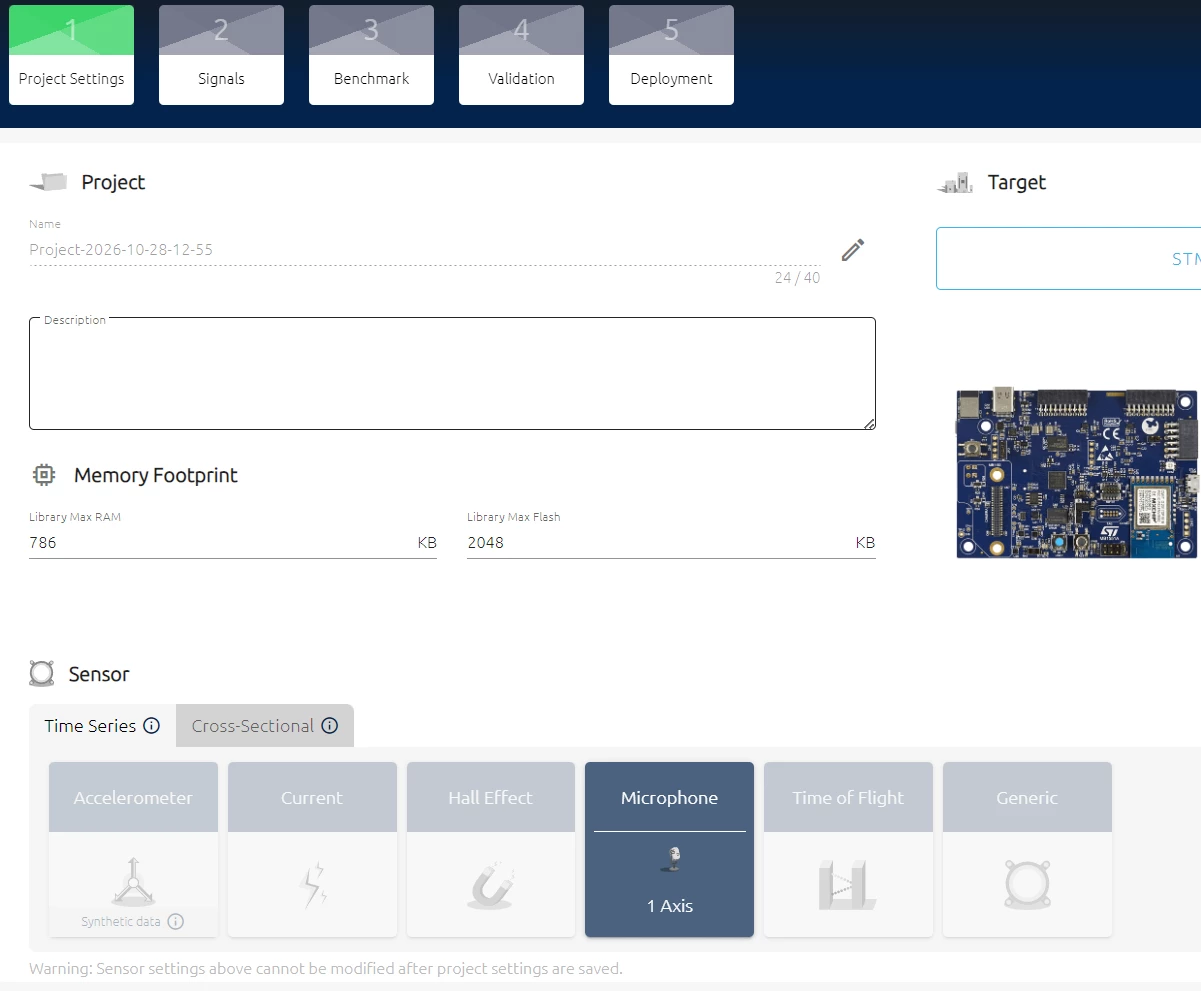
I had use the nanoEdgeAI studio, create my project, with microphone (picture 1)


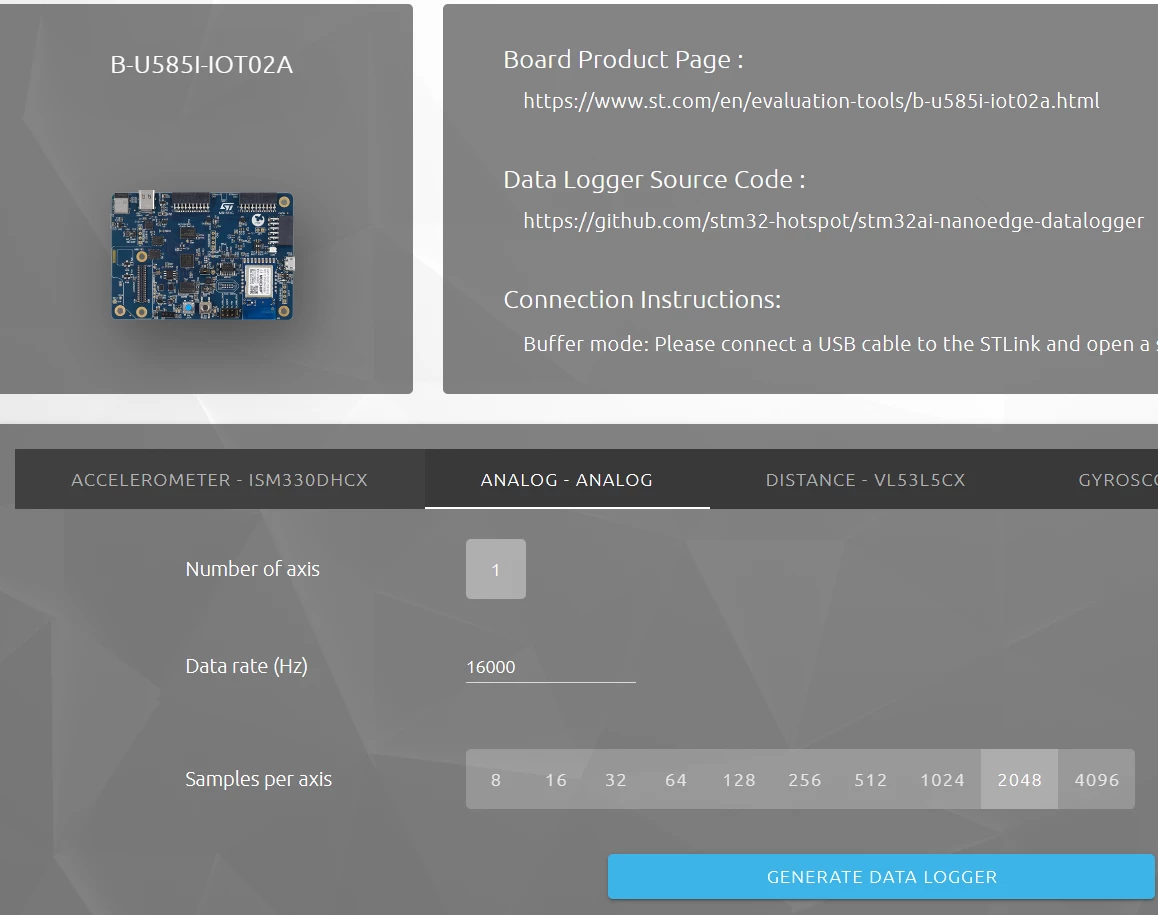
I had create the data logger Analog 1 axis (picture 2)


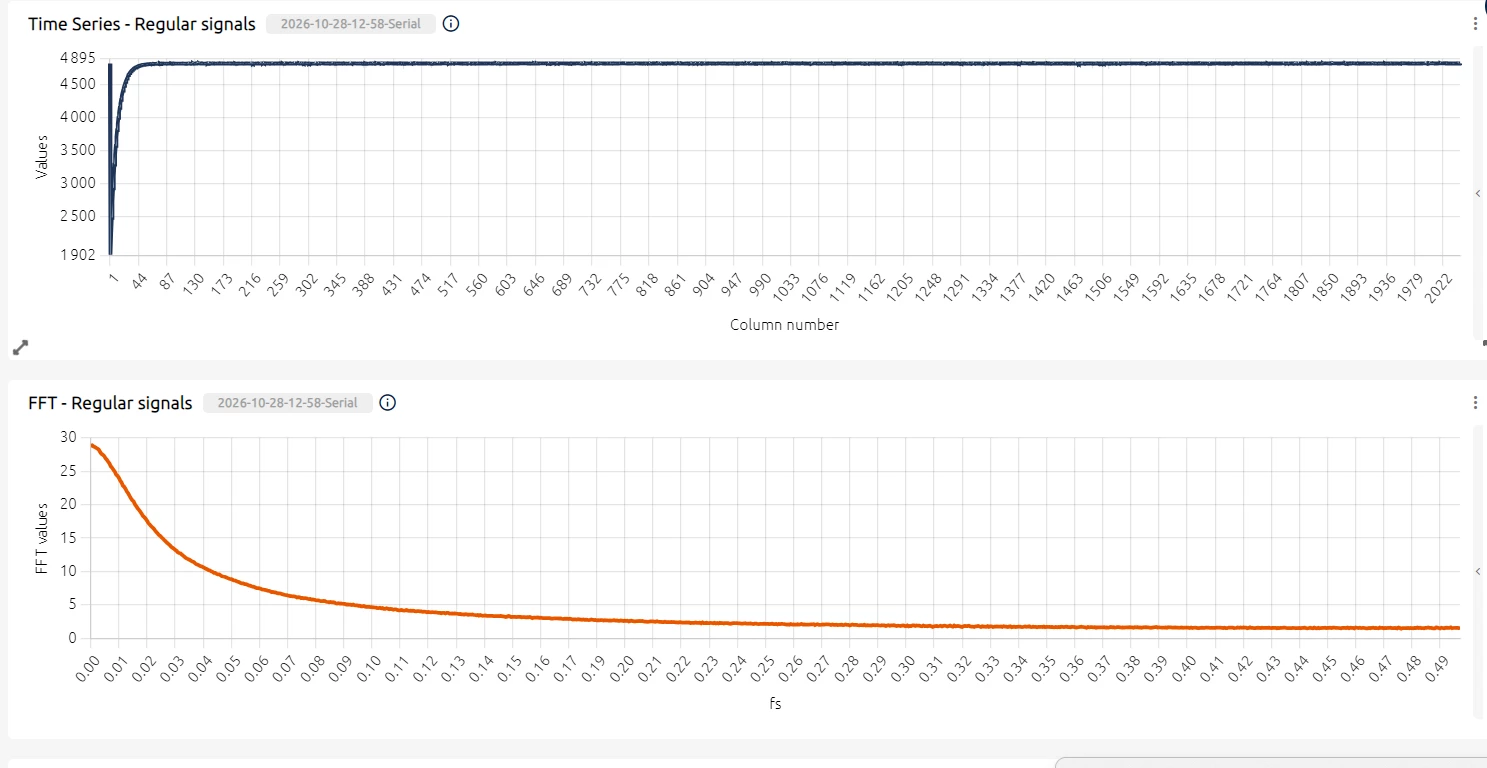
And i have this curves, is this normal ? with or without sound i have the same curves. (picture 3)


thanks.


2 replies

AScha.3
Super User
Oct 28, 2026 6:22 PM UTC

Hi,

i have no idea, what you do there….

but your FFT shows: there is no signal (except some DC offset, thats usual.)

So at first check the input, then next stage : is there a signal (= data with strong “noise” ).

If you feel a post has answered your question, please click on " Best Answer ".
Julian E.
ST Technical Moderator
Oct 30, 2026 10:34 AM UTC

Hello ​@bn_technilab,


In the datalogger generation, the “Analog” is logging a Analog input, reading signal connected to an ADC.

So basically, it does not read microphone by default.

Check if you microphone is analog and if yes, check the source code of the datalogger to verify which GPIO is used as input and edit the code to read your microphone.


In any case, I would not recommend using NanoEdge for Sound usecases.

I would recommend using ST Model Zoo Services: GitHub - STMicroelectronics/stm32ai-modelzoo-services: AI Model Zoo services for STM32 devices · GitHub


In here you can retrain audio models and deploy them directly on demos made for the BU5


Have a good day,

Julian

​In order to give better visibility on the answered topics, please click on 'Accept as Solution' on the reply which solved your issue or answered your question.