StickyQuestion
StellarStudio 9.2.0 version is officially published. (Windows, macOS, Linux) based on Eclipse 2026-03 and CDT 12.4.0
🚀 StellarStudio 9.2 — Release Notes
StellarStudio 9.2.0 version is officially published. (Windows, macOS, Linux) based on Eclipse 2026-03 and CDT 12.4.0 with standalone tools (Java 21).
🧰 Standalone Tools
Requires Adoptium Java 21. Available for Windows, Linux, macOS.
| Tool | Supported Device Families |
|---|---|
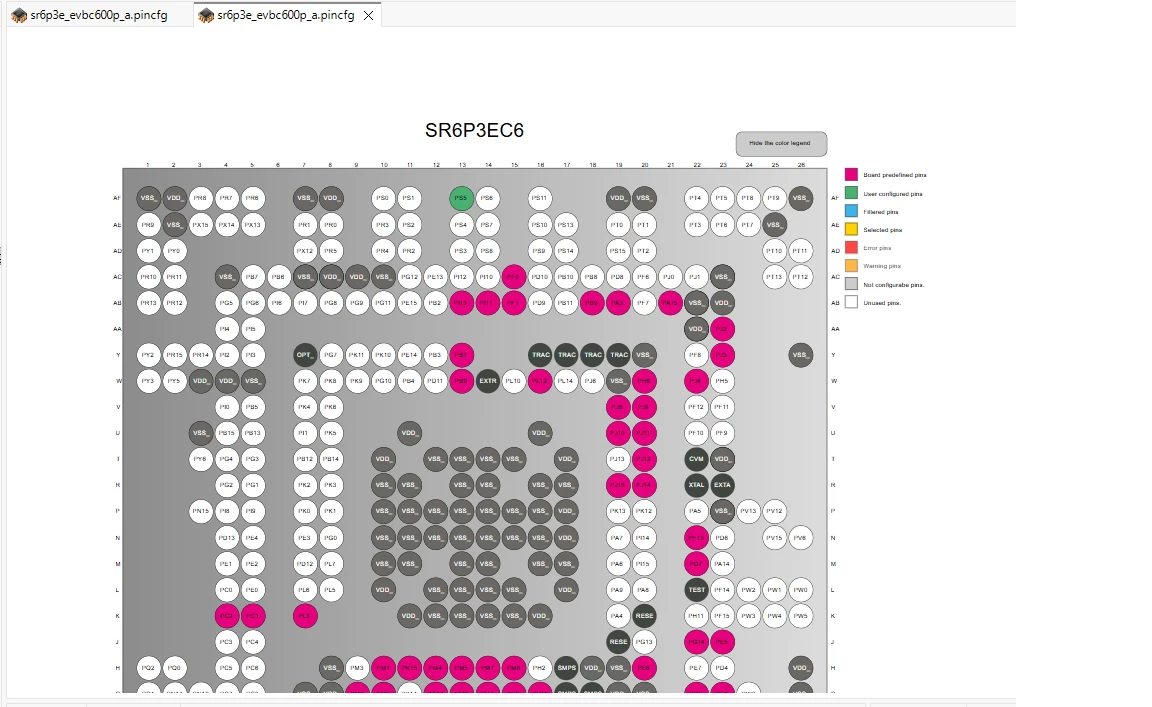
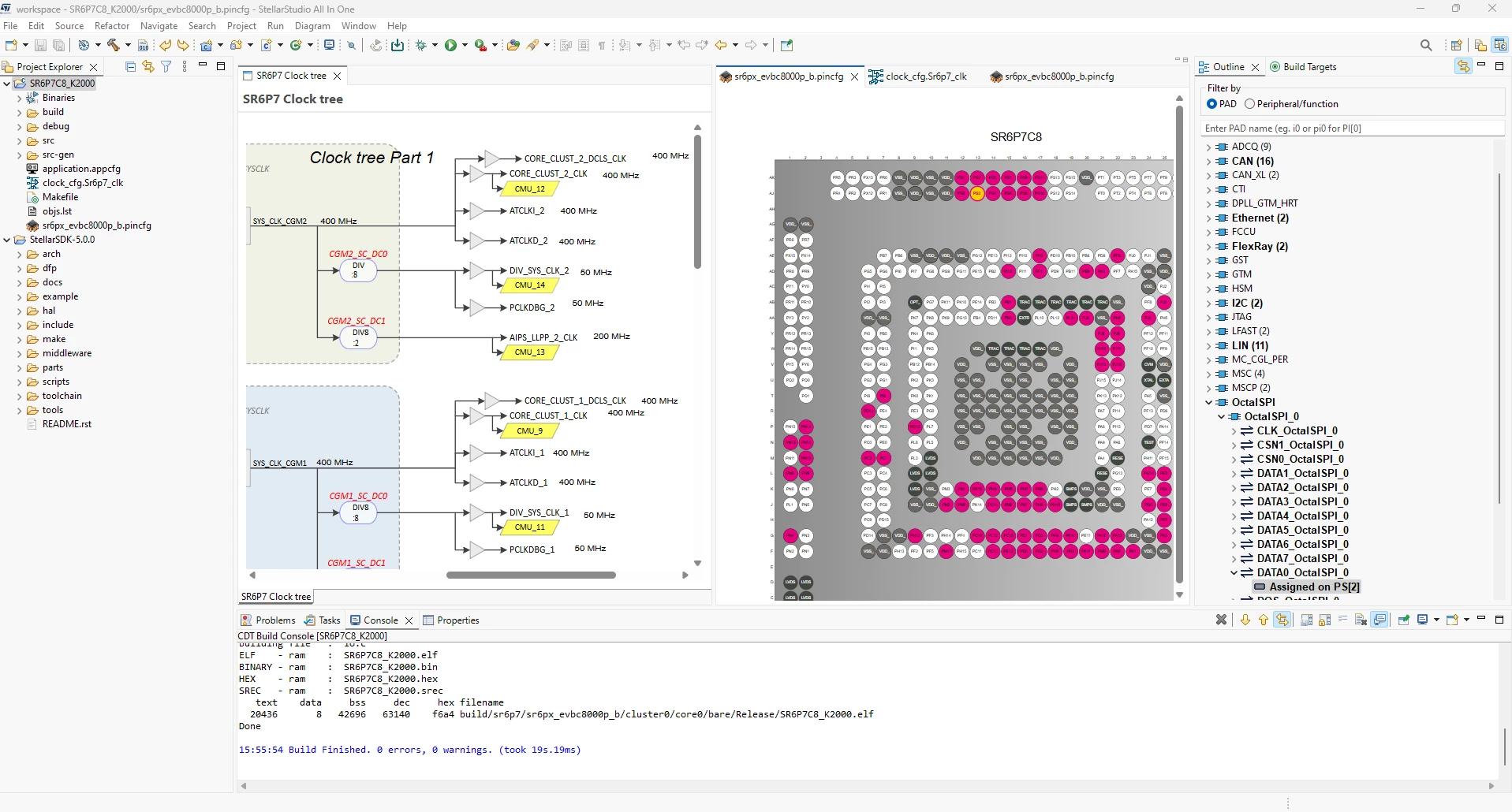
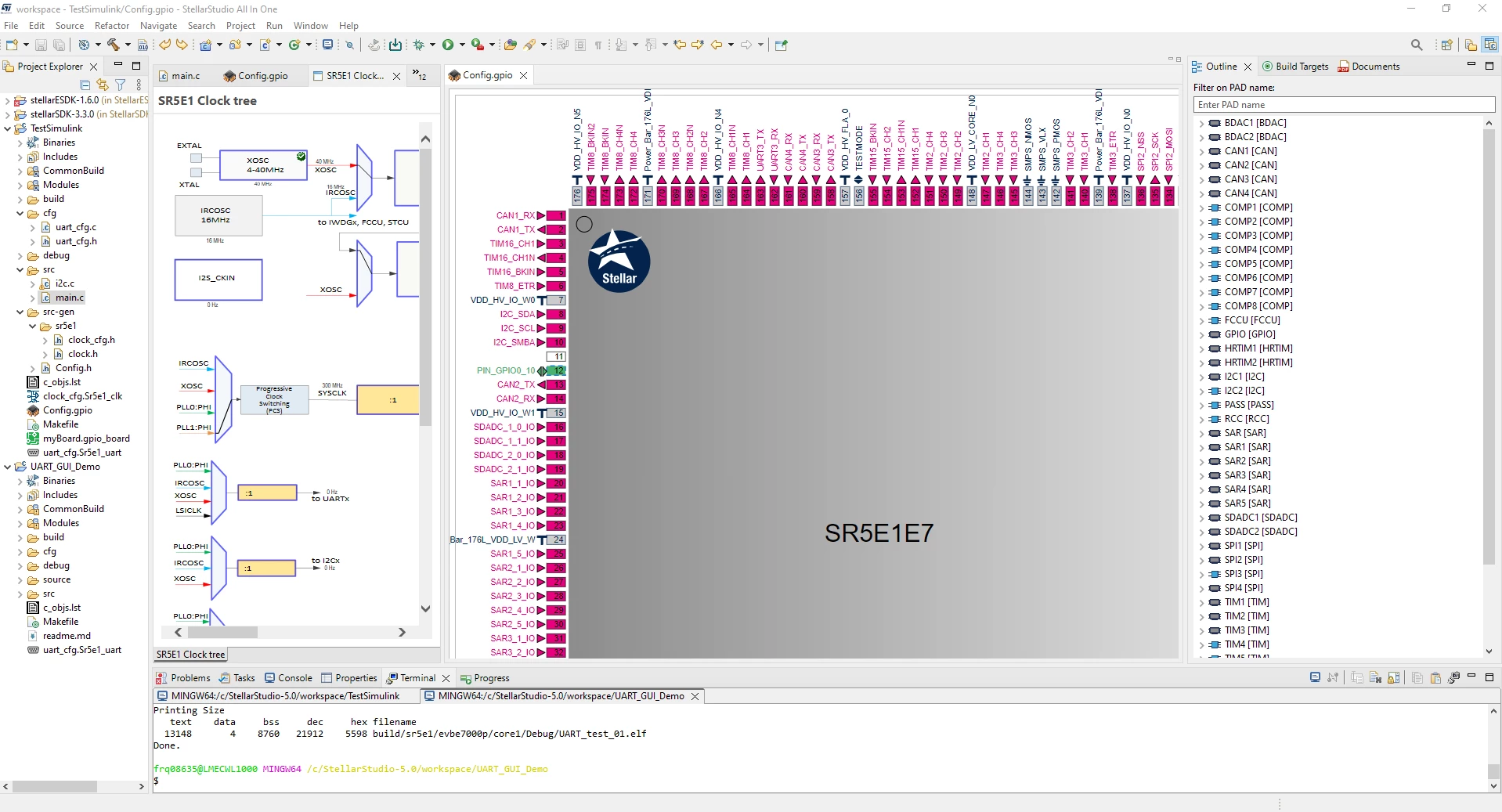
| StellarStudio Pinmap Configurator ⬅ G3 added in 9.2 | SR5E1, SR6P3, SR6P3E, SR6P6, SR6P7, SR6G7, SR6G6, SR6G3 |
| StellarStudio NoC Configurator ⬅ P3E added in 9.2 | SR6G6, SR6P3, SR6P3E, SR6G7, SR6P6, SR6P7 |
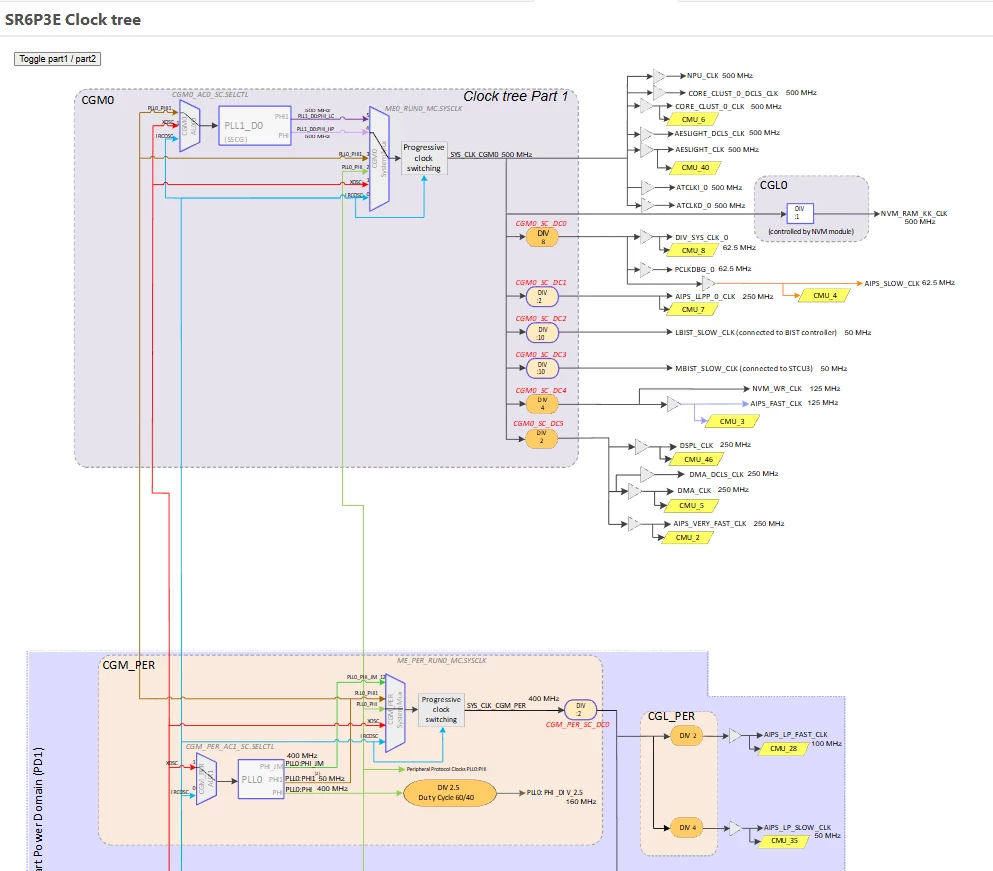
| StellarStudio Clocktree Configurator ⬅ G3 added in 9.2 | SR5E1, SR6P3, SR6P3E, SR6P6, SR6P7, SR6G7, SR6G6, SR6G3 |
| StellarStudio Power Consumption Configurator ⬅ P3E added in 9.2 | SR5E1, SR6G6, SR6P3E |
✨ What's New in This Release
SR5E1 public device
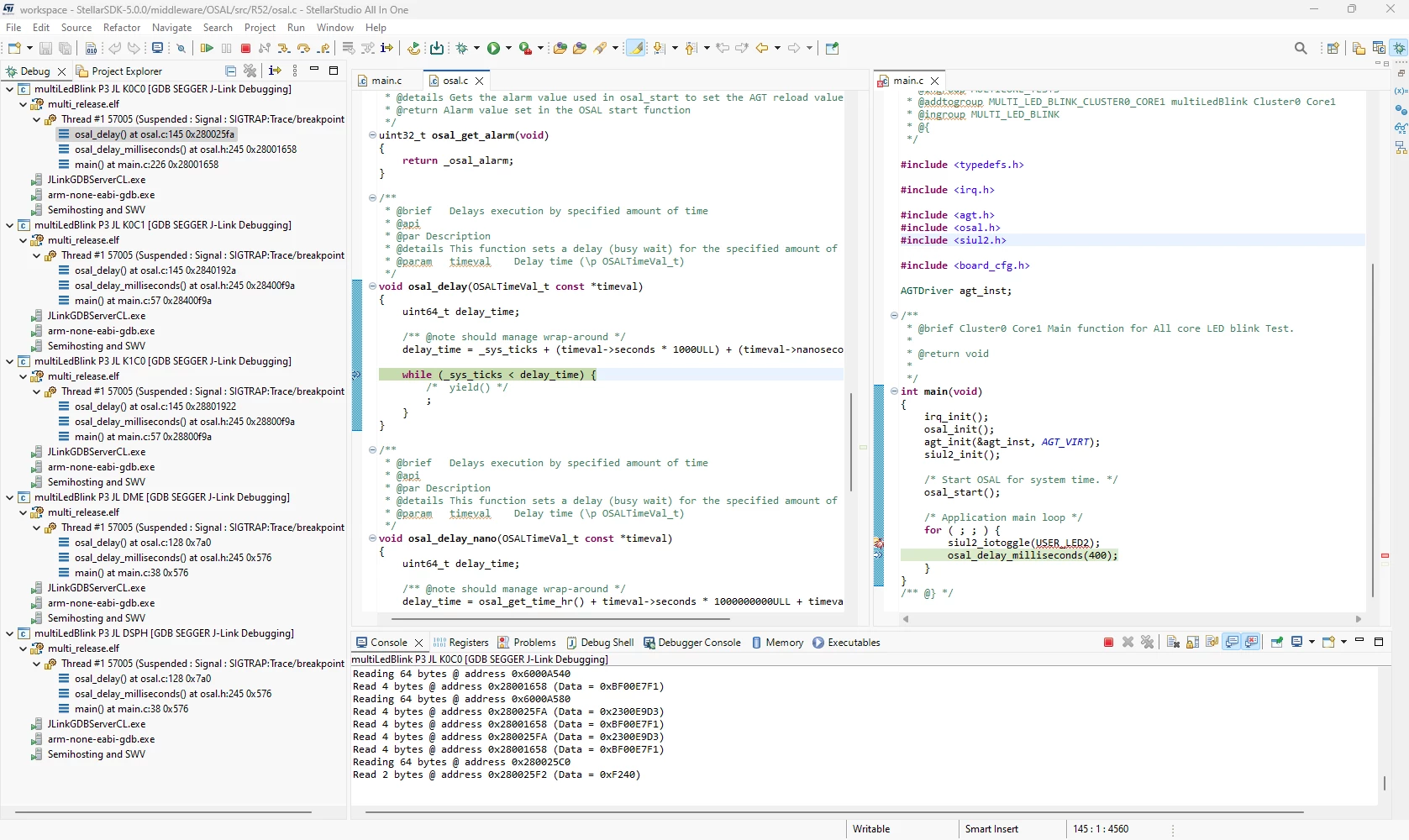
- 🔵 FIX — Multicore debug with StellarLink / OpenOCD
- 🔵 FIX — Wrong symbol recognition in IDE when defined in Makefile
SR6 restricted devices (On demand, contact our sales office)
SR6 common
- 🔴 REMOVE — Removal of SR6P7G7 MCU from the tool (the other MCUs remain)
- 🟡 UPDATE — Plugin update of all SR6x JLink scripts
- 🔵 FIX — SR6 NVM write improvement
- 🔵 FIX — Fix CDT indexing symbols inconsistencies for all SR6 demo projects
SDK 6.1.2
- 🟢 NEW — Integrated in StellarStudio
- 🔵 FIX — IAR and GHS compile fixes on some demo applications
G3
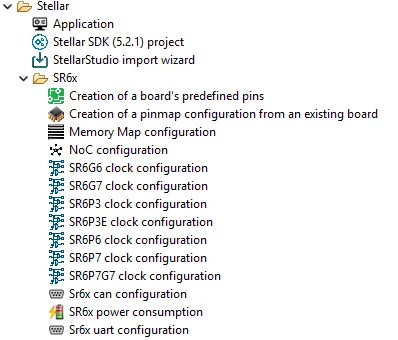
- 🟢 NEW — Pinmap and Clocktree support
- 🟢 NEW — Existing LLD Configurators support
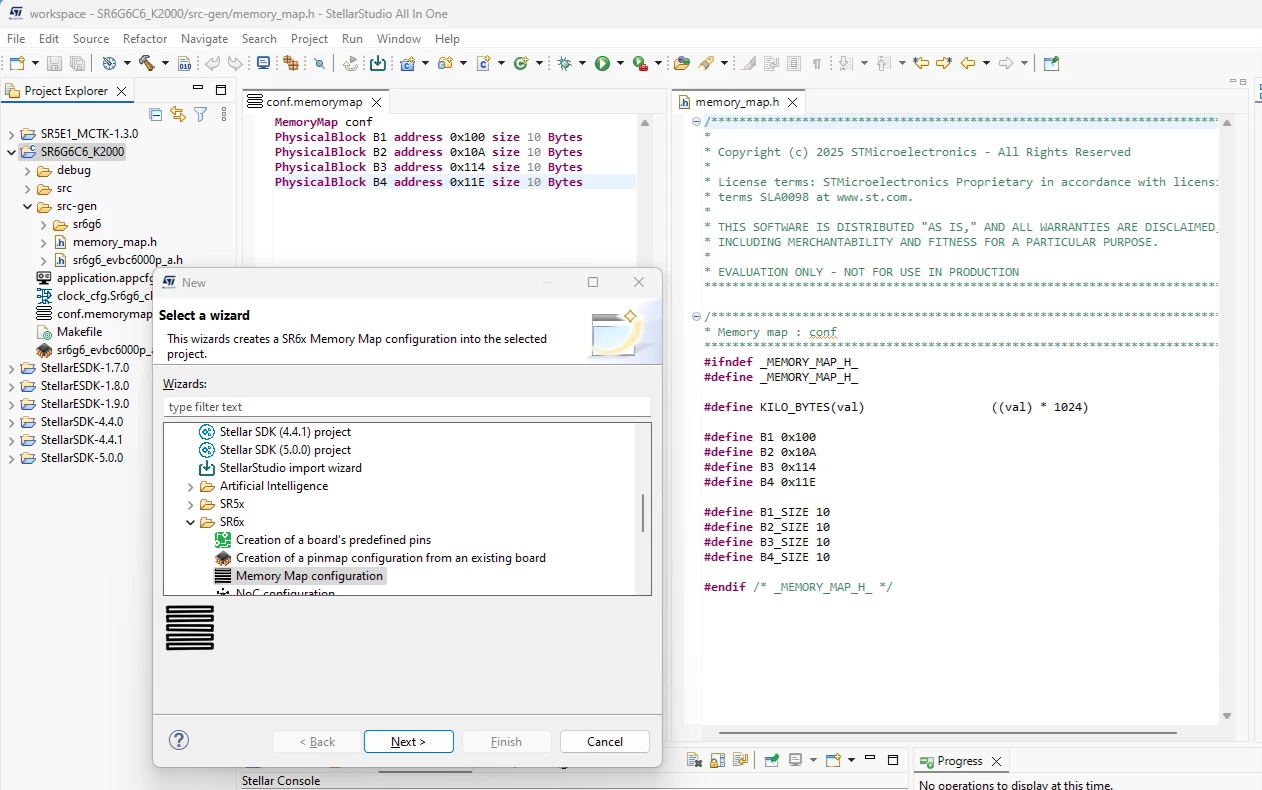
- 🟢 NEW — Memory and application advanced configurators support
- 🟢 NEW — New demos
- 🟢 NEW — StellarLink OpenOCD support
P3E
- 🟡 UPDATE — Edge AI support for NA11+ advanced configurator
- 🟢 NEW — Power estimation and NoC advanced configurators support
GUIs and tools
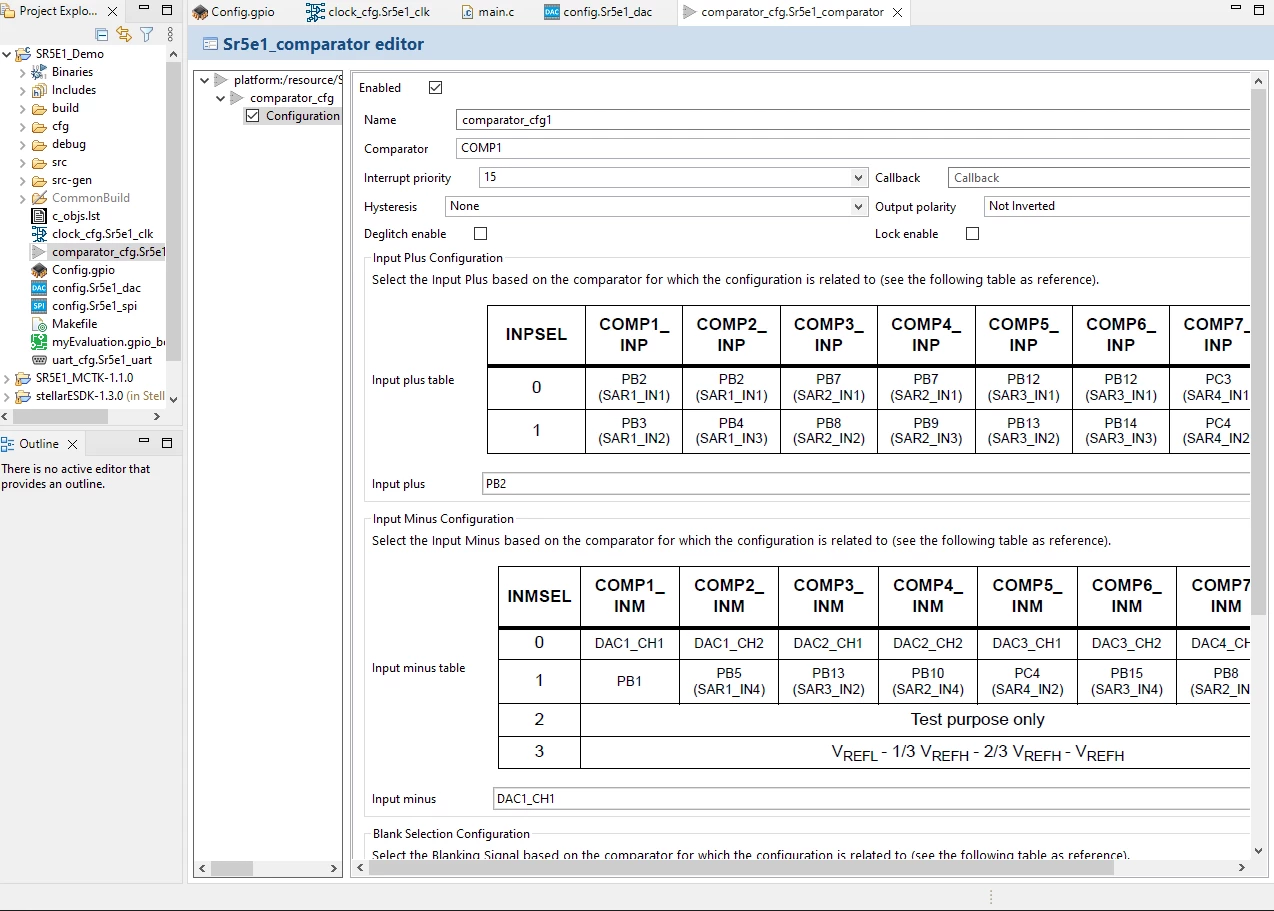
- 🟢 NEW — LIN configurator
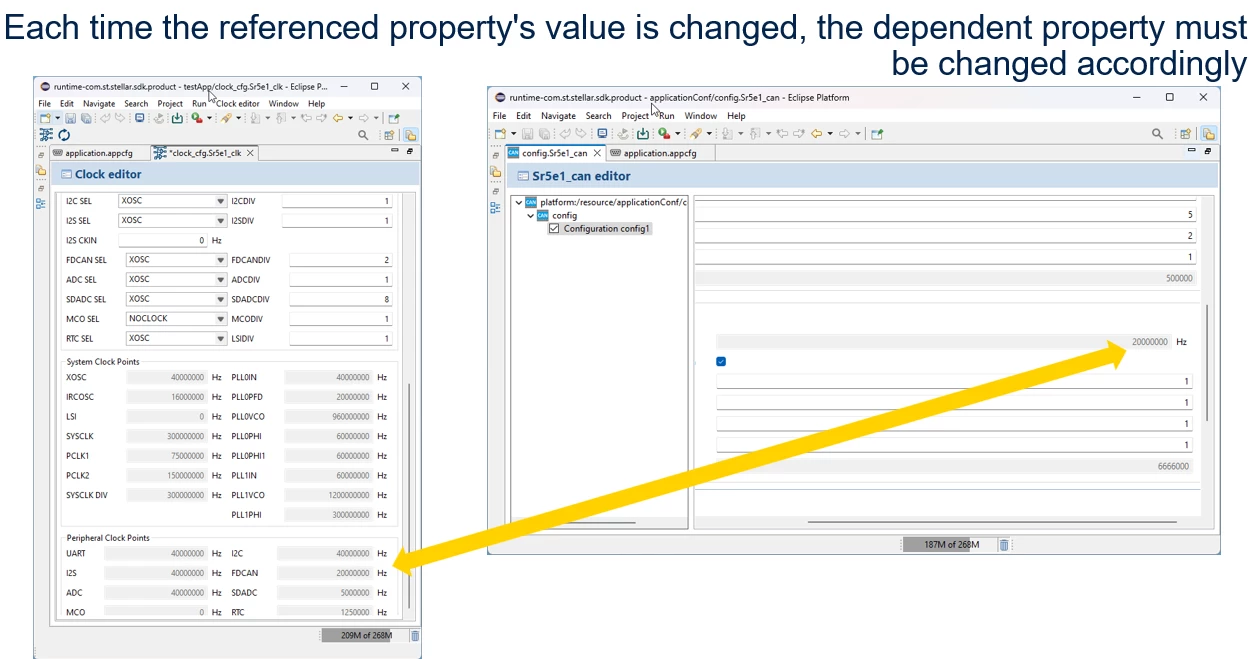
- 🟡 UPDATE — Upgrade of CAN GUI with new features
⚠️ Known Limitations
- None reported at release time.
📦 Installation
🌐 Public Update Sites (SR5x)
- https://common.srxstudio.org/ — Core/Debug
- https://contrib.srxstudio.org/ — Motorcontrol / AI
- https://sr5.srxstudio.org/ — SR5x ESDK/Tools
🔒 Restricted Update Site (SR6x)
- https://sr6.srxstudio.org/ — SR6x SSDK/Tools (secured update site for alpha customers)