
Solved
X-CUBE-DPOWER STM32G474 - Software Download Issue
Hi ,
I want to install X-CUBE-DPOWER for stm32g474 board but this message appears This software is not available for download.
Can anyone help me solve this problem?
Kind Regards

Hi ,
I want to install X-CUBE-DPOWER for stm32g474 board but this message appears This software is not available for download.
Can anyone help me solve this problem?
Kind Regards
Hello
I'm able to Add the X-cube-Dpower to a CubeMX using these steps:
1- download the package from St.com website from this link
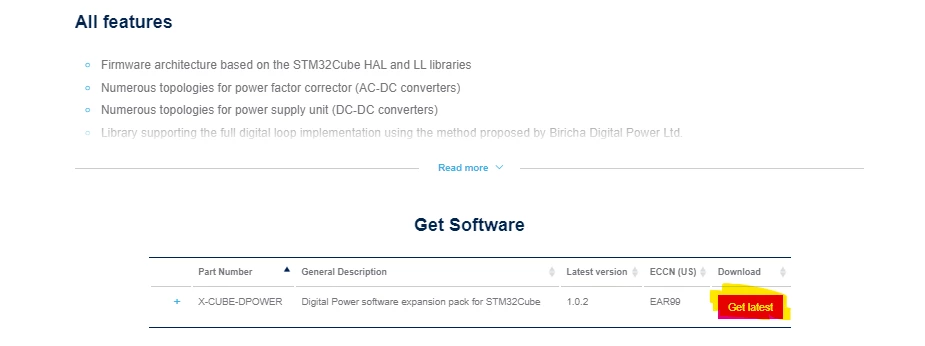
2- open cubeMX project and the select software packs manage software packs
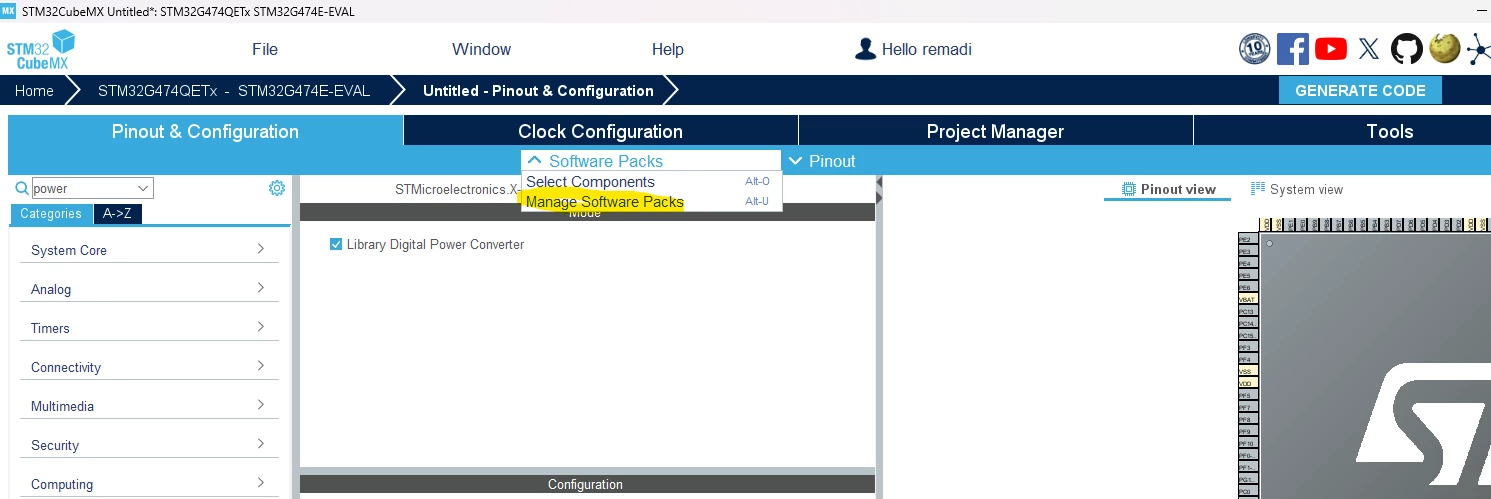
3-select the from Local option and select the downloaded .pack file
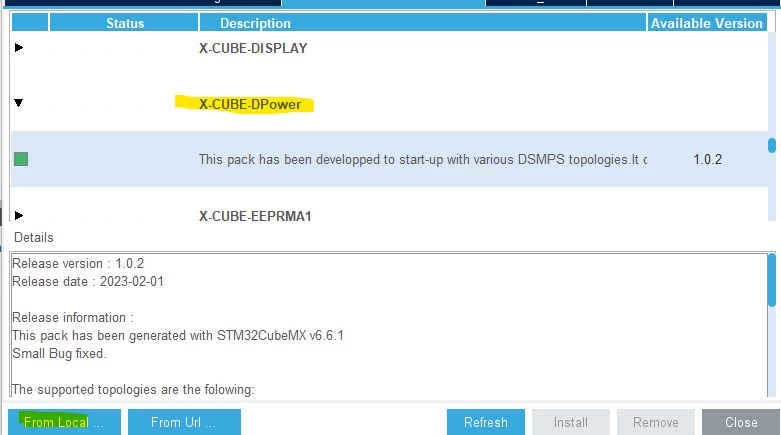
4-select software packs component selector and browse to the X-cube-Dpower section and select you desired functionalities it should know appear under middleware and software packs section in MX
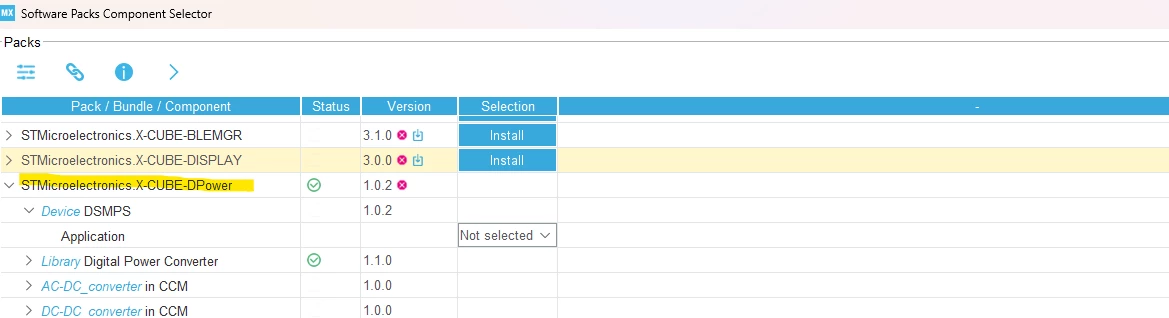
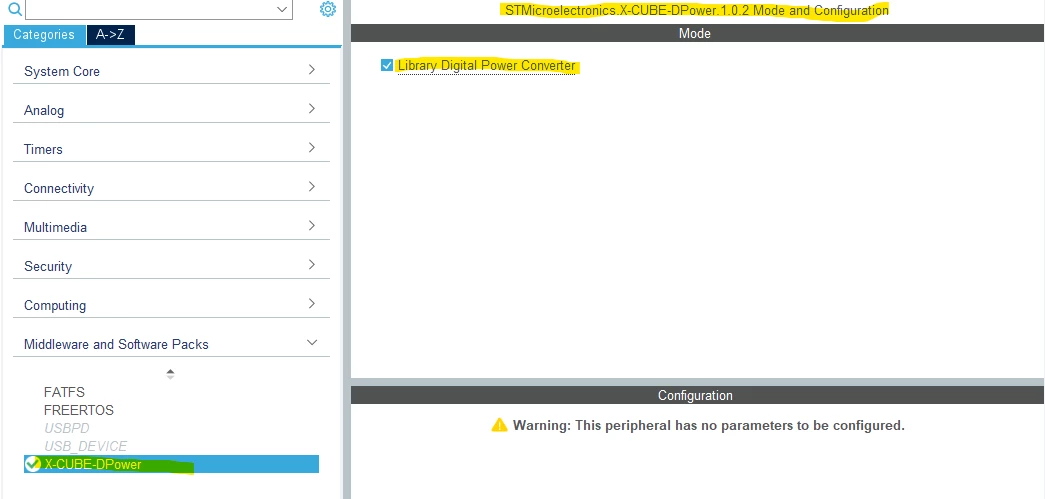
hope this helps you.
BR
Enter your E-mail address. We'll send you an e-mail with instructions to reset your password.
