

How to use SWO with VsCode STM32Cube Extension
Hi everyone,
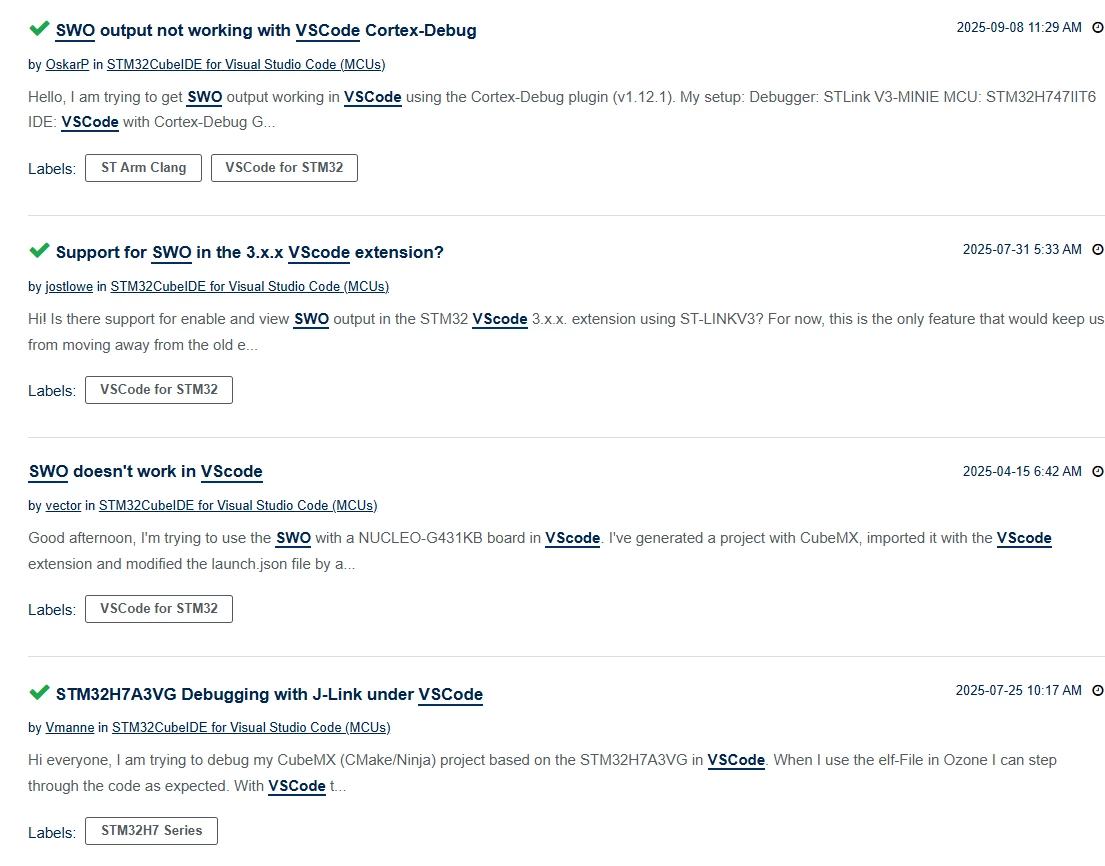
I’ve spent the last few hours troubleshooting SWO (Serial Wire Output) trace within VS Code. I know this is a recurring issue in the forums, and while ST employees have mentioned they are working on a native implementation, I wanted to share a solid workaround that is currently working for me.
It’s a bit tricky to set up the first time, but once you have your launch.json and OpenOCD paths configured correctly, it works great.
The steps are:
1. Install Cortex-Debug
1. Run & Debug - > Add Configuration -> Modify the launch.json file
2. launch.json:
{
 "version": "0.2.0",
 "configurations": [
 {
 "name": "Cortex Debug",
 "type": "cortex-debug",
 "request": "launch",
 "servertype": "openocd",
 "serverpath": "C:/ST/STM32CubeIDE_2.0.0/STM32CubeIDE/plugins/com.st.stm32cube.ide.mcu.externaltools.openocd.win32_2.4.300.202509300731/tools/bin/openocd.exe",
 "cwd": "${workspaceFolder}",
 "executable": "${workspaceFolder}/build/Debug/project.elf",
 "device": "STM32L471RETx",
 "configFiles": [
 "${workspaceFolder}/project.cfg",
 ],
 "searchDir": [
 "C:/ST/STM32CubeIDE_2.0.0/STM32CubeIDE/plugins/com.st.stm32cube.ide.mcu.debug.openocd_2.3.200.202510310951/resources/openocd/st_scripts"
 ],
 "svdFile": "${workspaceFolder}/YOUR_MCU.svd",
 "interface": "swd",
 "runToEntryPoint": "main",
 "armToolchainPath": "C:/Users/YourUser/AppData/Local/stm32cube/bundles/gnu-tools-for-stm32/14.3.1+st.2/bin",
 "swoConfig": {
 "source": "probe",
 "enabled": true,
 "swoFrequency": 2000000,
 "cpuFrequency": 4000000, //Your CPU freq!!
 "decoders": [
 {
 "type": "console",
 "label":"Mcu-SWO-Trace",
 "port": 0
 }
 ]
 },
 "showDevDebugOutput": "raw"
 },
 ]
}
3. Get the .cfg and .svd files at:
- Cfg: Step 3.2.1
- .svd : https://community.st.com/t5/stm32-mcus-embedded-software/where-can-i-find-svd-file-for-stm32l431cct6-uc/td-p/103304
4. Enjoy your SWO:
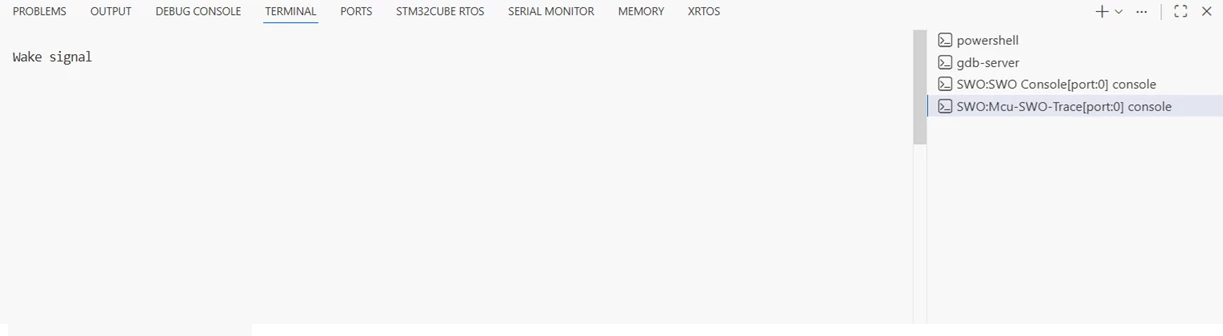
5. If any issues arise please review DEBUG CONSOLE and TERMINAL(gdb-server) output for clues.
Hope this was helpful.