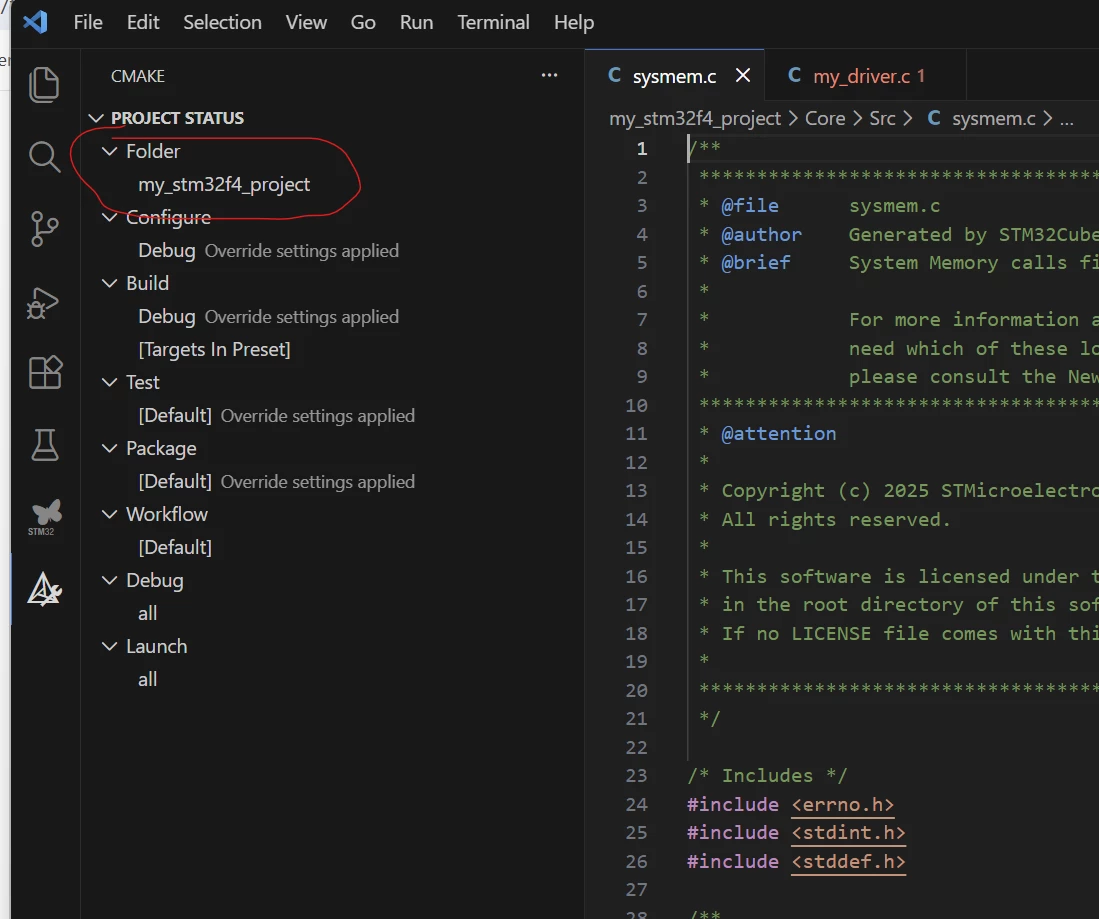
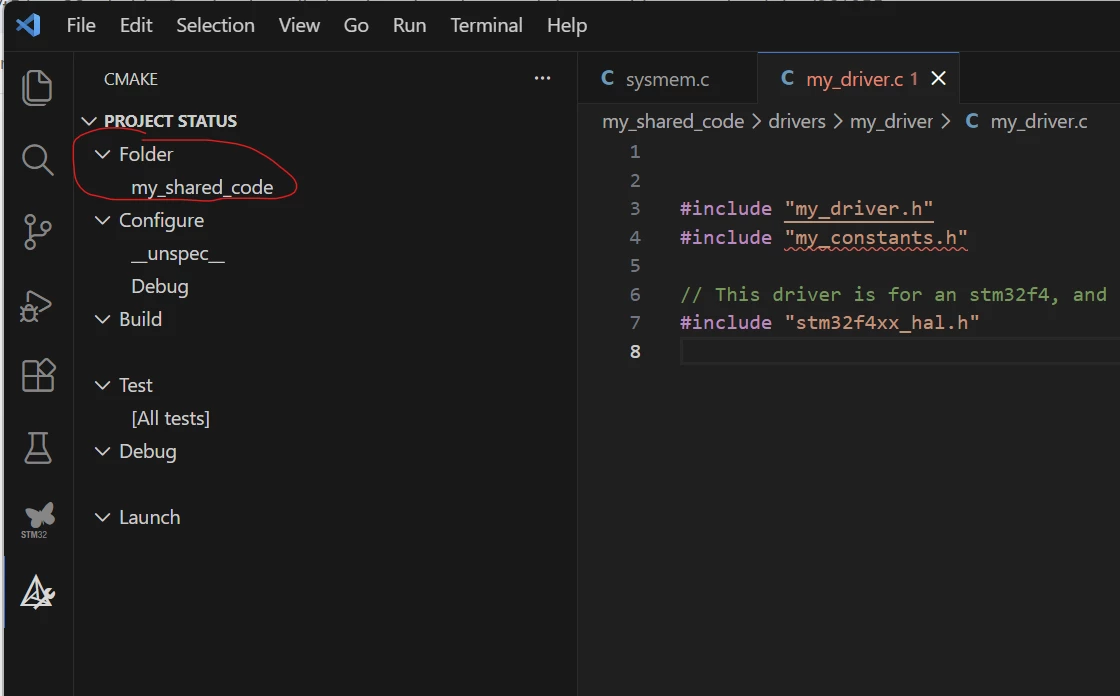
getting clangd to work in a multiroot project
Hi, I am really struggling to get clangd to work correctly in a setup I am trying to get going. I'm new to this VSCode workflow, and am finding VSCode seems to have a lot of persnickety behaviors that really require a lot of specificity to get things working right.
Here is what I am trying to do:
- I start with a fresh workspace, and ONLY the STM32Cube vscode extension pack installed.
- I add two folders to my workspace:
- an stm32 project folder, as created by cubeMX
- a shared_code folder, which contains multiple subfolders, each of which contain .c/.h files. Nothing particularly fancy here.
I can get this setup compiling fine, but clangd is complaining about various #include files in my shared code area. I understand that the reason for this is because there is no .clangd file in my shared_code area, so clangd can't "see" it from my project area. Intrepid internet searching has led me to adding this to my code-workspace file:
{
	"folders": [
		{
			"name": "stm32_project",
			"path": "."
		},
		{
			"name": "shared_code",
			"path": "../shared_code"
		}
	],
	"settings": {
		"stm32cube-ide-clangd.arguments": [
			"starm-clangd",
			"--query-driver=${env:CUBE_BUNDLE_PATH}/gnu-tools-for-stm32/13.3.1+st.9/bin/arm-none-eabi-gcc",
			"--query-driver=${env:CUBE_BUNDLE_PATH}/gnu-tools-for-stm32/13.3.1+st.9/bin/arm-none-eabi-g++",
			"--compile-commands-dir=${workspaceFolder:stm32_project}/build/Debug"
		],
		"stm32cube-ide-clangd.path": "cube"
	}
}
It is my understanding that this *should* work. What I find, though, is that I need instead to either change that --compile-commands-dir to:
"--compile-commands-dir=${workspaceFolder}/build/Debug"OR provide an actual absolute path to my project folder. If I do either of those things, clangd works fine.
However, I notice that if I reorder the folders in the Explorer view like so:
{
	"folders": [
		{
			"name": "shared_code",
			"path": "../shared_code"
		},
		{
			"name": "stm32_project",
			"path": "."
		}
	],
	"settings": {
		"stm32cube-ide-clangd.arguments": [
			"starm-clangd",
			"--query-driver=${env:CUBE_BUNDLE_PATH}/gnu-tools-for-stm32/13.3.1+st.9/bin/arm-none-eabi-gcc",
			"--query-driver=${env:CUBE_BUNDLE_PATH}/gnu-tools-for-stm32/13.3.1+st.9/bin/arm-none-eabi-g++",
			"--compile-commands-dir=${workspaceFolder}/build/Debug"
		],
		"stm32cube-ide-clangd.path": "cube"
	}
}
clangd breaks again.
It's my understanding that the way around this is to use the "workspaceFolder:stm32_project" syntax, to be specific about what folder my compile_commands.json file lives in.
Further, if I try to save my workspace alongside my two folders - rather than inside my project folder - that the ${workspaceFolder} syntax doesn't seem to work at all (it is not obvious to me how to check the value of what this 'variable' is resolving to, so I'm not sure how to troubleshoot this).
// This seems to work, sort of
my_shared_code/
my_project/
 my_workspace.workspace

// I can't get this to work (and it's more annoying to have the
// workspace file outside of the project anyway)
my_shared_code/
my_project/
my_workspace.workspace
All of this makes me feel as though I am using vscode "wrong", and certainly makes it clear that the order of things in the Explorer pane and the location of workspace files aren't as arbitrary as I presumed they were.
At this point, I feel compelled to ask some questions:
- Am I approaching this the right way?
- Where does ST expect VScode workspace files to be saved?
- Why doesn't ${workspaceFolder:stm32_project} work in the above example?