cancel
Showing results for 
Search instead for 
Did you mean: 

printf not working via ITM_Sendchar, _write never called

hegde_08
Visitor

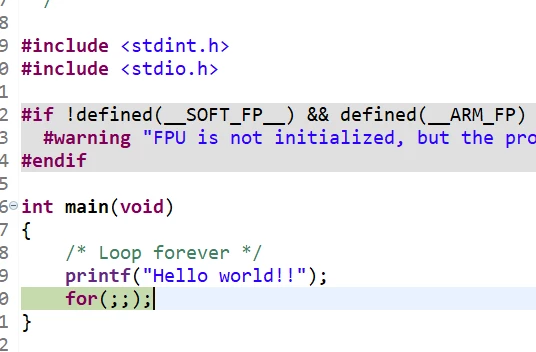
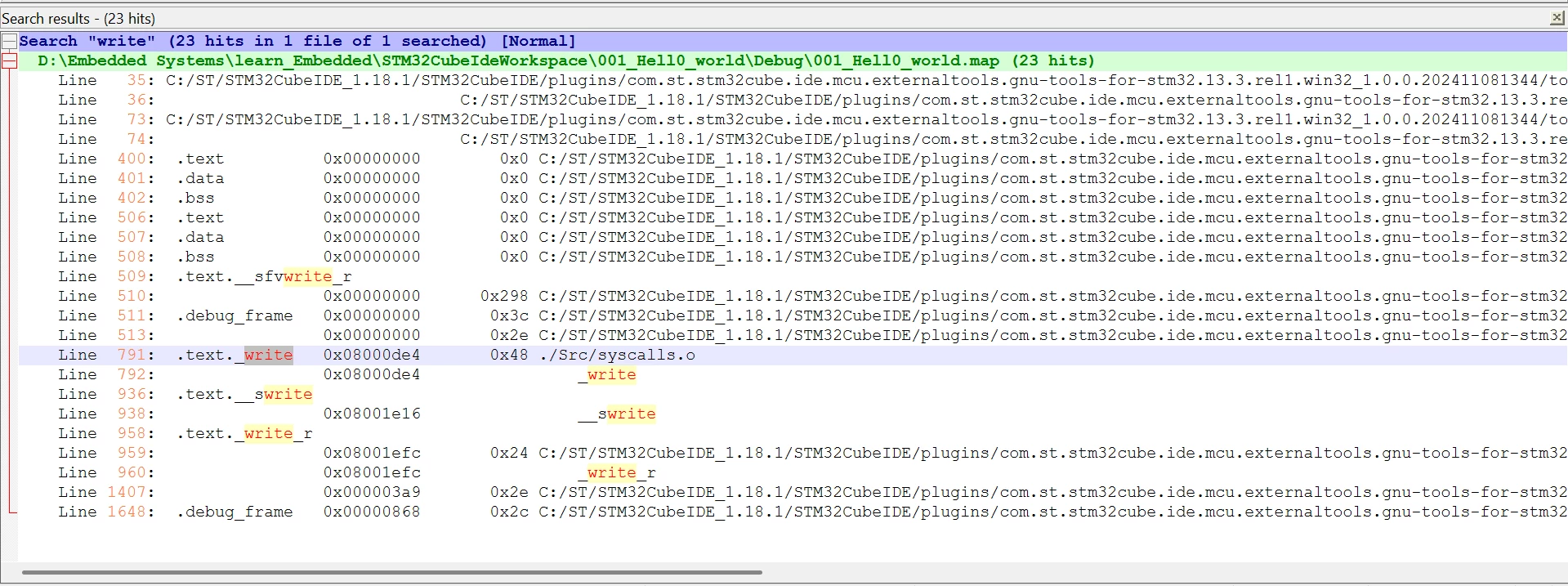
I am trying to use SWD for printing using ITM_Sendchar, Printf not calling _write, I tried to put breakpoint and see, But it is not hitting breakpoint
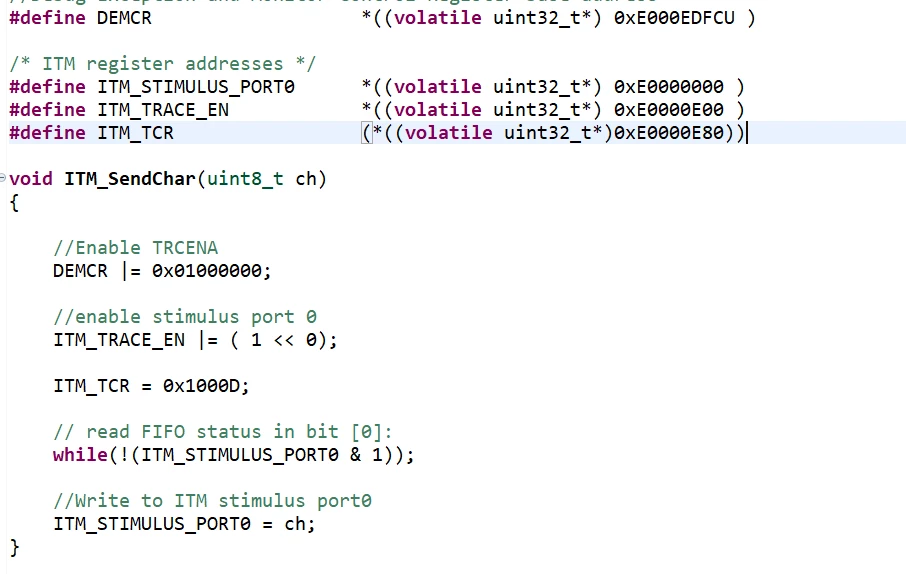
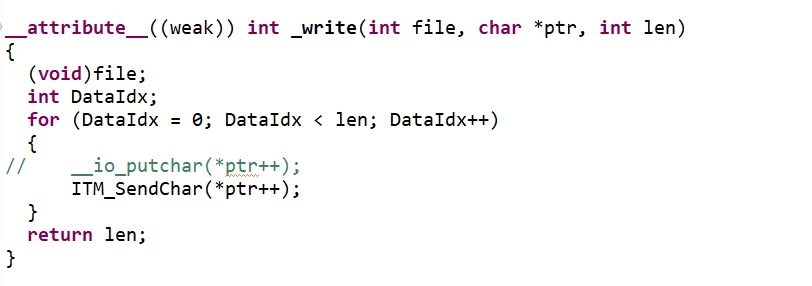


hegde_08_0-1765201262291.pnghegde_08_1-1765201284864.pnghegde_08_2-1765201298919.pnghegde_08_3-1765201309930.png

hegde_08_0-1765201502832.pnghegde_08_1-1765201558665.png


5 REPLIES 5
KnarfB
Super User

By default, stdout is line buffered. You will see output only after a newline '\n'. Less common: stdout buffering might be changed to unbuffered as well.

hth

KnarfB

Andrew Neil
Super User

welcome to the forum.

Please see How to write your question to maximize your chances to find a solution - particularly how to post source code (not as images).

See also: How to insert source code


As @KnarfB said, stdout defaults to line-buffered, so you won't see any output until a newline is sent.

This is also noted in the Knowledgebase article, How to redirect the printf function to a UART for debug messages.

See also: https://community.st.com/t5/stm32-mcus/how-to-redirect-the-printf-function-to-a-uart-for-debug-messages/ta-p/49865#:~:text=5.2.%20Line%2Dbuffering,has%20been%20formed - which includes how to disable the line-buffering.

Also Try: 

printf( "Hello World!\n" );

instead...

A complex system that works is invariably found to have evolved from a simple system that worked.
A complex system designed from scratch never works and cannot be patched up to make it work.

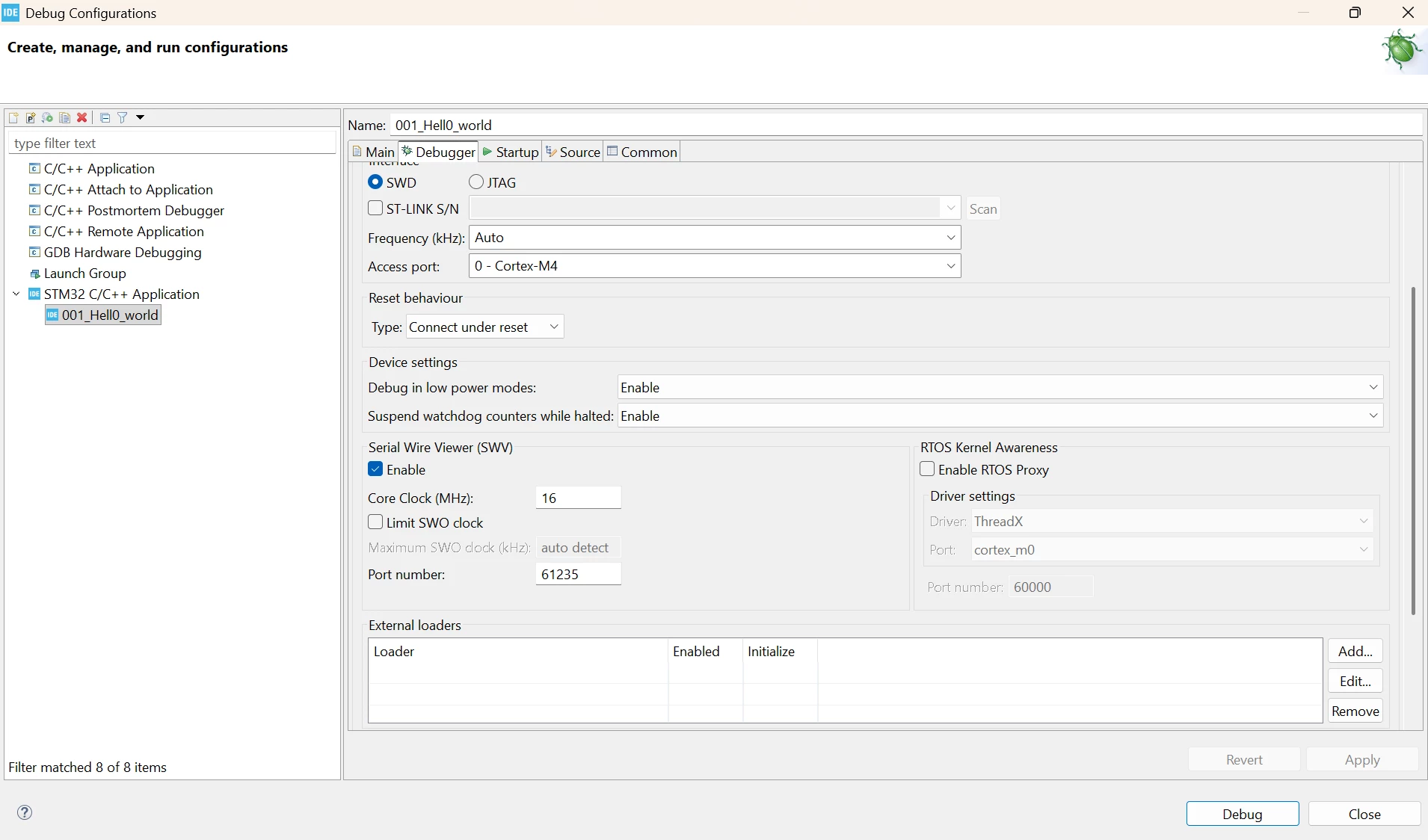
I just came here to give update, So _write is called, But now Even though I enabled SWD, and trace, and Port 0, Print is not working

hegde_08_0-1765204062648.pnghegde_08_1-1765204087049.pnghegde_08_2-1765204103898.pnghegde_08_3-1765204122339.png


gbm
Principal

Board type? (If ST.) Schematic? (If your own.)

My STM32 stuff on github - compact USB device stack and more: https://github.com/gbm-ii/gbmUSBdevice

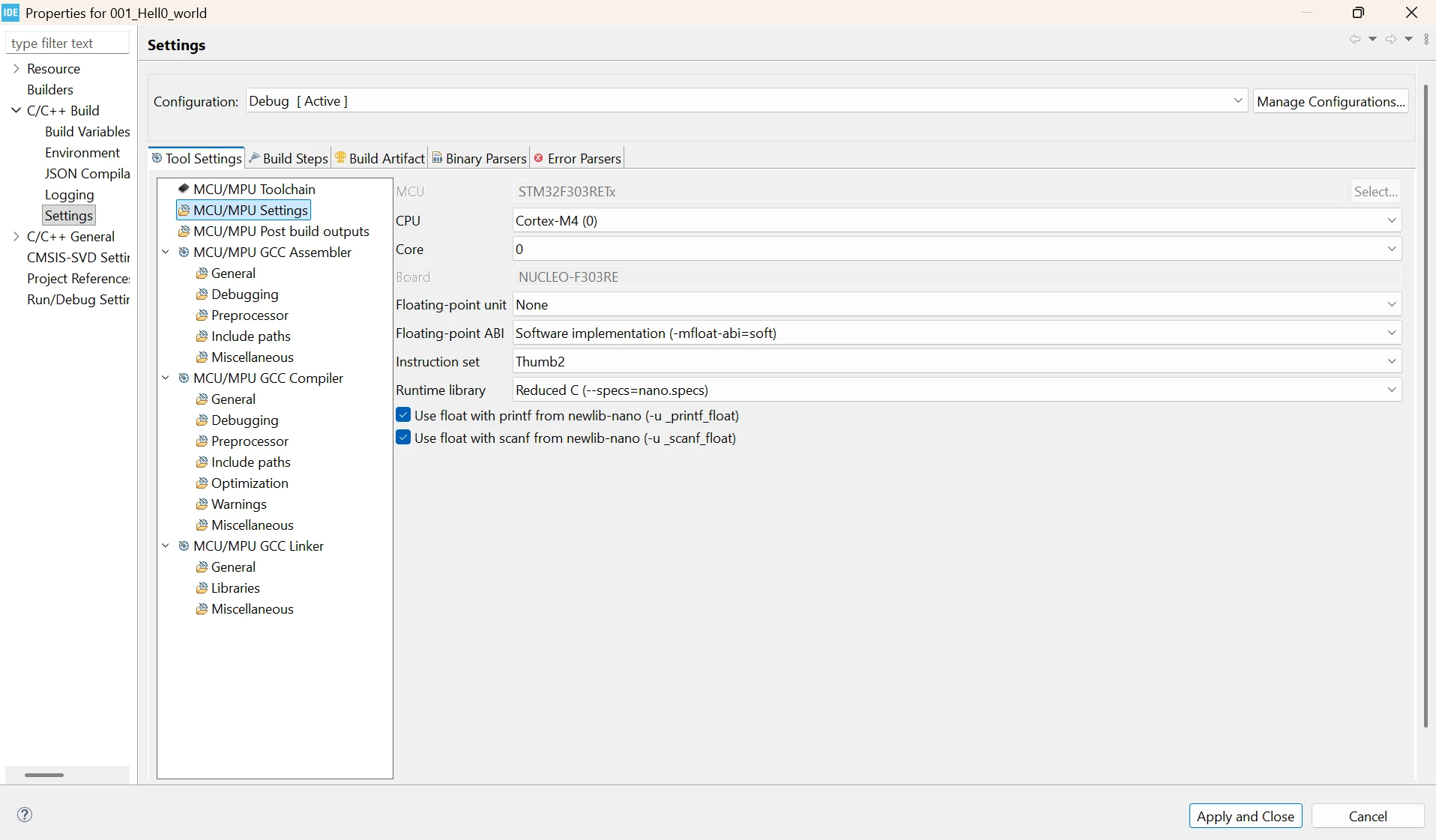
STM32 , NUCLEO-F303RE