HAL_GPIO_WritePin sets pin on NUCLEO-F446RE but no voltage observed on NUCLEO-WL55JC2
Hello STM Community,
I am facing a GPIO output issue on the STM32 NUCLEO-WL55JC2 board and would like some clarification.
Test case:
I am using the following line of code to set a GPIO pin HIGH:
Observation on different boards:
NUCLEO-F446RE:
Same code used.
GPIO pin goes HIGH correctly.
External LED connected to the pin turns ON.
Multimeter shows ~3.3 V on the pin.
NUCLEO-WL55JC2:
Same code used.
Code flashes successfully, no errors.
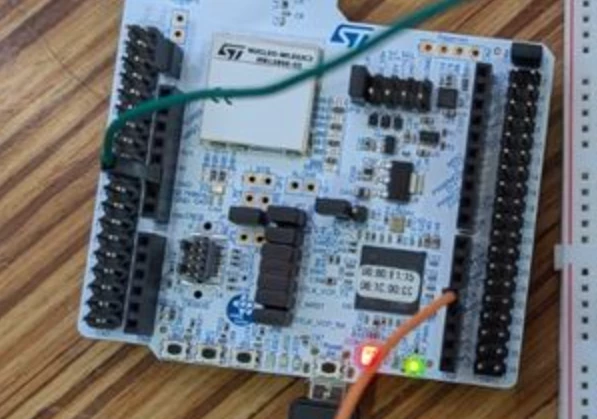
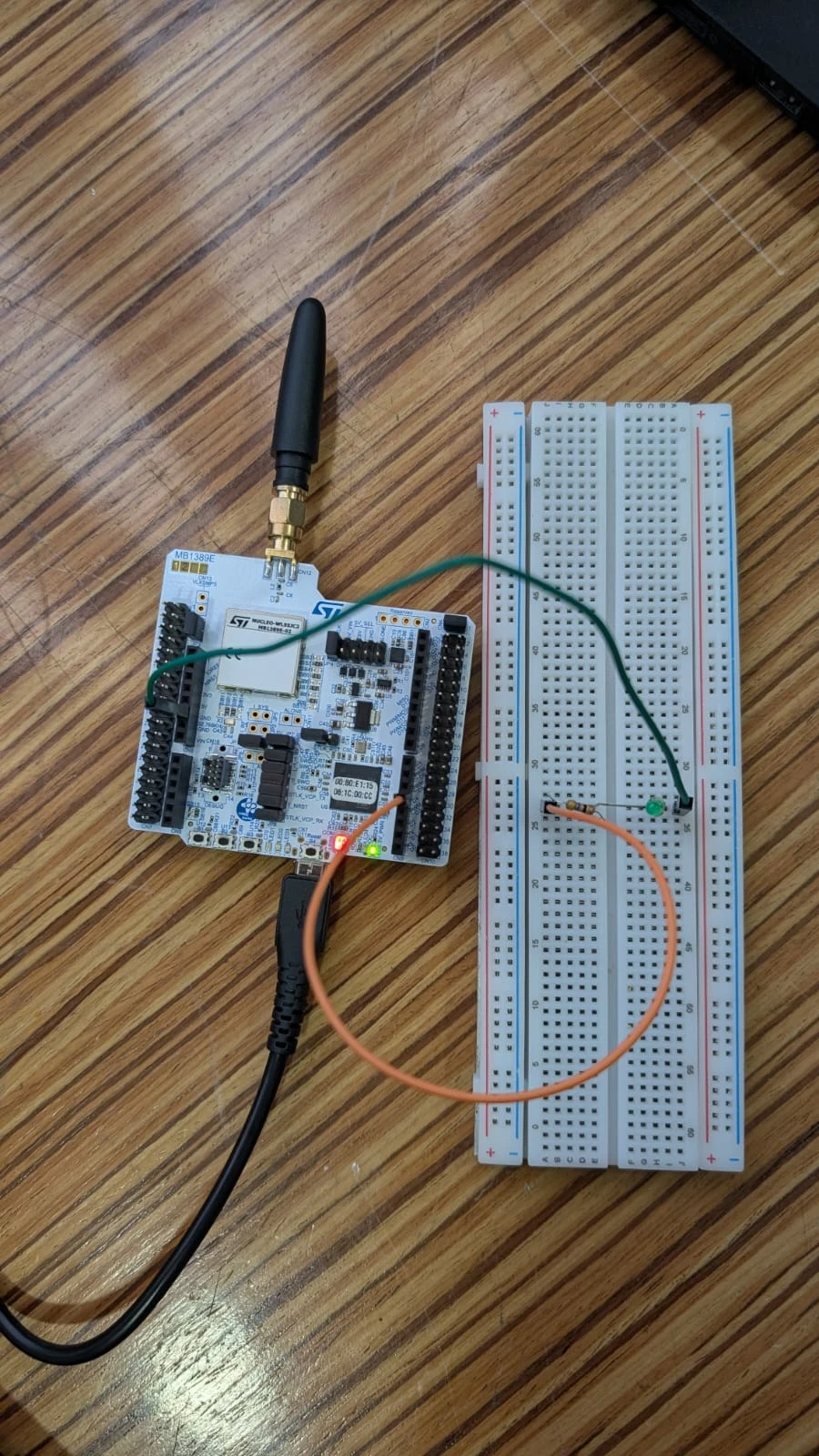
GPIO pin does not show any voltage when measured with a multimeter.
External LED connected to the same pin does not turn ON.
Onboard LEDs (LD1, LD2, LD3) work correctly.
GPIO configuration:
Pin configured as GPIO Output (Push-Pull) in CubeMX.
No alternate function selected.
No pull-up or pull-down enabled.
Board powered via USB.
STM32CubeIDE version: v1.19
Key concern:
Even after calling HAL_GPIO_WritePin(..., GPIO_PIN_SET), the GPIO pin on NUCLEO-WL55JC2 does not show 3.3 V, whereas the same code behaves correctly on NUCLEO-F446RE.
Questions:
Is GPIOA pin output voltage disabled or isolated by default on NUCLEO-WL55JC2?
Does the STM32WL55 require additional power-domain or GPIO enable configuration compared to STM32F4?
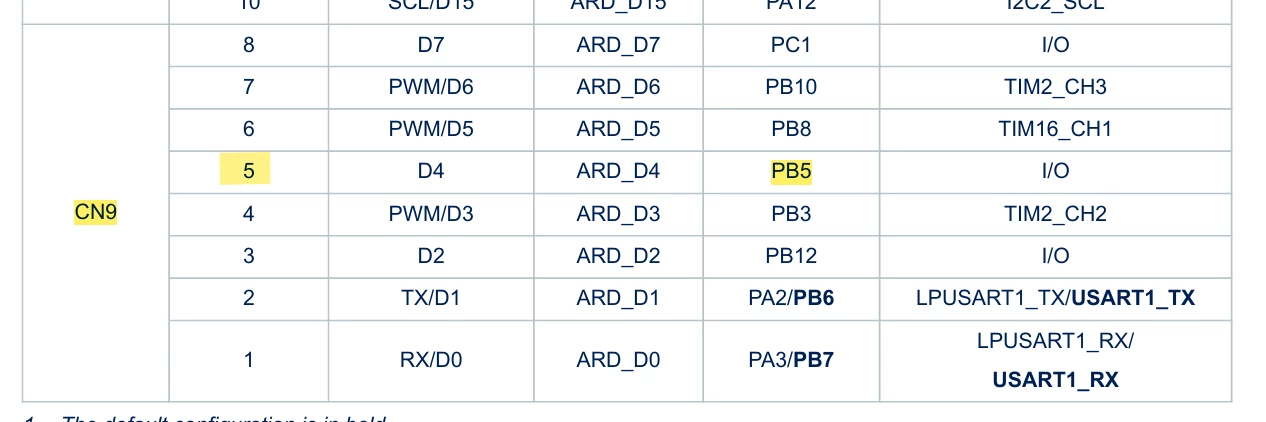
Are the external GPIO pins on this board routed differently or protected in a way that prevents driving an LED?
Is there any board-specific hardware limitation or jumper/solder bridge that must be enabled to get voltage on GPIO pins?
Since onboard LEDs work correctly but external GPIO pins do not output voltage, I suspect this may be related to board-level GPIO power routing or configuration specific to the STM32WL55 / NUCLEO-WL55JC2.
Any guidance would be greatly appreciated.
Thank you