


What’s new in STM32CubeIDE 2.0.0
Article updated on December 11, 2025.
STM32CubeIDE 2.0.0 is now available. Here is a summary of the main updates for developers.
- Support for new products: STM32WBA, STM32N6, STM32H5, and STM32WL3x series are now supported in STM32CubeIDE 2.0.0
- Expanded board support: now compatible with NUCLEO-WL3RKB1 and NUCLEO-WL3KB3 boards.
- Login changes: the login requirement has been removed. An optional update notification service will be introduced in a future release.
- Toolchain improvements: easier installation and use of the ST LLVM-based toolchain for Arm, directly through the STM32CubeIDE GUI.
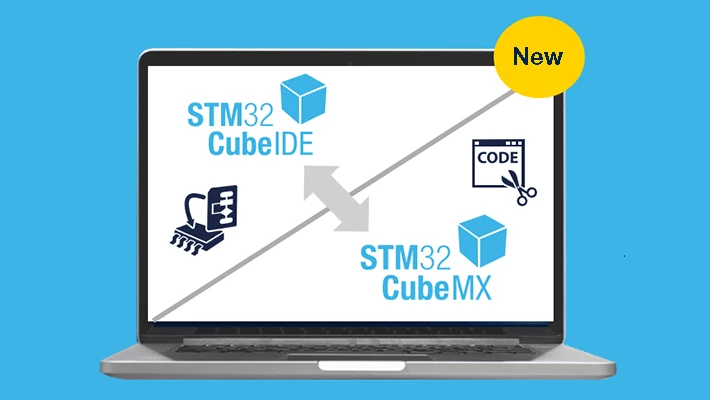
- STM32CubeMX is no longer integrated within STM32CubeIDE: it is now available exclusively as a standalone tool.
Why separate STM32CubeMX and STM32CubeIDE?
- The integration of STM32CubeMX within STM32CubeIDE was not widely valued by users, yet it required significant development and validation resources.
- Developers expressed a stronger demand for enhanced debugging features and robust support for VS Code as a free IDE option.
- There is a clear call for more responsive IDEs and faster update cycles.
Separating STM32CubeMX from STM32CubeIDE is expected to bring greater scalability, flexibility, and performance across STM32Cube tools. This transition will help support a growing MCU and MPU portfolios and the broader STM32 ecosystem.
What does this tool split mean for developers?
Both STM32CubeIDE and STM32CubeMX will be available and maintained as standalone products. We will ensure ongoing support for new devices.
Developers can now update and freeze versions of STM32CubeMX and STM32CubeIDE independently, allowing for greater flexibility. Developers should ensure that STM32CubeMX standalone is associated with .ioc files to avoid conflicts with older STM32CubeIDE versions.
The video below outlines the recommended workflow for using STM32CubeMX and STM32CubeIDE together.
What’s next
- CubeIDE will keep supporting current and future STM32 devices.
- Our main focus will shift to improving STM32CubeIDE for VS Code.
- The existing STM32CubeIDE still offers better debugging features.
- Version 2.0.0 makes maintenance of the current IDE simpler and more efficient.
As always, your feedback is essential in shaping the future of STM32CubeIDE(s). Please share your ideas and questions on the community forum.
First published on Nov 19, 2025